







Question: Use SUM in cells B 1 0 :C 1 0 . Format all values as Comma Style with no decimal places. Create an IFS function
Use SUM in cells B:C
Format all values as Comma Style with no decimal places.
Create an IFS function to display a response rating. Note: If your version of Excel does not include the IFS function,
build the following nested IF function
$$$$
a
Click cell D The response rate and ratings are shown in rows :
b
Start an IFS function and select for the Logicaltest argument. Type for division and select cell B
Type to complete the test.
c
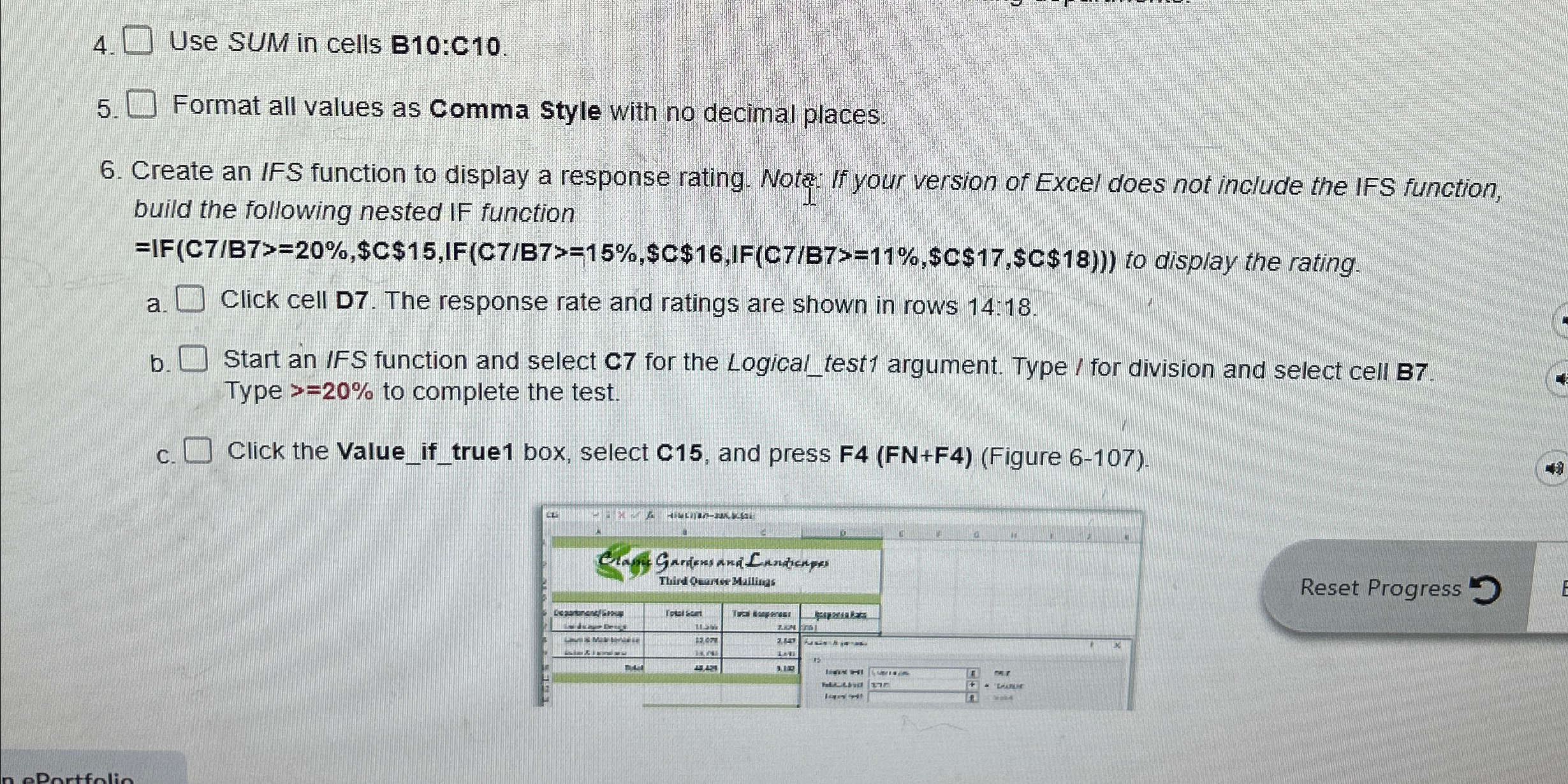
Click the Valueiftrue box, select C and press FFNFFigure
Step by Step Solution
There are 3 Steps involved in it
1 Expert Approved Answer
Step: 1 Unlock

Question Has Been Solved by an Expert!
Get step-by-step solutions from verified subject matter experts
Step: 2 Unlock
Step: 3 Unlock
 Study Help