







Question: Use the Explore tool to model the multiplication expression 4(3x + 1). Step 1: Drag and drop 3 (+x)-tiles and one (+1)-tile into the
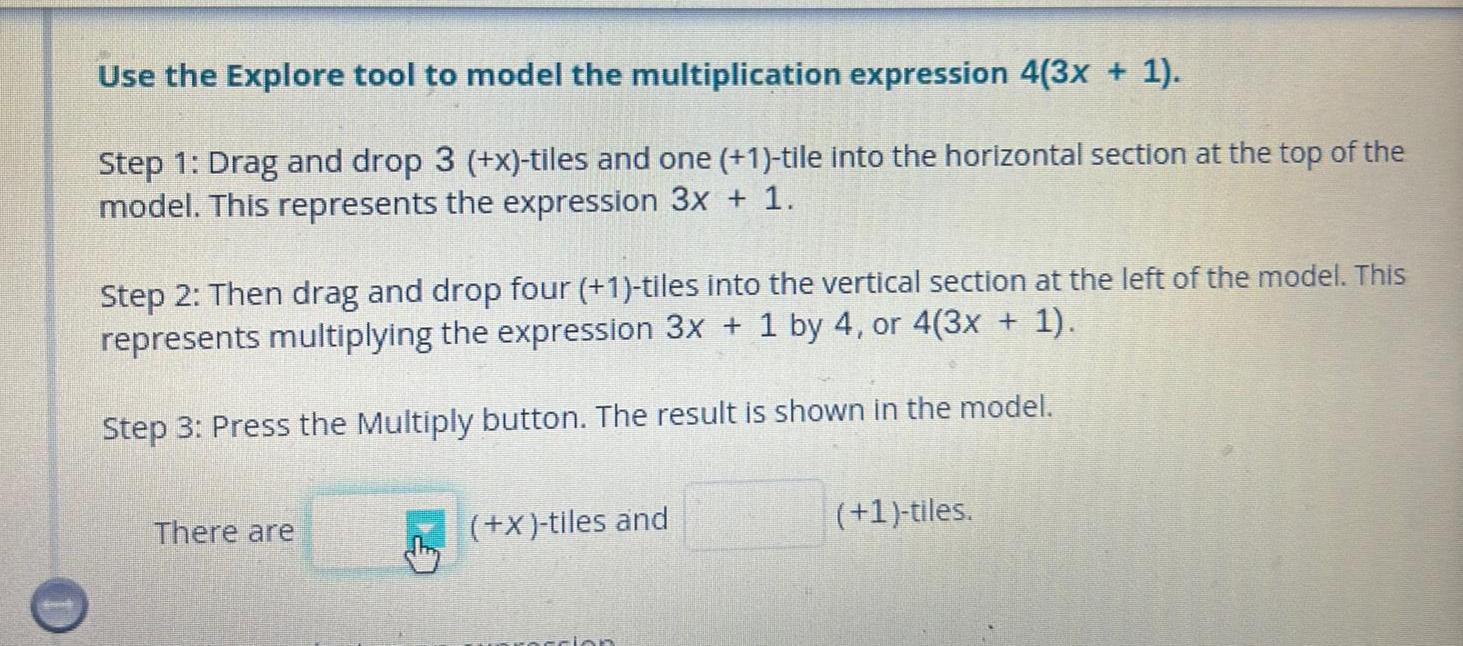
Use the Explore tool to model the multiplication expression 4(3x + 1). Step 1: Drag and drop 3 (+x)-tiles and one (+1)-tile into the horizontal section at the top of the model. This represents the expression 3x + 1. Step 2: Then drag and drop four (+1)-tiles into the vertical section at the left of the model. This represents multiplying the expression 3x + 1 by 4, or 4(3x + 1). Step 3: Press the Multiply button. The result is shown in the model. There are (+x)-tiles and (+1)-tiles.
Step by Step Solution
There are 3 Steps involved in it
1 Expert Approved Answer
Step: 1 Unlock

Question Has Been Solved by an Expert!
Get step-by-step solutions from verified subject matter experts
Step: 2 Unlock
Step: 3 Unlock
 Study Help