







Question: Use the information below to create a HTML Markup your resume. 1. should be the first line in HTML document. [1 mark] 2. Html, Head,
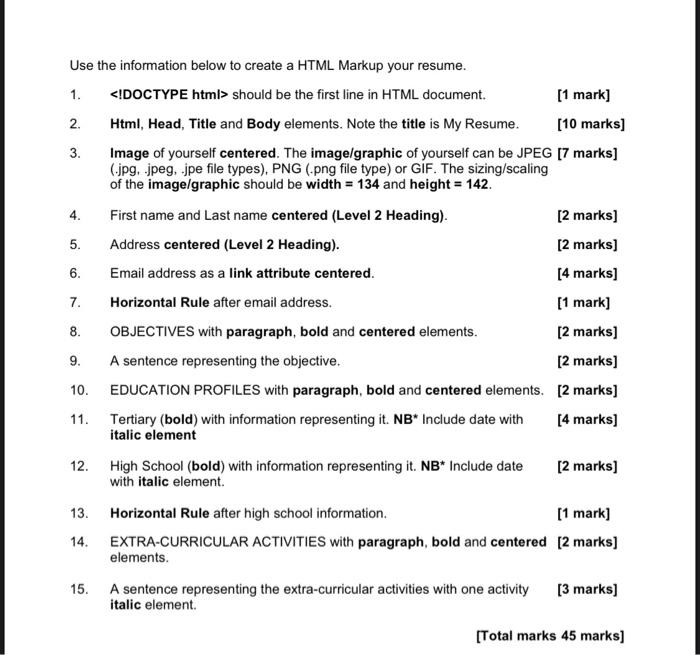
Use the information below to create a HTML Markup your resume. 1. should be the first line in HTML document. [1 mark] 2. Html, Head, Title and Body elements. Note the title is My Resume. [10 marks] 3. Image of yourself centered. The image/graphic of yourself can be JPEG [7 marks] (.jpg, .jpeg, .jpe file types), PNG (.png file type) or GIF. The sizing/scaling of the image/graphic should be width =134 and height =142. 4. First name and Last name centered (Level 2 Heading). [2 marks] 5. Address centered (Level 2 Heading). [2 marks] 6. Email address as a link attribute centered. [4 marks] 7. Horizontal Rule after email address. [1 mark] 8. OBJECTIVES with paragraph, bold and centered elements. [2 marks] 9. A sentence representing the objective. [2 marks] 10. EDUCATION PROFILES with paragraph, bold and centered elements. [2 marks] 11. Tertiary (bold) with information representing it. NB Include date with [4 marks] italic element 12. High School (bold) with information representing it. NB Include date [2 marks] with italic element. 13. Horizontal Rule after high school information. [1 mark] 14. EXTRA-CURRICULAR ACTIVITIES with paragraph, bold and centered [2 marks] elements. 15. A sentence representing the extra-curricular activities with one activity [3 marks] italic element
Step by Step Solution
There are 3 Steps involved in it

Get step-by-step solutions from verified subject matter experts
 Study Help