







Question: Use the interface List Interface.java (on Moodle) and HTLinkedList (Head & Tail Linked List) implementation given in class and do the following: 1) Add a
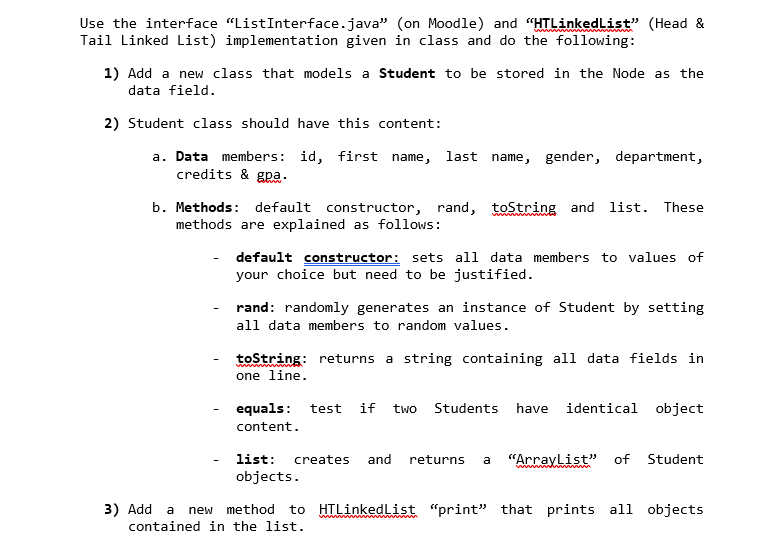
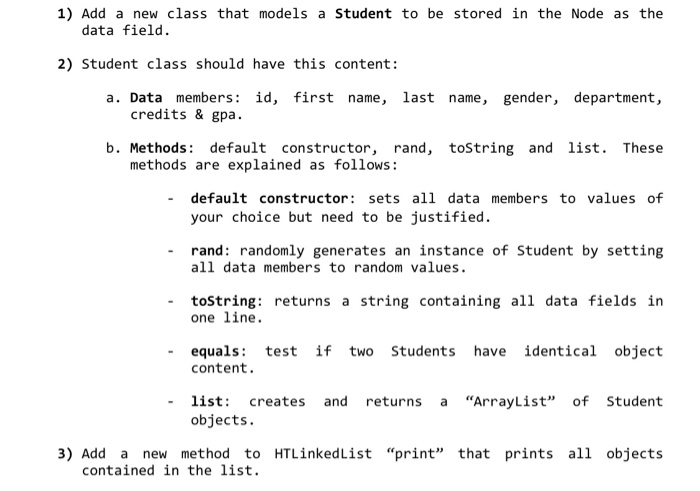
Use the interface "List Interface.java" (on Moodle) and "HTLinkedList" (Head & Tail Linked List) implementation given in class and do the following: 1) Add a new class that models a Student to be stored in the Node as the data field. 2) Student class should have this content: a. Data members: id, first name, last name, gender, department, credits & gpa. b. Methods: default constructor, rand, toString and list. These methods are explained as follows: default constructor: sets all data members to values of your choice but need to be justified. rand: randomly generates an instance of Student by setting all data members to random values. toString: returns a string containing all data fields in one line. if two Students have identical object equals: test content. - list: creates and objects. returns a "ArrayList" of Student 3) Add a new method to HILinkedList "print" that prints all objects contained in the list. 1) Add a new class that models a Student to be stored in the Node as the data field. 2) Student class should have this content: a. Data members: id, first name, last name, gender, department, credits & gpa. b. Methods: default constructor, rand, toString and list. These methods are explained as follows: - default constructor: sets all data members to values of your choice but need to be justified. - rand: randomly generates an instance of Student by setting all data members to random values. - toString: returns a string containing all data fields in one line. equals: test content. if two Students have identical object list: creates and returns a "ArrayList" of Student objects. 3) Add a new method to HTLinkedlist "print" that prints all objects contained in the list. Use the interface "List Interface.java" (on Moodle) and "HTLinkedList" (Head & Tail Linked List) implementation given in class and do the following: 1) Add a new class that models a Student to be stored in the Node as the data field. 2) Student class should have this content: a. Data members: id, first name, last name, gender, department, credits & gpa. b. Methods: default constructor, rand, toString and list. These methods are explained as follows: default constructor: sets all data members to values of your choice but need to be justified. rand: randomly generates an instance of Student by setting all data members to random values. toString: returns a string containing all data fields in one line. if two Students have identical object equals: test content. - list: creates and objects. returns a "ArrayList" of Student 3) Add a new method to HILinkedList "print" that prints all objects contained in the list. 1) Add a new class that models a Student to be stored in the Node as the data field. 2) Student class should have this content: a. Data members: id, first name, last name, gender, department, credits & gpa. b. Methods: default constructor, rand, toString and list. These methods are explained as follows: - default constructor: sets all data members to values of your choice but need to be justified. - rand: randomly generates an instance of Student by setting all data members to random values. - toString: returns a string containing all data fields in one line. equals: test content. if two Students have identical object list: creates and returns a "ArrayList" of Student objects. 3) Add a new method to HTLinkedlist "print" that prints all objects contained in the list
Step by Step Solution
There are 3 Steps involved in it

Get step-by-step solutions from verified subject matter experts
 Study Help