







Question: Use the MID function in cell D14 to return the text at merchant # from the statement template in cell D9. Refer to the location
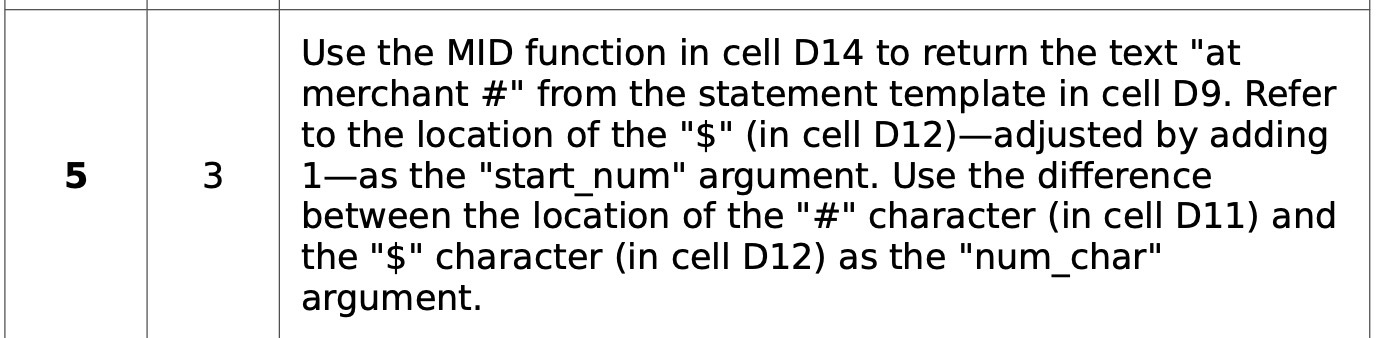
Use the MID function in cell D14 to return the text "at merchant #" from the statement template in cell D9. Refer to the location of the "$" (in cell D12)adjusted by adding las the "start_num" argument. Use the difference between the location of the "#" character (in cell D11) and the "$" character (in cell 012) as the "num_char" argument
Step by Step Solution
There are 3 Steps involved in it
1 Expert Approved Answer
Step: 1 Unlock

Question Has Been Solved by an Expert!
Get step-by-step solutions from verified subject matter experts
Step: 2 Unlock
Step: 3 Unlock
 Study Help