







Question: Use the pseudocode provided below to guide you in solving the problem. to write the python code solution on Jupyter Notebook. Solve each problem in
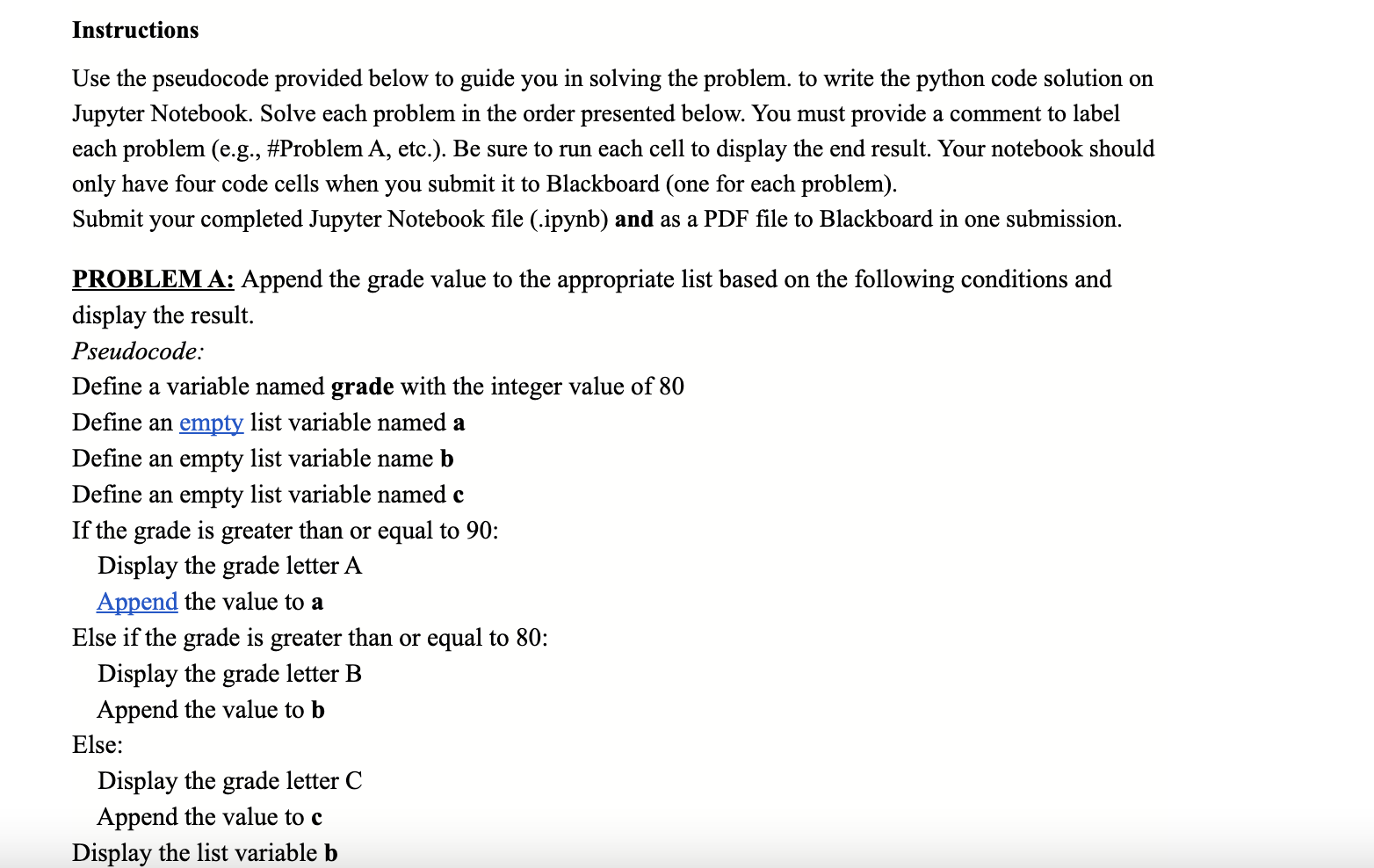
Use the pseudocode provided below to guide you in solving the problem. to write the python code solution on Jupyter Notebook. Solve each problem in the order presented below. You must provide a comment to label each problem (e.g., \#Problem A, etc.). Be sure to run each cell to display the end result. Your notebook should only have four code cells when you submit it to Blackboard (one for each problem). Submit your completed Jupyter Notebook file (.ipynb) and as a PDF file to Blackboard in one submission. PROBLEM A: Append the grade value to the appropriate list based on the following conditions and display the result. Pseudocode: Define a variable named grade with the integer value of 80 Define an empty list variable named a Define an empty list variable name b Define an empty list variable named c If the grade is greater than or equal to 90 : Display the grade letter A Append the value to a Else if the grade is greater than or equal to 80 : Display the grade letter B Append the value to b Else: Display the grade letter C Append the value to c
Step by Step Solution
There are 3 Steps involved in it

Get step-by-step solutions from verified subject matter experts
 Study Help