







Question: Use the regression model of Data Analysis for the data. If the log - linear regression should be used, prepare the data before adding the
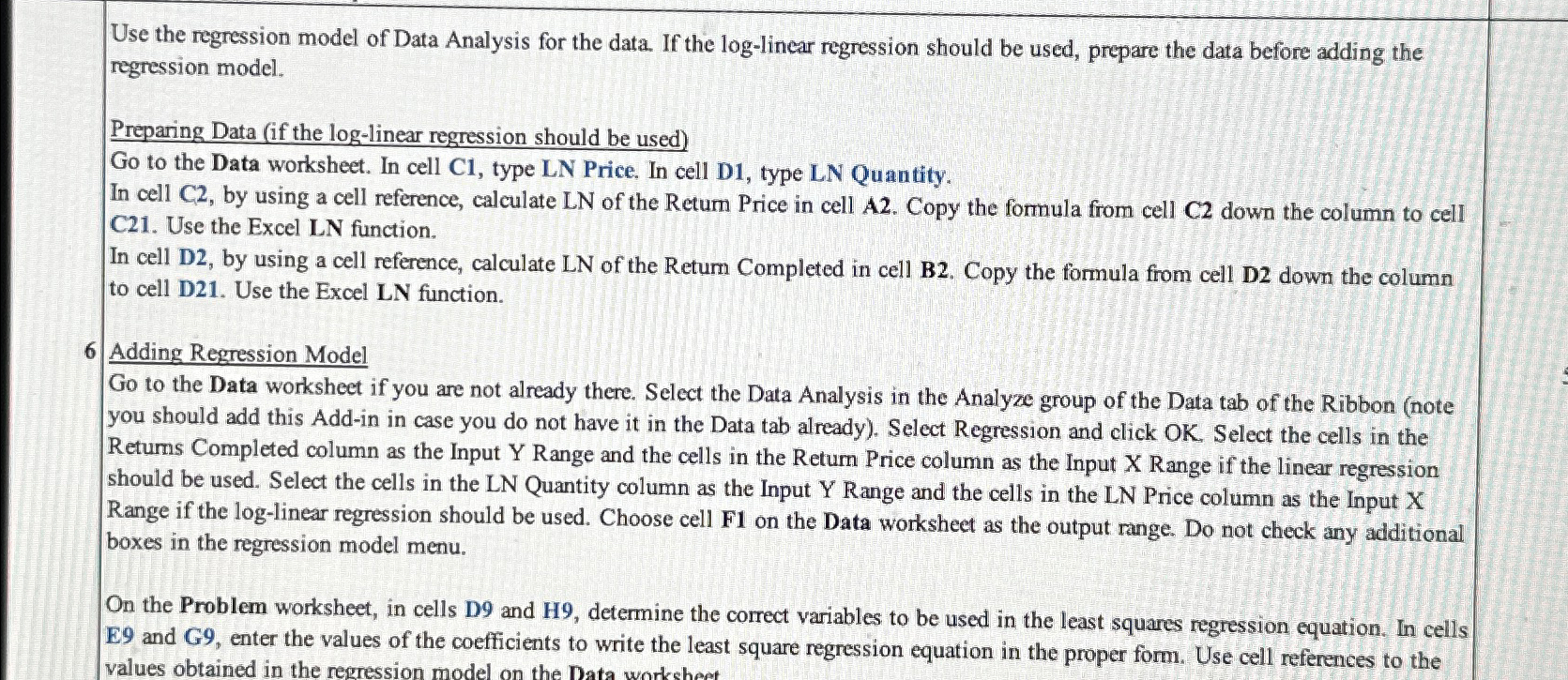
Use the regression model of Data Analysis for the data. If the loglinear regression should be used, prepare the data before adding the regression model.
Preparing Data if the loglinear regression should be used
Go to the Data worksheet. In cell C type LN Price. In cell D type LN Quantity.
In cell C by using a cell reference, calculate LN of the Retum Price in cell A Copy the formula from cell C down the column to cell C Use the Excel LN function.
In cell D by using a cell reference, calculate LN of the Return Completed in cell B Copy the formula from cell D down the column to cell D Use the Excel LN function.
Adding Regression Model
Go to the Data worksheet if you are not already there. Select the Data Analysis in the Analyze group of the Data tab of the Ribbon note you should add this Addin in case you do not have it in the Data tab already Select Regression and click OK Select the cells in the Retums Completed column as the Input Range and the cells in the Return Price column as the Input Range if the linear regression should be used. Select the cells in the LN Quantity column as the Input Range and the cells in the LN Price column as the Input X Range if the loglinear regression should be used. Choose cell F on the Data worksheet as the output range. Do not check any additional boxes in the regression model menu.
On the Problem worksheet, in cells D and H determine the correct variables to be used in the least squares regression equation. In cells E and G enter the values of the coefficients to write the least square regression equation in the proper form. Use cell references to the
Step by Step Solution
There are 3 Steps involved in it
1 Expert Approved Answer
Step: 1 Unlock

Question Has Been Solved by an Expert!
Get step-by-step solutions from verified subject matter experts
Step: 2 Unlock
Step: 3 Unlock
 Study Help