







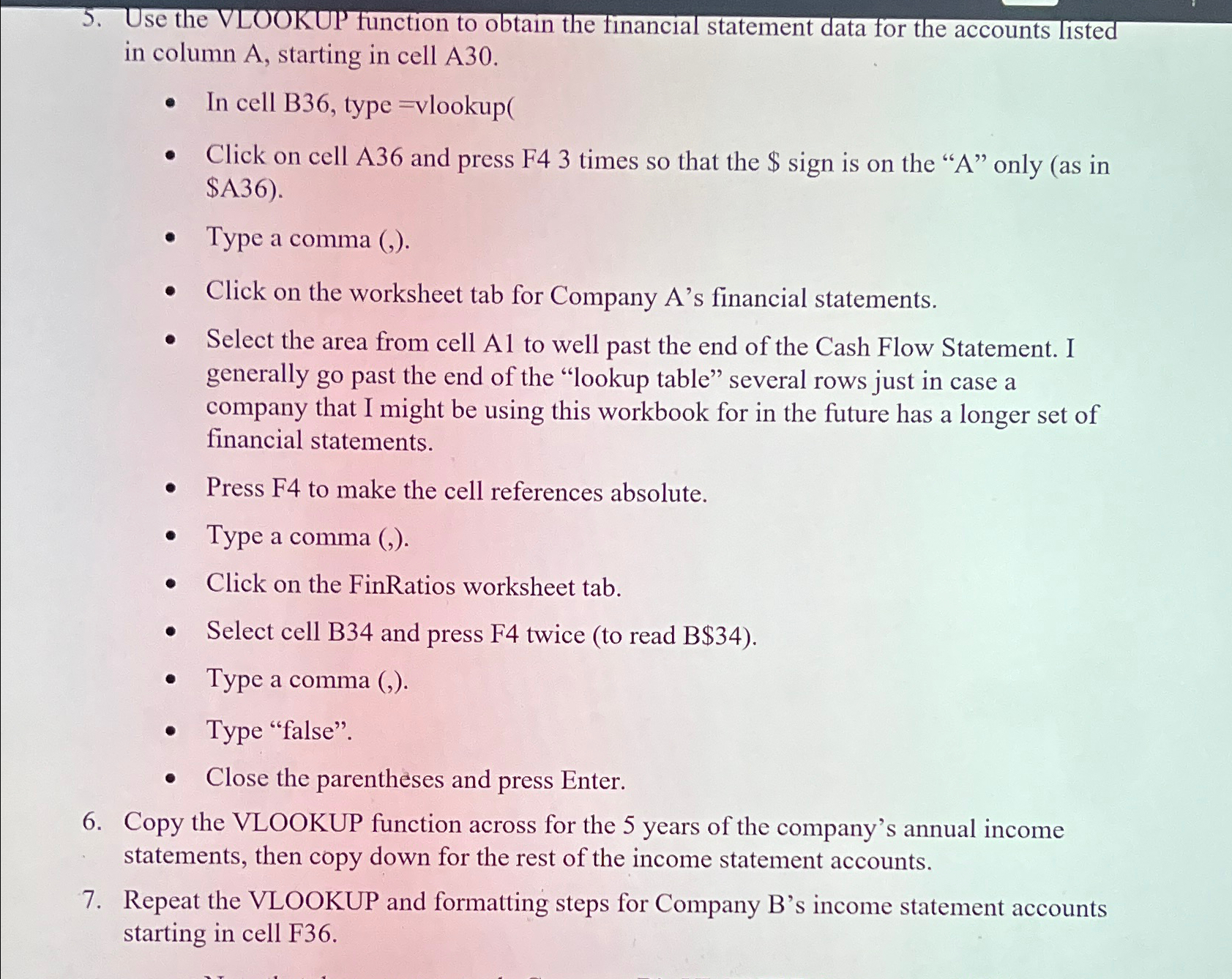
Question: Use the VLOOKUP function to obtain the financial statement data for the accounts listed in column A , starting in cell A 3 0 .
Use the VLOOKUP function to obtain the financial statement data for the accounts listed in column A starting in cell A
In cell B type vlookup
Click on cell A and press F times so that the $ sign is on the A only as in $A
Type a comma
Click on the worksheet tab for Company As financial statements.
Select the area from cell Al to well past the end of the Cash Flow Statement. I generally go past the end of the "lookup table" several rows just in case a company that I might be using this workbook for in the future has a longer set of financial statements.
Press F to make the cell references absolute
Type a comma
Click on the FinRatios worksheet tab.
Select cell B and press F twice to read B$
Type a comma
Type "false".
Close the parentheses and press Enter.
Copy the VLOOKUP function across for the years of the company's annual income statements, then copy down for the rest of the income statement accounts.
Repeat the VLOOKUP and formatting steps for Company Bs income statement accounts starting in cell F
Step by Step Solution
There are 3 Steps involved in it
1 Expert Approved Answer
Step: 1 Unlock

Question Has Been Solved by an Expert!
Get step-by-step solutions from verified subject matter experts
Step: 2 Unlock
Step: 3 Unlock
 Study Help