







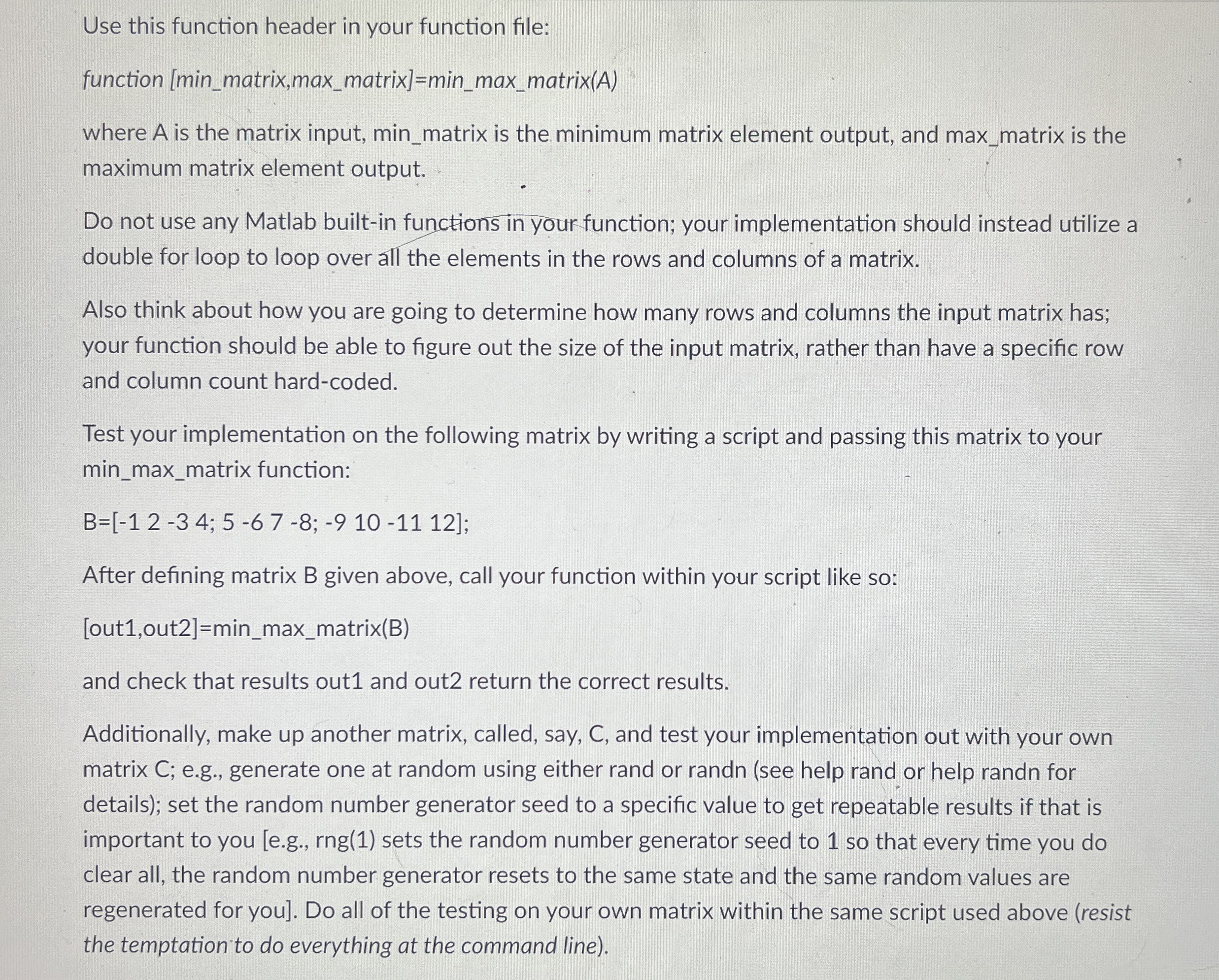
Question: Use this function header in your function file: function [ min _ matrix,max _ matrix ] = min _ max _ matrix ( A )
Use this function header in your function file:
function minmatrix,maxmatrixminmaxmatrix
where is the matrix input, minmatrix is the minimum matrix element output, and maxmatrix is the maximum matrix element output.
Do not use any Matlab builtin functions in your function; your implementation should instead utilize a double for loop to loop over all the elements in the rows and columns of a matrix.
Also think about how you are going to determine how many rows and columns the input matrix has; your function should be able to figure out the size of the input matrix, rather than have a specific row and column count hardcoded.
Test your implementation on the following matrix by writing a script and passing this matrix to your minmaxmatrix function:
After defining matrix B given above, call your function within your script like so:
outoutminmaxmatrixB
and check that results out and out return the correct results.
Additionally, make up another matrix, called, say, C and test your implementation out with your own matrix C; eg generate one at random using either rand or randn see help rand or help randn for details; set the random number generator seed to a specific value to get repeatable results if that is important to you eg rng sets the random number generator seed to so that every time you do clear all, the random number generator resets to the same state and the same random values are regenerated for you Do all of the testing on your own matrix within the same script used above resist the temptation to do everything at the command line
Step by Step Solution
There are 3 Steps involved in it
1 Expert Approved Answer
Step: 1 Unlock

Question Has Been Solved by an Expert!
Get step-by-step solutions from verified subject matter experts
Step: 2 Unlock
Step: 3 Unlock
 Study Help