







Question: use to write a program of your own named . This program should do the following: - Read one of three provided text files found
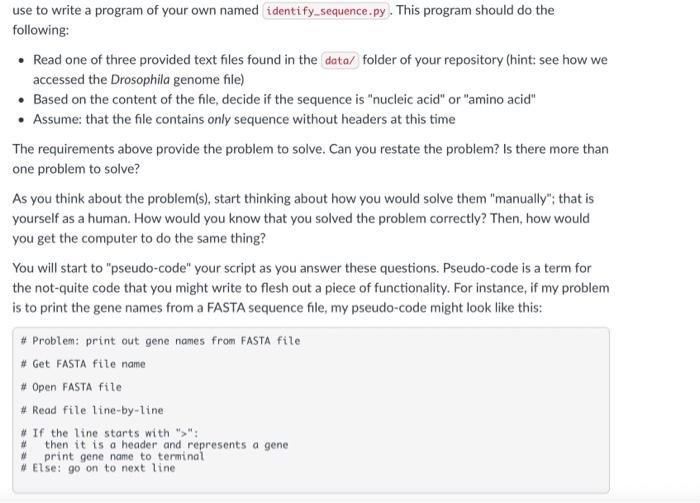
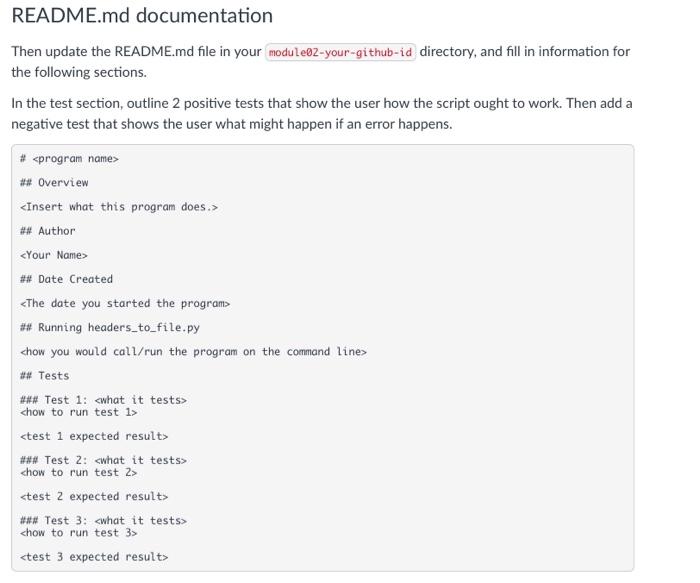
use to write a program of your own named . This program should do the following: - Read one of three provided text files found in the folder of your repository (hint: see how we accessed the Drosophila genome file) - Based on the content of the file, decide if the sequence is "nucleic acid" or "amino acid" - Assume: that the file contains only sequence without headers at this time The requirements above provide the problem to solve. Can you restate the problem? Is there more than one problem to solve? As you think about the problem(s), start thinking about how you would solve them "manually"; that is yourself as a human. How would you know that you solved the problem correctly? Then, how would you get the computer to do the same thing? You will start to "pseudo-code" your script as you answer these questions. Pseudo-code is a term for the not-quite code that you might write to flesh out a piece of functionality. For instance, if my problem is to print the gene names from a FASTA sequence file, my pseudo-code might look like this: \# Problem: print out gene names from FASTA file \# Get FASTA file name \# Open FASTA file \# Read file line-by-line * If the line starts with " >" : then it is a header and represents a gene print gene name to terminat. Etse: go on to next line. README.md documentation Then update the README.md file in your directory, and fill in information for the following sections. In the test section, outline 2 positive tests that show the user how the script ought to work. Then add a negative test that shows the user what might happen if an error happens. \# \# Overview \#\# Author \#\# Date Created chow to run test 1> \#\#\# Test 2: chow to run test 2> \#\#\#\# Test 3: chow to run test 3 >
Step by Step Solution
There are 3 Steps involved in it

Get step-by-step solutions from verified subject matter experts
 Study Help