



Question: Use Ubuntu VM Network stats, services, and device hardening Go to /etc/services 1) 2) Open the file (Hint: nano) 3) Find and write down the
Use Ubuntu VM
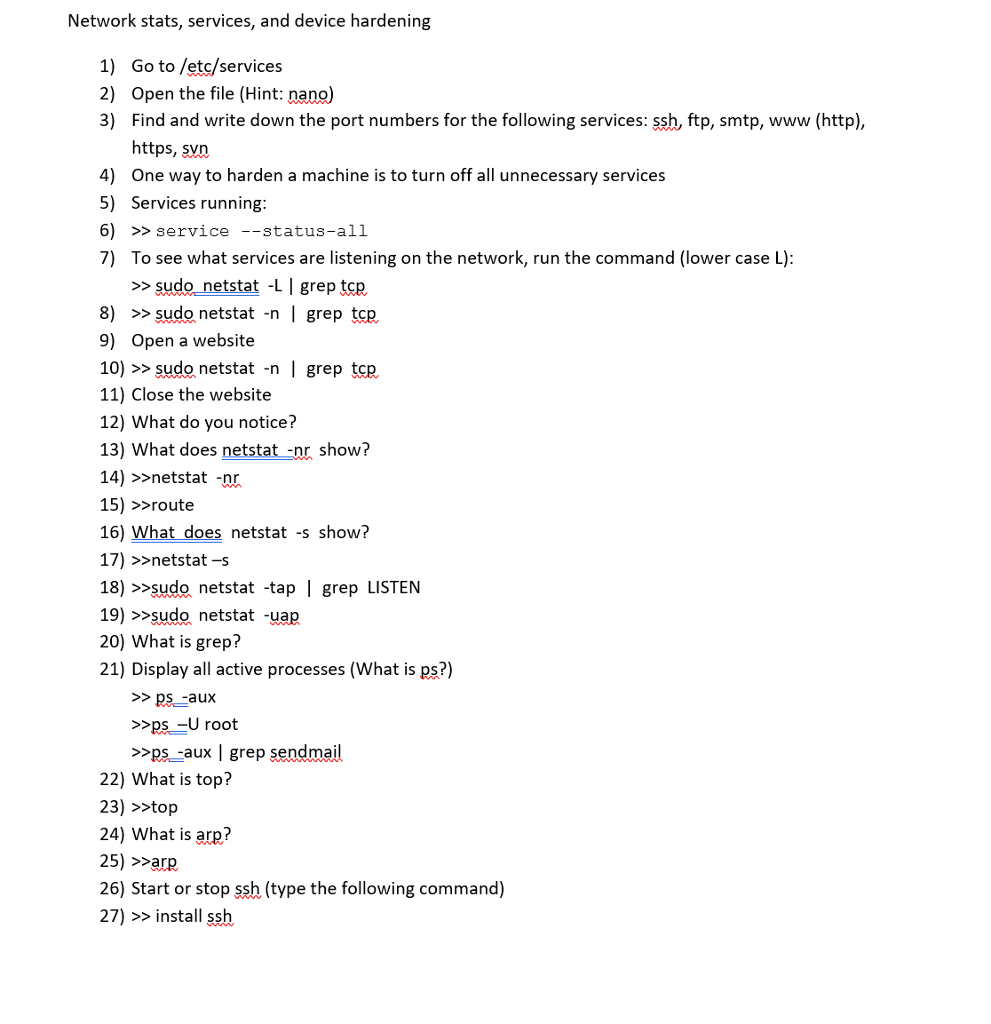
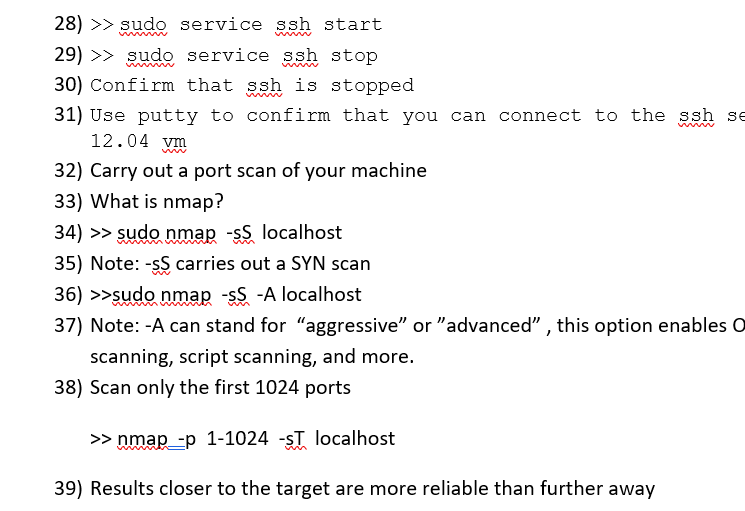
Network stats, services, and device hardening Go to /etc/services 1) 2) Open the file (Hint: nano) 3) Find and write down the port numbers for the following services: ssh, ftp, smtp, www (http), https, s 4) One way to harden a machine is to turn off all unnecessary services 5) Services running 6) >>service --status-all 7) To see what services are listening on the network, run the command (lower case L) >>sudo_netstat -L I grep tcp 8) >> sudo netstat -n | grep tcp 9) Open a website 10) >> sudo netstat -n | grep tcp 11) Close the website 12) What do you notice? 13) What does netstat nr show? 14) >>netstat -nr 15) >>route 16) What does netstat -s show? 17) >>netstat-s 18) >>sudo netstat -tap | grep LISTEN 19) >>sudo netstat -uap 20) What is grep? 21) Display all active processes (What is ps?) >ps-aux >ps-U root >>ps-aux | grep sendmail 22) What is top? 23) >>top 24) What is arp? 25) >are 26) Start or stop ssh (type the following command) 27) > install ssh
Step by Step Solution
There are 3 Steps involved in it

Get step-by-step solutions from verified subject matter experts