







Question: Use Visual Basic and label control names Larger and Smaller Create an application that allows the user to enter two numbers on a form similar
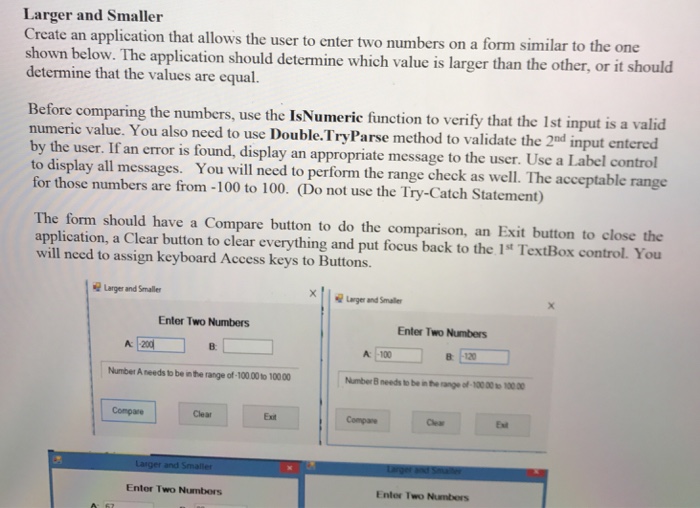
Larger and Smaller Create an application that allows the user to enter two numbers on a form similar to the one determine that the values are equal. Before comparing the numbers, use the IsNumerie function to verify that the 1st input is a valid low. The application should determine which value is larger than the other, or it should numeric value. You also need to use Double.TryParse method to validate the 2d input entered the user. If an error is found, display an appropriate message to the user. Use a Label control to display all messages. You will need to perform the range check as well. The acceptable range for those numbers are from -100 to 100. (Do not use the Try-Catch Statement) The form should have a Compare button to do the comparison, an Exit button to close the application, a Clear button to clear everything and put focus back to the 1st TextBox control. You will need to assign keyboard Access keys to Buttons. Larger and Smaller .geand Smale, Enter Two Numbers Enter Two Numbers A: A 100 B -120 Number A needs to be in the range of-100.00 to 100.00 Compare Clear Exit Compare Clear Ext Enter Two Numbors Enter TwO NumberS
Step by Step Solution
There are 3 Steps involved in it

Get step-by-step solutions from verified subject matter experts
 Study Help