







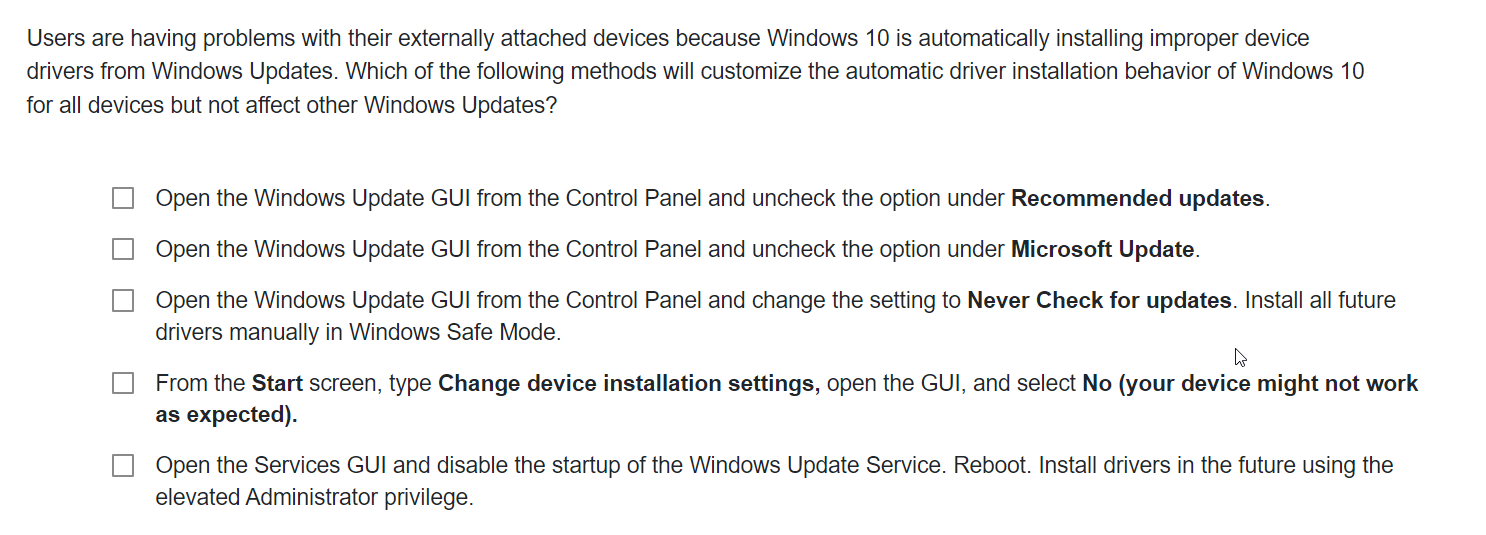
Question: Users are having problems with their externally attached devices because Windows 1 0 is automatically installing improper device drivers from Windows Updates. Which of the
Users are having problems with their externally attached devices because Windows is automatically installing improper device
drivers from Windows Updates. Which of the following methods will customize the automatic driver installation behavior of Windows
for all devices but not affect other Windows Updates?
Open the Windows Update GUI from the Control Panel and uncheck the option under Recommended updates.
Open the Windows Update GUI from the Control Panel and uncheck the option under Microsoft Update.
Open the Windows Update GUI from the Control Panel and change the setting to Never Check for updates. Install all future
drivers manually in Windows Safe Mode.
From the Start screen, type Change device installation settings, open the GUI, and select No your device might not work
as expected
Open the Services GUI and disable the startup of the Windows Update Service. Reboot. Install drivers in the future using the
elevated Administrator privilege.
Step by Step Solution
There are 3 Steps involved in it
1 Expert Approved Answer
Step: 1 Unlock

Question Has Been Solved by an Expert!
Get step-by-step solutions from verified subject matter experts
Step: 2 Unlock
Step: 3 Unlock
 Study Help