







Question: Using a text editor of your choice, create a Hello World application that prints your Github handle, followed by a colon and your last name,
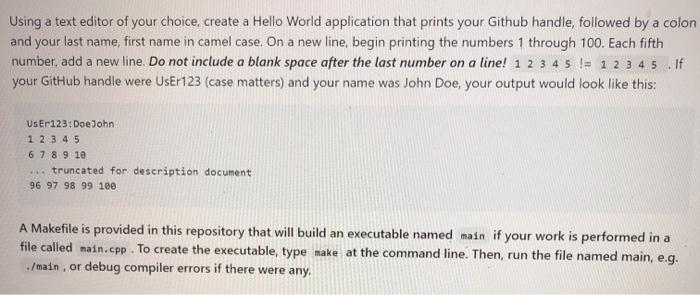
Using a text editor of your choice, create a Hello World application that prints your Github handle, followed by a colon and your last name, first name in camel case. On a new line, begin printing the numbers 1 through 100. Each fifth number, add a new line. Do not include a blank space after the last number on a line! 1 2 3 4 5 != 1 2 3 4 5 .If your GitHub handle were UsEr123 (case matters) and your name was John Doe, your output would look like this: User123:Doe John 1 2 3 4 5 6 7 8 9 10 ... truncated for description document 96 97 98 99 100 A Makefile is provided in this repository that will build an executable named main if your work is performed in a file called main.cpp. To create the executable, type make at the command line. Then, run the file named main, e.g. ./main, or debug compiler errors if there were any
Step by Step Solution
There are 3 Steps involved in it

Get step-by-step solutions from verified subject matter experts
 Study Help