







Question: using androir stuidio Objective: Design and implement an android mobile application with description given below. Using SQLite to save data and read data in an
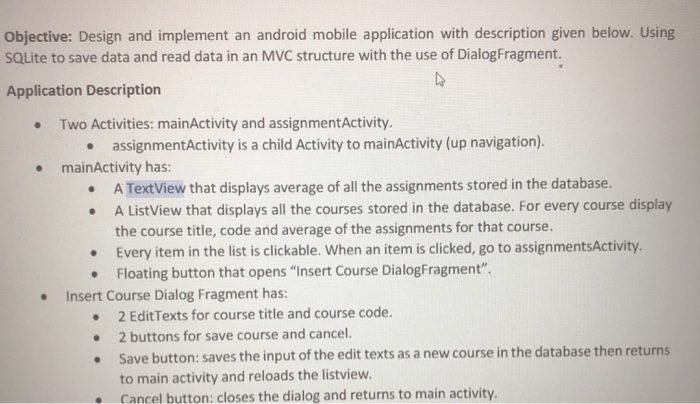
Objective: Design and implement an android mobile application with description given below. Using SQLite to save data and read data in an MVC structure with the use of DialogFragment. Application Description Two Activities: mainActivity and assignment Activity. assignmentActivity is a child Activity to mainActivity (up navigation). mainActivity has: A TextView that displays average of all the assignments stored in the database. A ListView that displays all the courses stored in the database. For every course display the course title, code and average of the assignments for that course. Every item in the list is clickable. When an item is clicked, go to assignmentsActivity. Floating button that opens "Insert Course DialogFragment". Insert Course Dialog Fragment has: 2 Edit Texts for course title and course code. 2 buttons for save course and cancel. Save button: saves the input of the edit texts as a new course in the database then returns to main activity and reloads the listview. Cancel button: closes the dialog and returns to main activity. Objective: Design and implement an android mobile application with description given below. Using SQLite to save data and read data in an MVC structure with the use of DialogFragment. Application Description Two Activities: mainActivity and assignment Activity. assignmentActivity is a child Activity to mainActivity (up navigation). mainActivity has: A TextView that displays average of all the assignments stored in the database. A ListView that displays all the courses stored in the database. For every course display the course title, code and average of the assignments for that course. Every item in the list is clickable. When an item is clicked, go to assignmentsActivity. Floating button that opens "Insert Course DialogFragment". Insert Course Dialog Fragment has: 2 Edit Texts for course title and course code. 2 buttons for save course and cancel. Save button: saves the input of the edit texts as a new course in the database then returns to main activity and reloads the listview. Cancel button: closes the dialog and returns to main activity
Step by Step Solution
There are 3 Steps involved in it

Get step-by-step solutions from verified subject matter experts
 Study Help