







Question: Using App Designer, develop a GUI based app for Digital Calculator app with the following features. 1. Add two text boxes to accept numerical
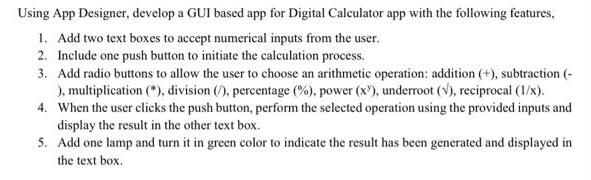
Using App Designer, develop a GUI based app for Digital Calculator app with the following features. 1. Add two text boxes to accept numerical inputs from the user. 2. Include one push button to initiate the calculation process. 3. Add radio buttons to allow the user to choose an arithmetic operation: addition (+), subtraction (- ), multiplication (*), division (), percentage (%), power (x2), underroot (V), reciprocal (1/x). 4. When the user clicks the push button, perform the selected operation using the provided inputs and display the result in the other text box. 5. Add one lamp and turn it in green color to indicate the result has been generated and displayed in the text box.
Step by Step Solution
There are 3 Steps involved in it

Get step-by-step solutions from verified subject matter experts
 Study Help