







Question: Using AutoCAD Start by setting up the appropriate Units and Limits ( twice the approximate length and width ) Create the appropriate Layers ( even
Using AutoCAD
Start by setting up the appropriate Units and Limits twice the approximate length and width
Create the appropriate Layers even those that maybe used later see standard layers
Construct the outline of the building then offset it at the thickness of the wall on the proper
layers.
Construct the interior walls of the building on the proper layers.
Create the opening for all windows and doors both exterior and interior
Create the windows and doors on the proper layers.
Save the file as XX Assignment # step dwg and submit on Econestoga XX Your full name
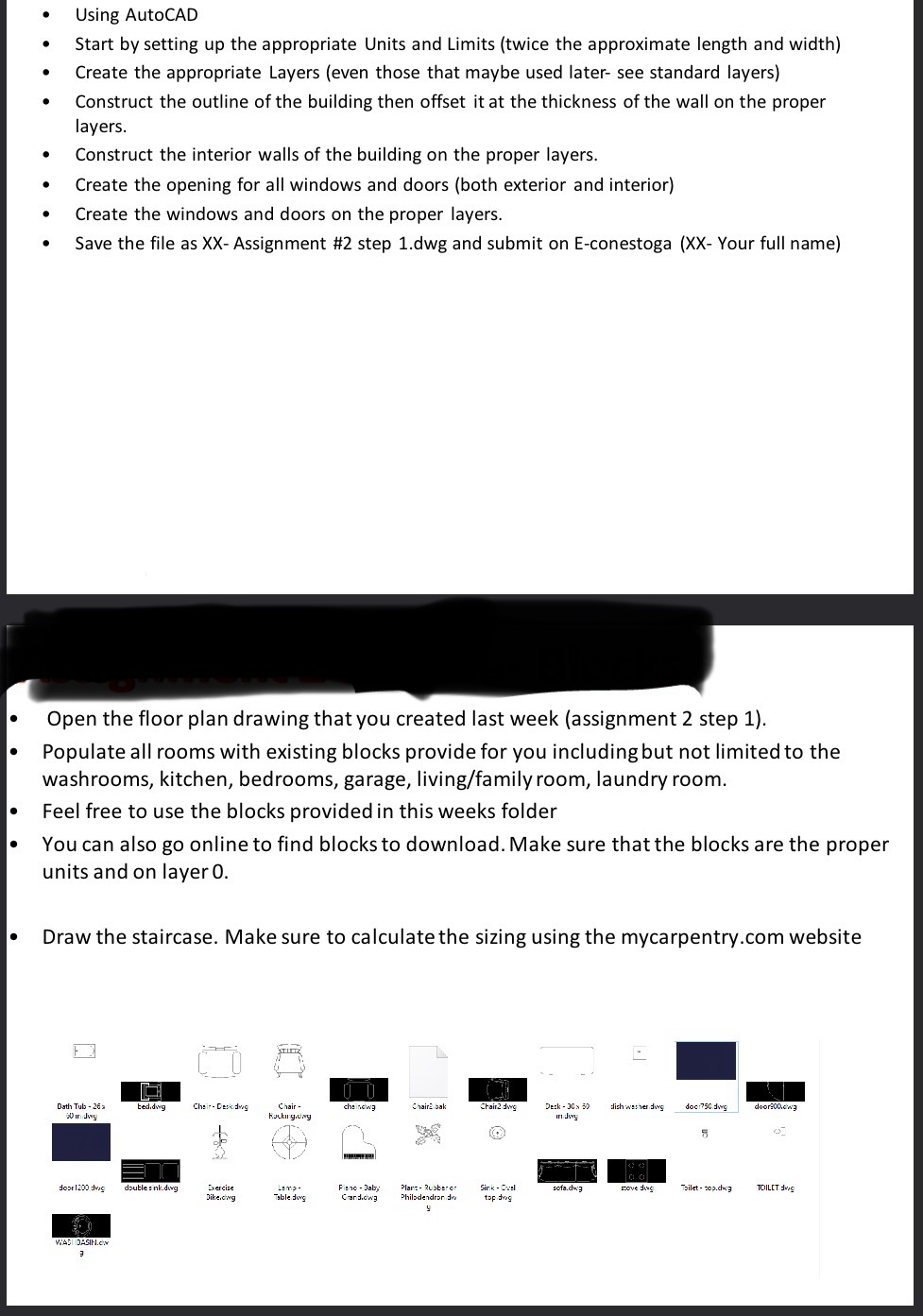
Open the floor plan drawing that you created last week assignment step
Populate all rooms with existing blocks provide for you including but not limited to the
washrooms, kitchen, bedrooms, garage, livingfamily room, laundry room.
Feel free to use the blocks provided in this weeks folder
You can also go online to find blocks to download. Make sure that the blocks are the proper
units and on layer
Draw the staircase. Make sure to calculate the sizing using the
mycarpentry.com website
please when you are done send me the link
Step by Step Solution
There are 3 Steps involved in it
1 Expert Approved Answer
Step: 1 Unlock

Question Has Been Solved by an Expert!
Get step-by-step solutions from verified subject matter experts
Step: 2 Unlock
Step: 3 Unlock
 Study Help