







Question: Using C# and including comments. Create a Console application called Grades and make sure that the project name is Grades, and that your class name
Using C# and including comments. 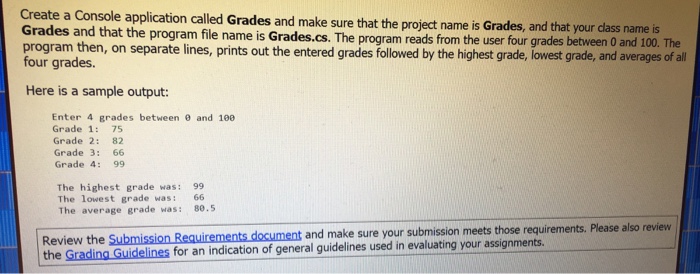
Create a Console application called Grades and make sure that the project name is Grades, and that your class name is Grades and that the program file name is Grades.cs. The program reads from the user four grades between 0 and 100. The program then, on separate lines, prints out the entered grades followed by the highest grade, lowest grade, and averages of all four grades. Here is a sample output: Enter 4 grades between 0 and 100 Grade 1: 75 Grade 2: 82 Grade 3: 66 Grade 4: 99 The highest grade was: 99 The lowest grade was: 66 The average grade was: 80.5
Step by Step Solution
There are 3 Steps involved in it
1 Expert Approved Answer
Step: 1 Unlock

Question Has Been Solved by an Expert!
Get step-by-step solutions from verified subject matter experts
Step: 2 Unlock
Step: 3 Unlock
 Study Help