







Question: Using C++ part2 is the red rectangle (100*100) the question is to drag the red rectangle [20 pts] Click and drag using events. When the
Using C++
part2 is the red rectangle (100*100)
the question is to drag the red rectangle
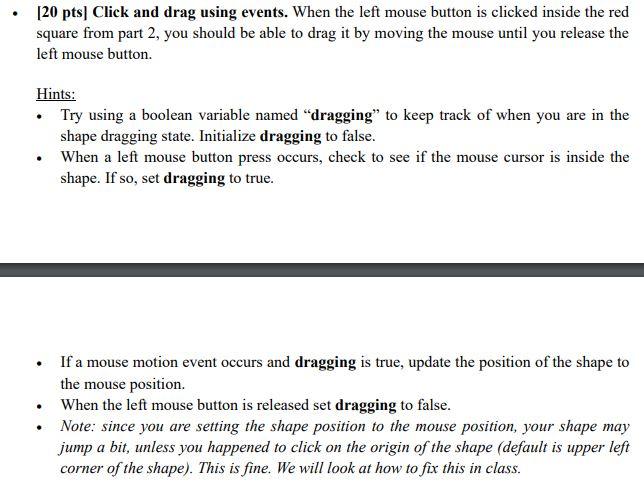
[20 pts] Click and drag using events. When the left mouse button is clicked inside the red square from part 2, you should be able to drag it by moving the mouse until you release the left mouse button. Hints: Try using a boolean variable named "dragging to keep track of when you are in the shape dragging state. Initialize dragging to false. When a left mouse button press occurs, check to see if the mouse cursor is inside the shape. If so, set dragging to true. . If a mouse motion event occurs and dragging is true, update the position of the shape to the mouse position. When the left mouse button is released set dragging to false. Note: since you are setting the shape position to the mouse position, your shape may jump a bit, unless you happened to click on the origin of the shape (default is upper left corner of the shape). This is fine. We will look at how to fix this in class. . [20 pts] Click and drag using events. When the left mouse button is clicked inside the red square from part 2, you should be able to drag it by moving the mouse until you release the left mouse button. Hints: Try using a boolean variable named "dragging to keep track of when you are in the shape dragging state. Initialize dragging to false. When a left mouse button press occurs, check to see if the mouse cursor is inside the shape. If so, set dragging to true. . If a mouse motion event occurs and dragging is true, update the position of the shape to the mouse position. When the left mouse button is released set dragging to false. Note: since you are setting the shape position to the mouse position, your shape may jump a bit, unless you happened to click on the origin of the shape (default is upper left corner of the shape). This is fine. We will look at how to fix this in class
Step by Step Solution
There are 3 Steps involved in it

Get step-by-step solutions from verified subject matter experts
 Study Help