







Question: Using emu8086 microprocessor should be written like this form: ORG 100h LEA SI, msg1 ; ask for the number CALL print.string: CALL scan num ;get
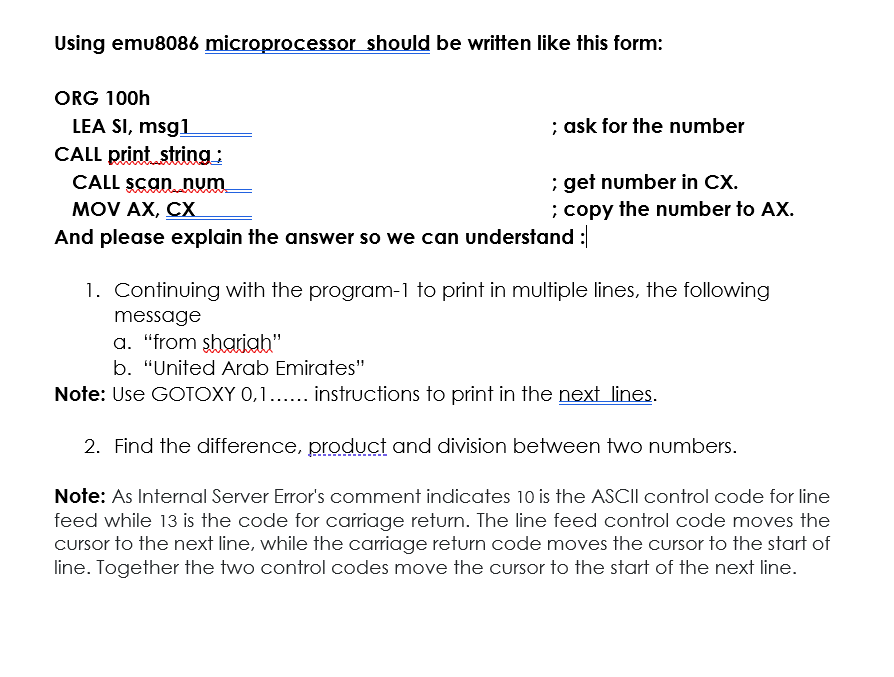
Using emu8086 microprocessor should be written like this form: ORG 100h LEA SI, msg1 ; ask for the number CALL print.string: CALL scan num ;get number in CX. MOV AX, CX ; copy the number to AX. And please explain the answer so we can understand : 1. Continuing with the program-1 to print in multiple lines, the following message a. "from shariah" b. "United Arab Emirates" Note: Use GOTOXY 0,1...... instructions to print in the next lines. 2. Find the difference, product and division between two numbers. Note: As Internal Server Error's comment indicates 10 is the ASCII control code for line feed while 13 is the code for carriage return. The line feed control code moves the cursor to the next line, while the carriage return code moves the cursor to the start of line. Together the two control codes move the cursor to the start of the next line. Using emu8086 microprocessor should be written like this form: ORG 100h LEA SI, msg1 ; ask for the number CALL print.string: CALL scan num ;get number in CX. MOV AX, CX ; copy the number to AX. And please explain the answer so we can understand : 1. Continuing with the program-1 to print in multiple lines, the following message a. "from shariah" b. "United Arab Emirates" Note: Use GOTOXY 0,1...... instructions to print in the next lines. 2. Find the difference, product and division between two numbers. Note: As Internal Server Error's comment indicates 10 is the ASCII control code for line feed while 13 is the code for carriage return. The line feed control code moves the cursor to the next line, while the carriage return code moves the cursor to the start of line. Together the two control codes move the cursor to the start of the next line
Step by Step Solution
There are 3 Steps involved in it

Get step-by-step solutions from verified subject matter experts
 Study Help