







Question: using java 1. When the C to F button is pressed do the following: i. Get the text entered in the corresponding TextField (1). Note
using java
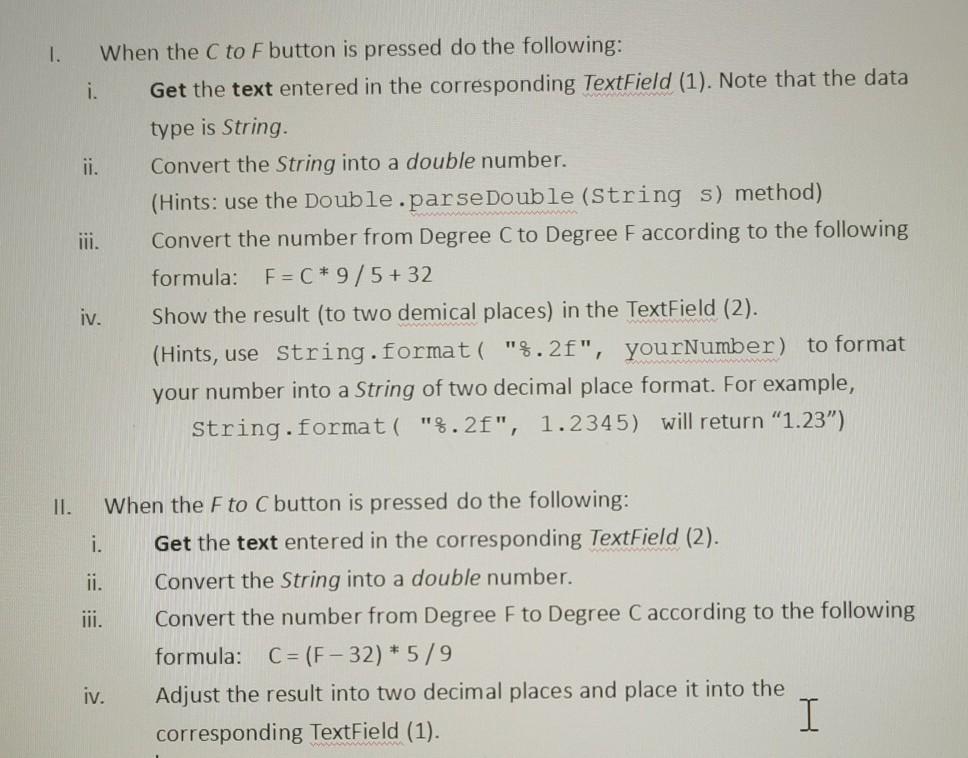
1. When the C to F button is pressed do the following: i. Get the text entered in the corresponding TextField (1). Note that the data type is String ii. Convert the String into a double number. (Hints: use the Double.parse Double (String s) method) Convert the number from Degree C to Degree Faccording to the following formula: F=C* 9/5+32 iv. Show the result (to two demical places) in the TextField (2). (Hints, use string.format("%.2f", yourNumber) to format your number into a string of two decimal place format. For example, String.format("%.2f", 1.2345) will return "1.23") II. When the Fto C button is pressed do the following: i. Get the text entered in the corresponding TextField (2). ii. Convert the String into a double number. Convert the number from Degree F to Degree Caccording to the following formula: C= (F-32) * 5/9 iv. Adjust the result into two decimal places and place it into the corresponding TextField (1)
Step by Step Solution
There are 3 Steps involved in it

Get step-by-step solutions from verified subject matter experts
 Study Help