







Question: Using javascript, I'm reading many image urls along with other relevant data like title and description from a database where the values are stored in
Using javascript, I'm reading many image urls along with other relevant data like title and description from a database where the values are stored in a map/snapshot. I'm using a foreach loop to create a list element, a tag, and img tag and display the images on a page.
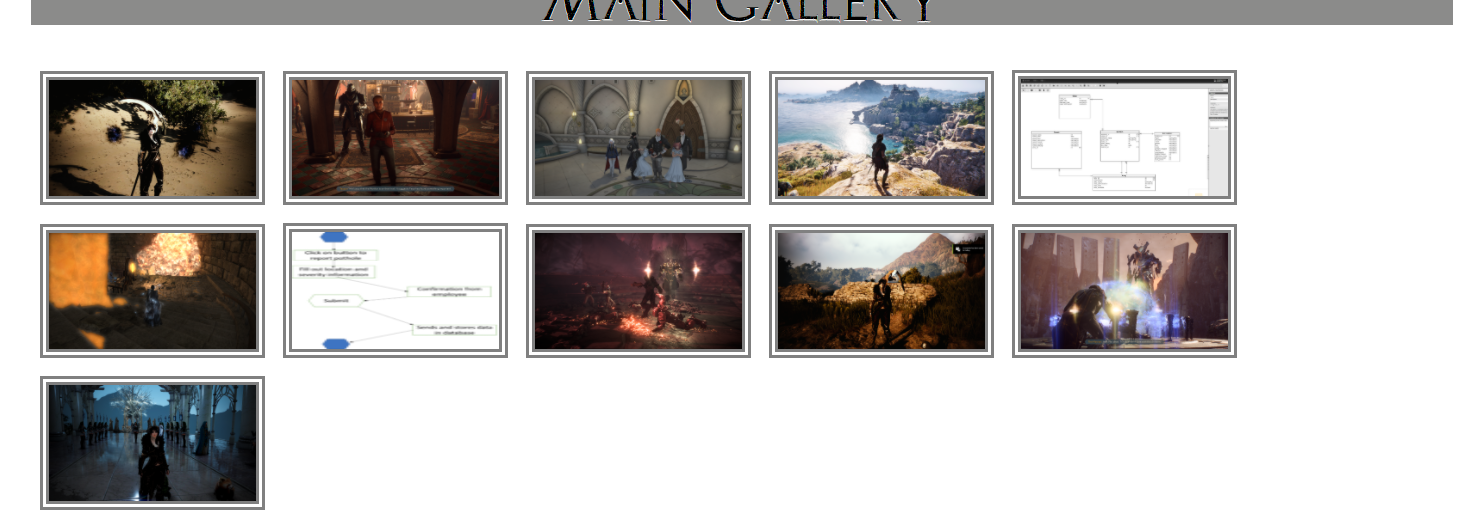
How can I keep track of the unique data after I've created the image element and moved onto the next value in the loop?
I need the data to somehow stay with the displaying images so that when a user clicks on a specific image, I can use the ID to display other details like title and description in a zoom modal or on in a new window/url.
This seems to be such normal task to do. I mean, practically every website outputs information from a database and keeps track of the unique values so that users can interact with them. After all, It'd be impossible to even delete an image from the database without each image element keeping track of it's own database id.
I'm just new to javascript and don't understand how to implement this. I've been trying to find a guide or something online but no such luck.
Essentially what I want to do is:
1) Read and output data from database as unique elements
2) Unique elements retain a reference or something to their unique data so that I can link to a new page from it to display title/description and the image in full res, delete it from the database, or other user actions.
Seeing code would be nice, but just explaining the process or pointing me to some guide/book to learn how to do this would be great. I'm totally stumped.
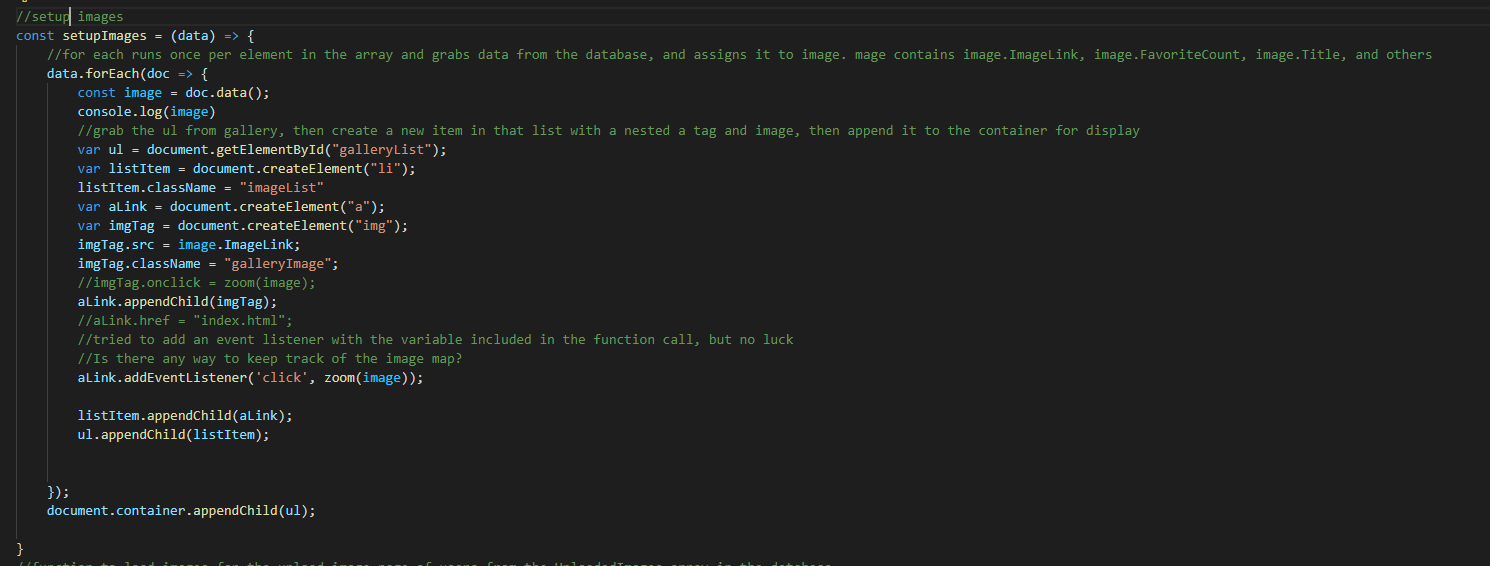
1/ setup images const setupImages = (data) => { // for each runs once per element in the array and grabs data from the database, and assigns it to image. mage contains image. ImageLink, image. FavoriteCount, image. Title, and others data.forEach(doc => { const image = doc.data(); console.log(image) //grab the ul from gallery, then create a new item in that list with a nested a tag and image, then append it to the container for display var ul = document.getElementById("galleryList"); var listItem = document.createElement("li"); listItem.className = "imageList" var alink = document.createElement("a"); var imgTag = document.createElement("img"); imgTag.src = image. ImageLink; imgTag.className = "gallery Image"; //imgTag.onclick zoom(image); alink.appendChild(imgTag); //alink.href = "index.html"; //tried to add an event listener with the variable included in the function call, but no luck //Is there any way to keep track of the image map? alink.addEventListener('click', zoom(image)); listItem.appendChild(aLink); ul.appendChild(listItem); }); document.container.appendChild(ul); }
Step by Step Solution
There are 3 Steps involved in it

Get step-by-step solutions from verified subject matter experts
 Study Help