







Question: using java,thanks Overview Write a console program (main class: UKContact.java Package: lab3) that let the user to view and edit contact lists. The contacts are
using java,thanks
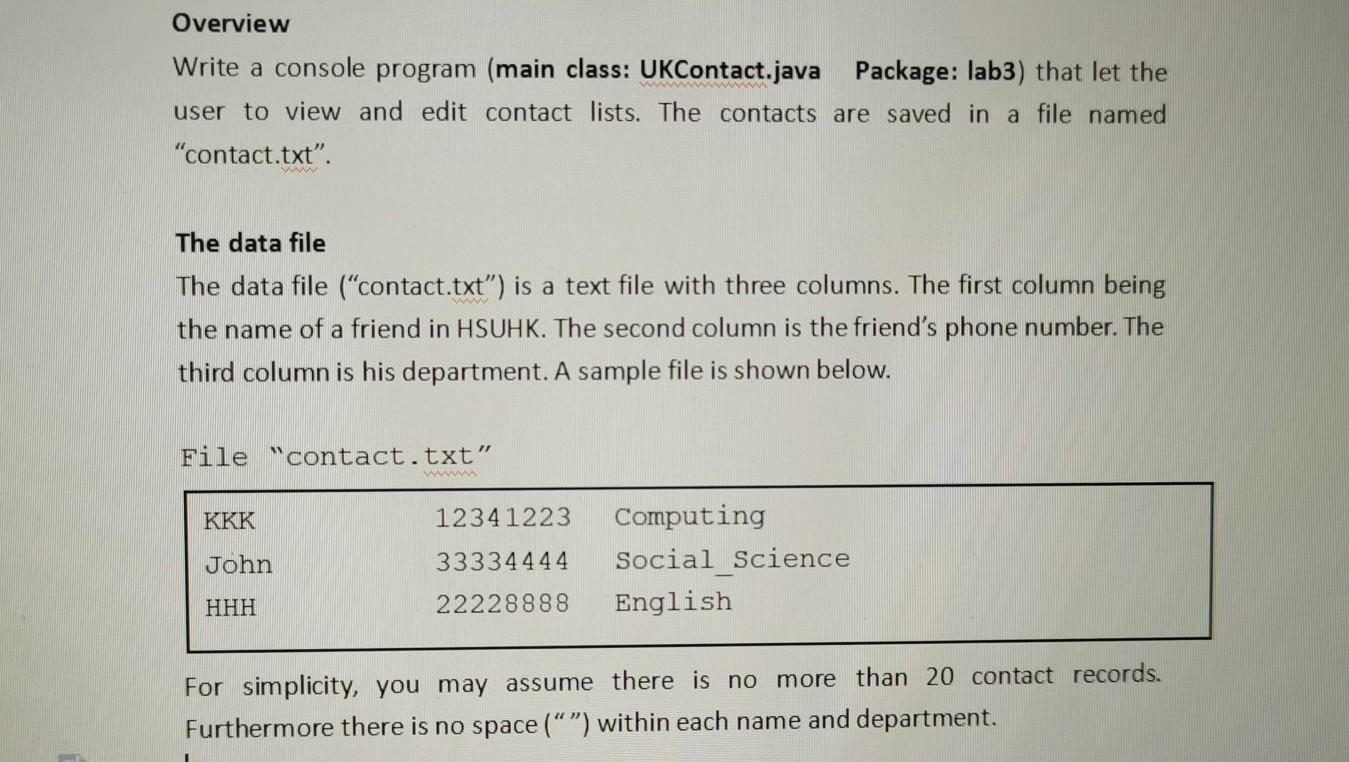
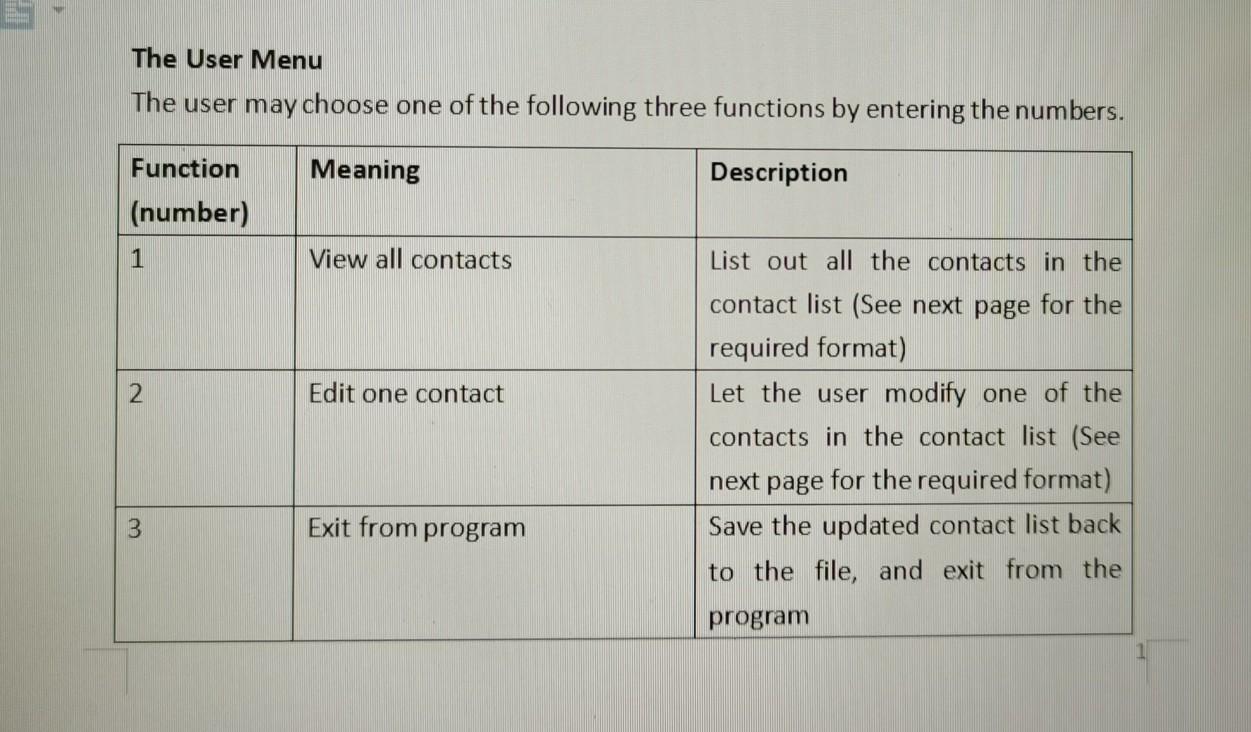
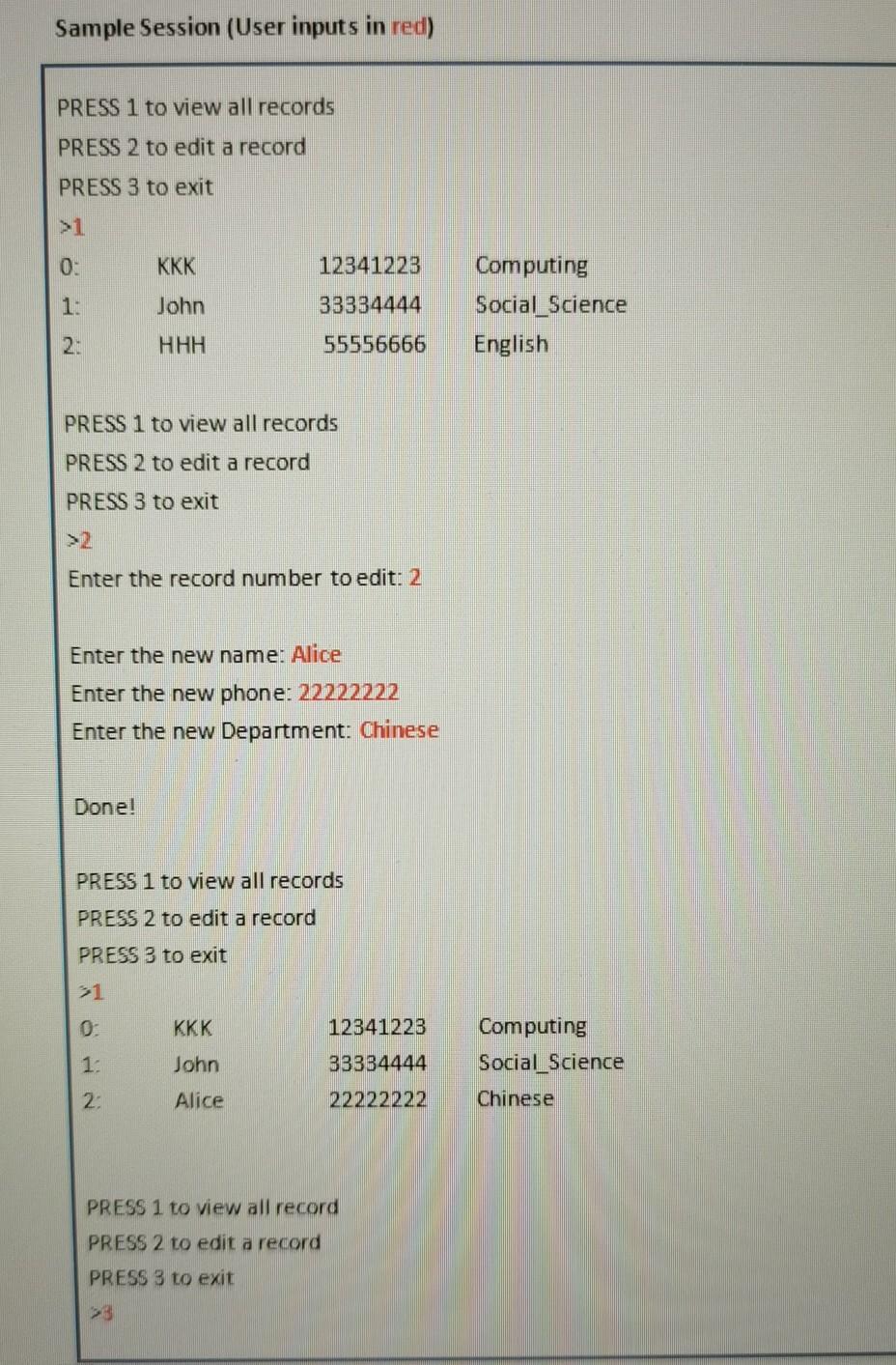
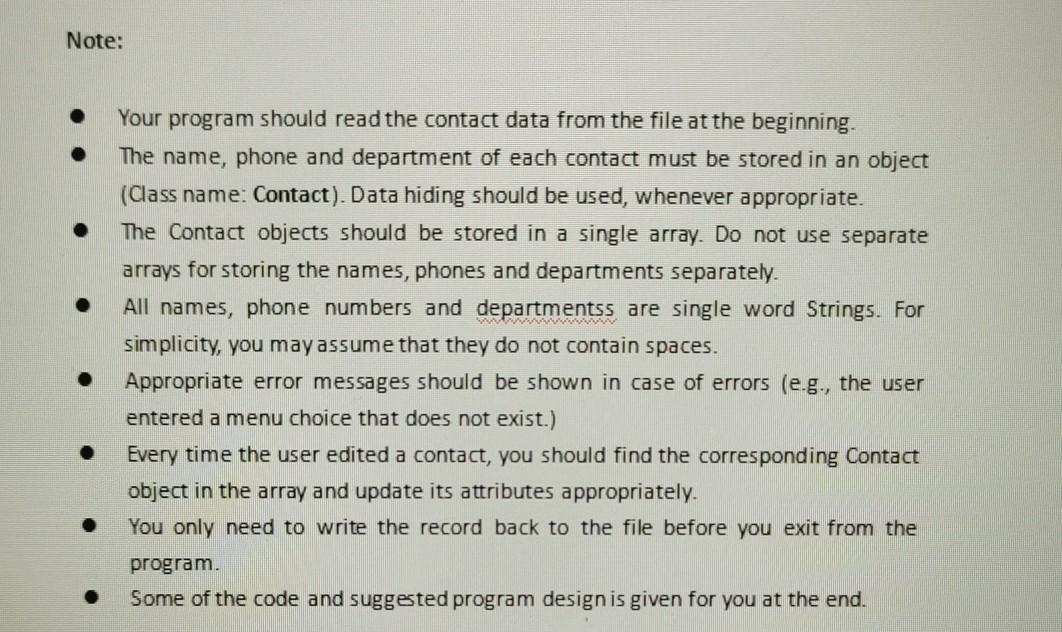
Overview Write a console program (main class: UKContact.java Package: lab3) that let the user to view and edit contact lists. The contacts are saved in a file named "contact.txt". The data file The data file (contact.txt") is a text file with three columns. The first column being the name of a friend in HSUHK. The second column is the friend's phone number. The third column is his department. A sample file is shown below. File "contact.txt" www KKK 12341223 John 33334444 Computing Social Science English HHH 22228888 For simplicity, you may assume there is no more than 20 contact records. Furthermore there is no space () within each name and department. The User Menu The user may choose one of the following three functions by entering the numbers. Function Meaning Description (number) 1 View all contacts 2. Edit one contact List out all the contacts in the contact list (See next page for the required format) Let the user modify one of the contacts in the contact list (See next page for the required format) Save the updated contact list back to the file, and exit from the 3 Exit from program program Sample Session (User inputs in red) PRESS 1 to view all records PRESS 2 to edit a record PRESS 3 to exit 0: KKK 12341223 1: John 33334444 Computing Social Science English 2: HHH 55556666 PRESS 1 to view all records PRESS 2 to edit a record PRESS 3 to exit Enter the record number to edit: 2 Enter the new name: Alice Enter the new phone: 22222222 Enter the new Department: Chinese Done! PRESS 1 to view all records PRESS 2 to edit a record PRESS 3 to exit 12341223 KKK John 33334444 22222222 Computing Social_Science Chinese 2: Alice PRESS 1 to view all record PRESS 2 to edit a record PRESS 3 to exit Note: Your program should read the contact data from the file at the beginning. The name, phone and department of each contact must be stored in an object (Class name: Contact). Data hiding should be used, whenever appropriate. The Contact objects should be stored in a single array. Do not use separate arrays for storing the names, phones and departments separately. All names, phone numbers and departmentss are single word Strings. For simplicity, you may assume that they do not contain spaces. Appropriate error messages should be shown in case of errors (e.g., the user entered a menu choice that does not exist.) Every time the user edited a contact, you should find the corresponding Contact object in the array and update its attributes appropriately. You only need to write the record back to the file before you exit from the program Some of the code and suggested program design is given for you at the end
Step by Step Solution
There are 3 Steps involved in it

Get step-by-step solutions from verified subject matter experts
 Study Help