







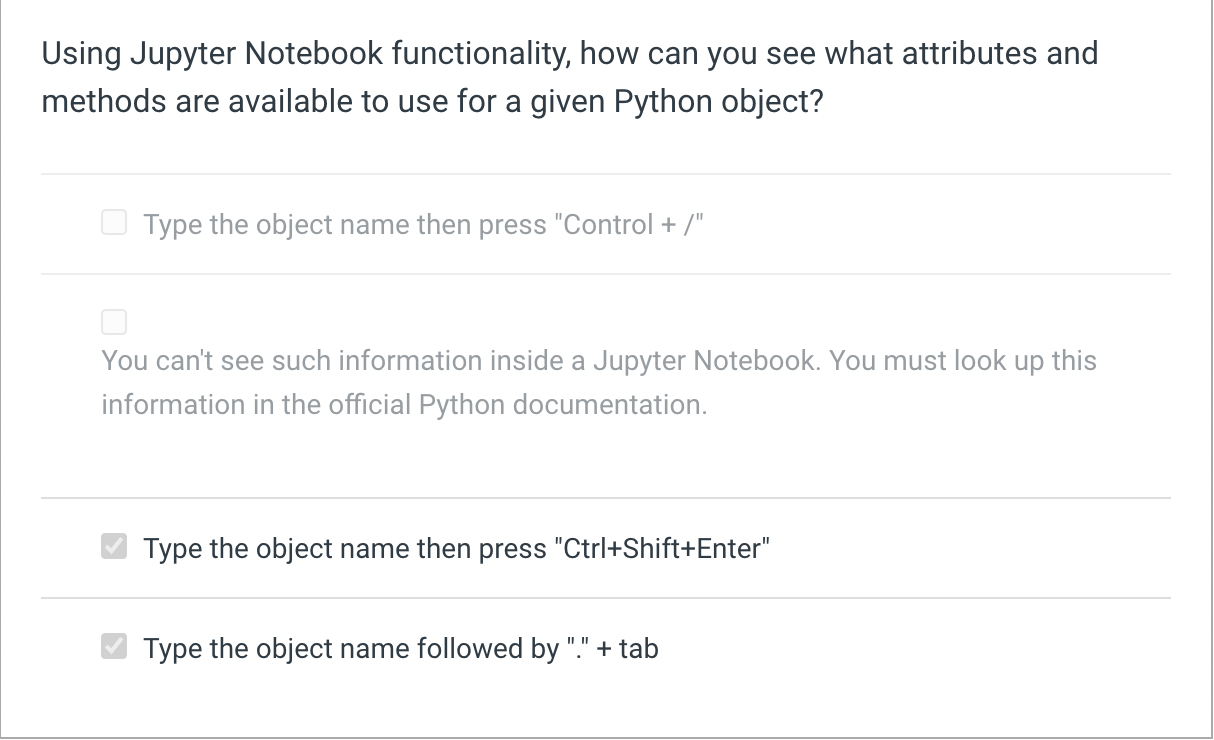
Question: Using Jupyter Notebook functionality, how can you see what attributes and methods are available to use for a given Python object? Type the object name
Using Jupyter Notebook functionality, how can you see what attributes and
methods are available to use for a given Python object?
Type the object name then press "Control
You can't see such information inside a Jupyter Notebook. You must look up this
information in the official Python documentation.
Type the object name then press CtrlShiftEnter"
Type the object name followed by tab. Dont use genai to answer. plz answer by thy self
Step by Step Solution
There are 3 Steps involved in it
1 Expert Approved Answer
Step: 1 Unlock

Question Has Been Solved by an Expert!
Get step-by-step solutions from verified subject matter experts
Step: 2 Unlock
Step: 3 Unlock
 Study Help