







Question: using kali please help with below. We will run nmap in the terminal window. Find your IP address before proceeding. Your IP address will be
using kali please help with below.
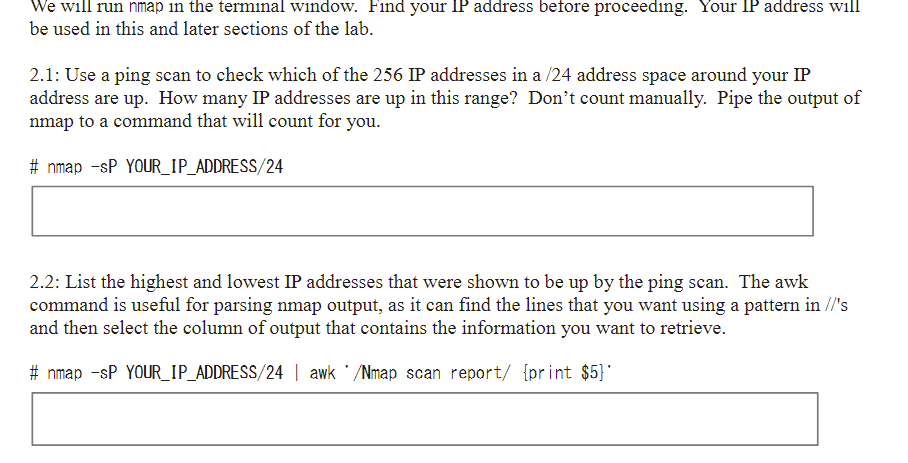
We will run nmap in the terminal window. Find your IP address before proceeding. Your IP address will be used in this and later sections of the lab. 2.1: Use a ping scan to check which of the 256 IP addresses in a /24 address space around your IP address are up. How many IP addresses are up in this range? Don't count manually. Pipe the output of nmap to a command that will count for you # nmap-sP YOUR IP ADDRESS/24 2.2: List the highest and lowest IP addresses that were shown to be up by the ping scan. The awk command is useful for parsing nmap output, as it can find the lines that you want using a pattern in //'s and then select the column of output that contains the information you want to retrieve. # nmap-sP YOUR-IP ADDRESS/24 l awk . /Nmap scan report/ {print $5)
Step by Step Solution
There are 3 Steps involved in it

Get step-by-step solutions from verified subject matter experts
 Study Help