







Question: using linux 2. Display the current IP address and netmask for all interfaces. 3. Display the route information. 4. Show how many hops between the
using linux 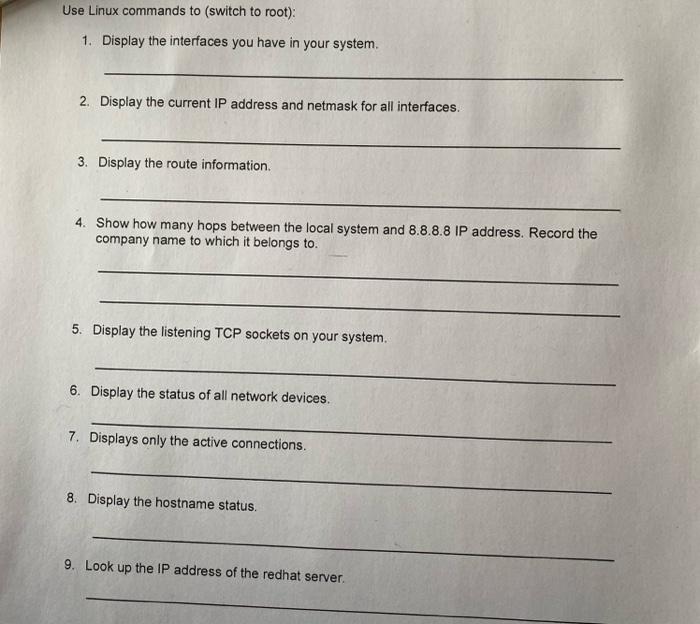
2. Display the current IP address and netmask for all interfaces. 3. Display the route information. 4. Show how many hops between the local system and 8.8.8.8 IP address. Record the company name to which it belongs to. 5. Display the listening TCP sockets on your system. 6. Display the status of all network devices. 7. Displays only the active connections. 8. Display the hostname status. 9. Look up the IP address of the redhat server
Step by Step Solution
There are 3 Steps involved in it
1 Expert Approved Answer
Step: 1 Unlock

Question Has Been Solved by an Expert!
Get step-by-step solutions from verified subject matter experts
Step: 2 Unlock
Step: 3 Unlock
 Study Help