







Question: Using Linux Command Terminal Scenario Your company recently changed directions and decided to terminate three products. All the necessary files have been backed up, archived,
Using Linux Command Terminal
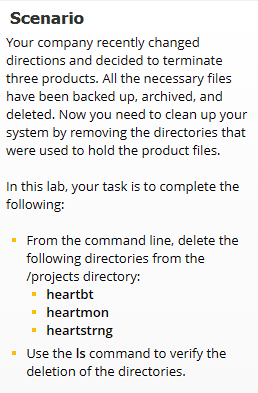
Scenario Your company recently changed directions and decided to terminate three products. All the necessary files have been backed up, archived, and deleted. Now you need to clean up your system by removing the directories that were used to hold the product files. In this lab, your task is to complete the following: From the command line, delete the following directories from the /projects directory: heartbt heartmon heartstrng - Use the Is command to verify the deletion of the directories
Step by Step Solution
There are 3 Steps involved in it
1 Expert Approved Answer
Step: 1 Unlock

Question Has Been Solved by an Expert!
Get step-by-step solutions from verified subject matter experts
Step: 2 Unlock
Step: 3 Unlock
 Study Help