







Question: using Logicly Using the toggle switches and the 4-bit digit to represent input and output. Note that for the 4-bit digit output, you won't need
using Logicly
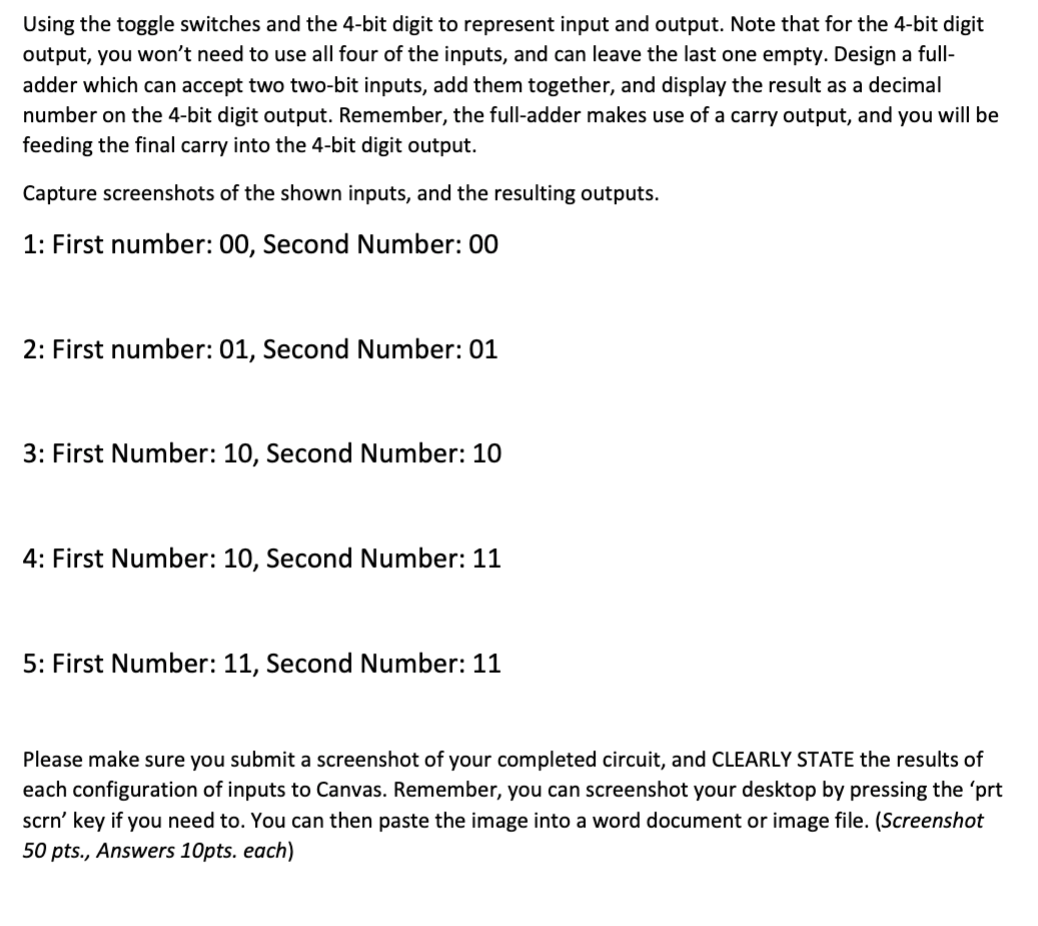
Using the toggle switches and the 4-bit digit to represent input and output. Note that for the 4-bit digit output, you won't need to use all four of the inputs, and can leave the last one empty. Design a full- adder which can accept two two-bit inputs, add them together, and display the result as a decimal number on the 4-bit digit output. Remember, the full-adder makes use of a carry output, and you will be feeding the final carry into the 4-bit digit output. Capture screenshots of the shown inputs, and the resulting outputs. 1: First number: 00, Second Number: 00 2: First number: 01, Second Number: 01 3: First Number: 10, Second Number: 10 4: First Number: 10, Second Number: 11 5: First Number: 11, Second Number: 11 Please make sure you submit a screenshot of your completed circuit, and CLEARLY STATE the results of each configuration of inputs to Canvas. Remember, you can screenshot your desktop by pressing the 'prt scrn' key if you need to. You can then paste the image into a word document or image file. (Screenshot 50 pts., Answers 10pts. each) Using the toggle switches and the 4-bit digit to represent input and output. Note that for the 4-bit digit output, you won't need to use all four of the inputs, and can leave the last one empty. Design a full- adder which can accept two two-bit inputs, add them together, and display the result as a decimal number on the 4-bit digit output. Remember, the full-adder makes use of a carry output, and you will be feeding the final carry into the 4-bit digit output. Capture screenshots of the shown inputs, and the resulting outputs. 1: First number: 00, Second Number: 00 2: First number: 01, Second Number: 01 3: First Number: 10, Second Number: 10 4: First Number: 10, Second Number: 11 5: First Number: 11, Second Number: 11 Please make sure you submit a screenshot of your completed circuit, and CLEARLY STATE the results of each configuration of inputs to Canvas. Remember, you can screenshot your desktop by pressing the 'prt scrn' key if you need to. You can then paste the image into a word document or image file. (Screenshot 50 pts., Answers 10pts. each)
Step by Step Solution
There are 3 Steps involved in it

Get step-by-step solutions from verified subject matter experts
 Study Help