







Question: using matlab (Animation) Simulation of Brownian motion. Write a function with the following declaration: brown2D(N). The function takes in a single input N, which is
using matlab
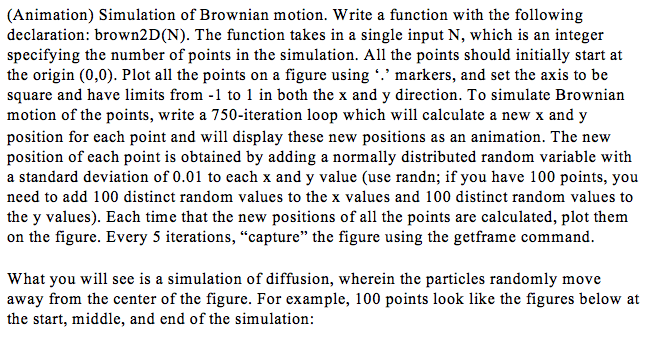
(Animation) Simulation of Brownian motion. Write a function with the following declaration: brown2D(N). The function takes in a single input N, which is an integer specifying the number of points in the simulation. All the points should initially start at the origin (0, 0). Plot all the points on a figure using '.' markers, and set the axis to be square and have limits from -1 to 1 in both the x and y direction. To simulate Brownian motion of the points, write a 750-iteration loop which will calculate a new x and y position for each point and will display these new positions as an animation. The new position of each point is obtained by adding a normally distributed random variable with a standard deviation of 0.01 to each x and y value (use randn; if you have 100 points, you need to add 100 distinct random values to the x values and 100 distinct random values to the y values). Each time that the new positions of all the points are calculated, plot them on the figure. Every 5 iterations, "capture" the figure using the getframe command. What you will sec is a simulation of diffusion, wherein the particles randomly move away from the center of the figure. For example, 100 points look like the figures below at the start, middle, and end of the simulation
Step by Step Solution
There are 3 Steps involved in it

Get step-by-step solutions from verified subject matter experts
 Study Help