







Question: Using Matlab B. Rolling a Single Die Write a script that simulates the rolling of a single die a user-specified number of times. 1) Start
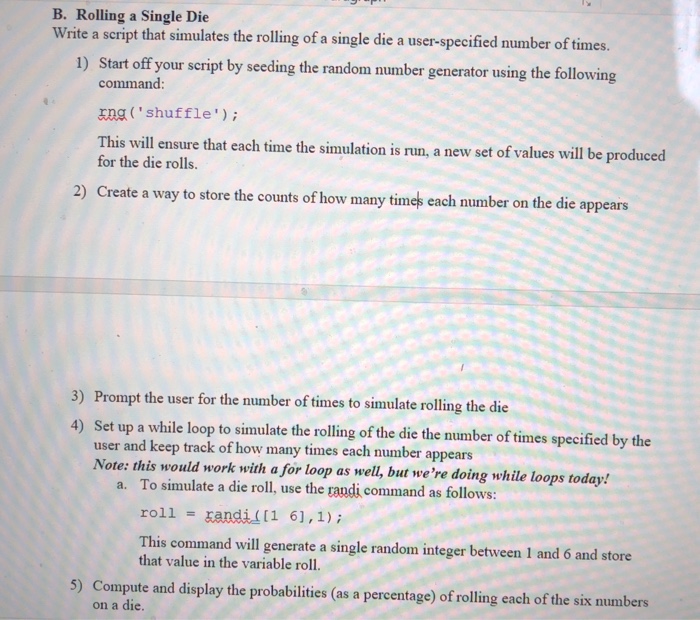
B. Rolling a Single Die Write a script that simulates the rolling of a single die a user-specified number of times. 1) Start off your script by seeding the random number generator using the following command: rna 'shuffle); This will ensure that each time the simulation is run, a new set of values will be produced for the die rolls. 2) Create a way to store the counts of how many times each number on the die appears 3) Prompt the user for the number of times to simulate rolling the die 4) Set up a while loop to simulate the rolling of the die the number of times specified by the user and keep track of how many times each number appears Note: this would work with a for loop as well, but we're doing while loops today. To simulate a die roll, use the raudi command as follows: roll This command will generate a single random integer between I and 6 and store a. - randi [1 6],1) that value in the variable roll. 5) Compute and display the probabilities (as a percentage) of rolling each of the six numbers on a die
Step by Step Solution
There are 3 Steps involved in it

Get step-by-step solutions from verified subject matter experts
 Study Help