



Question: Using MATLAB. Please pay attention to the (Restrictions), because the assessment will be incorrect!? Replacing substrings: One fish, two fish Write a function called SeussifyString
Using MATLAB. Please pay attention to the (Restrictions), because the assessment will be incorrect!?
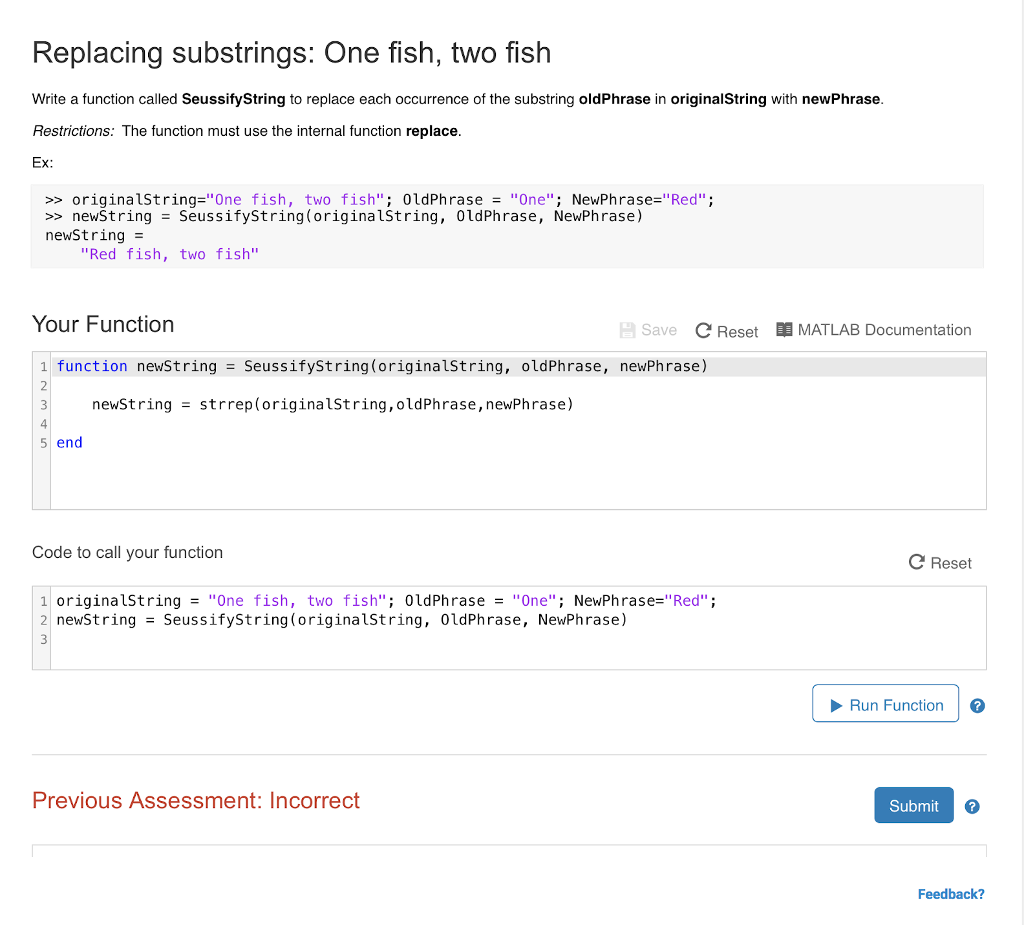
Replacing substrings: One fish, two fish Write a function called SeussifyString to replace each occurrence of the substring oldPhrase in originalString with newPhrase Restrictions: The function must use the internal function replace Ex: >> originalst ring-"One fish, two fish"; 0ldPhrase- "One". NewPhrase="Red". > newstring -SeussifyString(originalString, 0ldPhrase, NewPhrase) newstring "Red fish, two fish" Your Function Save C Reset MATLAB Documentation 1 function newString -SeussifyString(originalString, oldPhrase, newPhrase) 2 3 4 newStringstrrep(originalString,oldPhrase, newPhrase) 5 end Code to call your function C Reset originalst ring-"One fish, two fish"; 0ldPh rase = "One". NewPh rase="Red" ; newString - SeussifyString(originalString, 0ldPhrase, NewPhrase) 2 3 Run Function Previous Assessment: Incorrect Submit 3 Feedback
Step by Step Solution
There are 3 Steps involved in it

Get step-by-step solutions from verified subject matter experts