







Question: Using Microsoft Access, you will define a student-advising database that will consist of two tables: Students and Faculty. The Student Table has the following fields
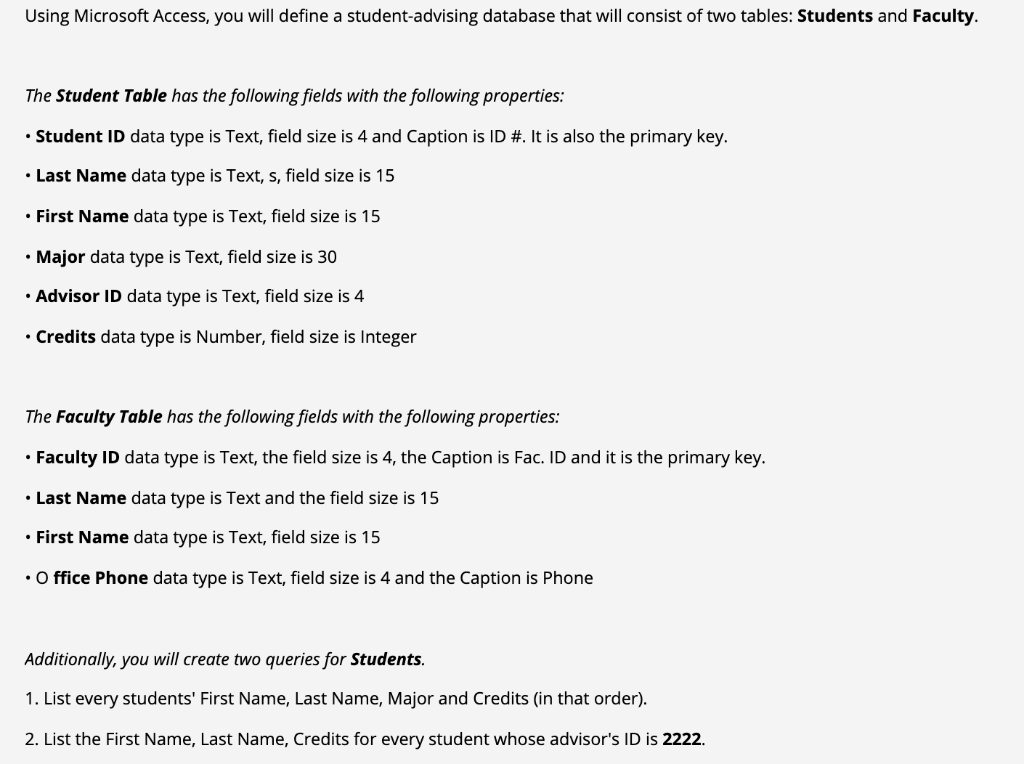
Using Microsoft Access, you will define a student-advising database that will consist of two tables: Students and Faculty. The Student Table has the following fields with the following properties: Student ID data type is Text, field size is 4 and Caption is ID #. It is also the primary key. Last Name data type is Text, s, field size is 15 First Name data type is Text, field size is 15 Major data type is Text, field size is 30 Advisor ID data type is Text, field size is 4 Credits data type is Number, field size is Integer The Faculty Table has the following fields with the following properties: Faculty ID data type is Text, the field size is 4, the Caption is Fac. ID and it is the primary key. Last Name data type is Text and the field size is 15 First Name data type is Text, field size is 15 Office Phone data type is Text, field size is 4 and the Caption is Phone Additionally, you will create two queries for Students. 1. List every students' First Name, Last Name, Major and Credits (in that order). 2. List the First Name, Last Name, Credits for every student whose advisor's ID is 2222
Step by Step Solution
There are 3 Steps involved in it

Get step-by-step solutions from verified subject matter experts
 Study Help