







Question: Using MS Access, create a database . Q1) create a form that displays the countries table using wizard. Re-edit the layout by changing the fonts
Using MS Access, create a database .
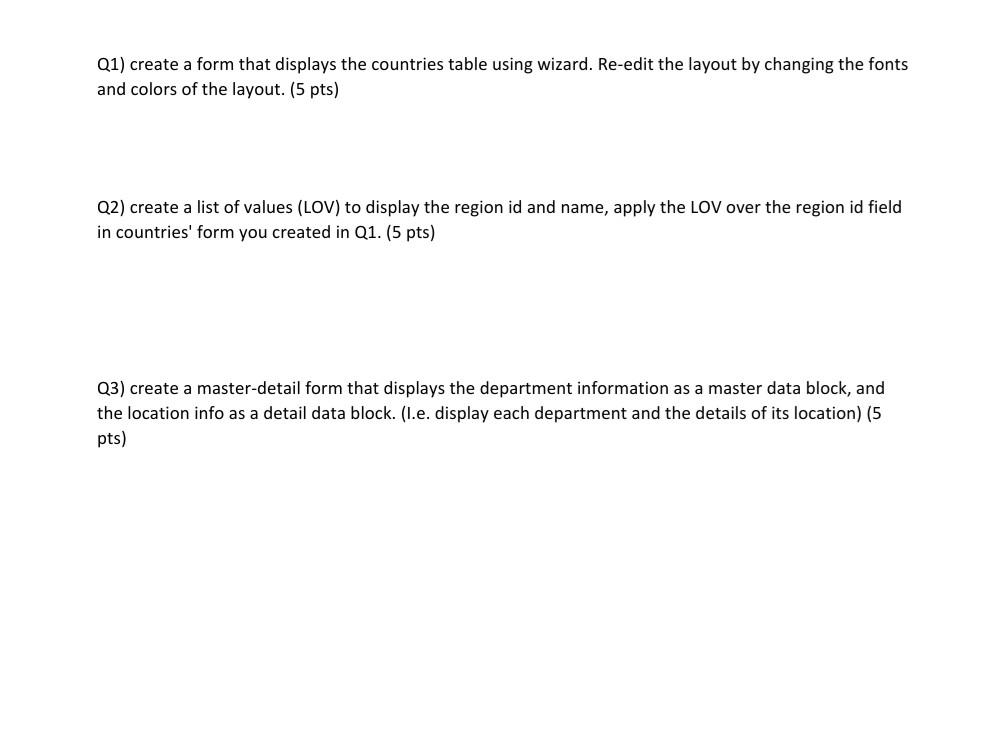
Q1) create a form that displays the countries table using wizard. Re-edit the layout by changing the fonts and colors of the layout. (5 pts) Q2) create a list of values (LOV) to display the region id and name, apply the LOV over the region id field in countries' form you created in Q1. (5 pts) Q3) create a master-detail form that displays the department information as a master data block, and the location info as a detail data block. (I.e. display each department and the details of its location) (5 pts)
Step by Step Solution
There are 3 Steps involved in it
1 Expert Approved Answer
Step: 1 Unlock

Question Has Been Solved by an Expert!
Get step-by-step solutions from verified subject matter experts
Step: 2 Unlock
Step: 3 Unlock
 Study Help