



Question: Using the 8051 Timers in polling mode on KEIL Overview The purpose of this lab is to control and program the MC8051 Timers of the
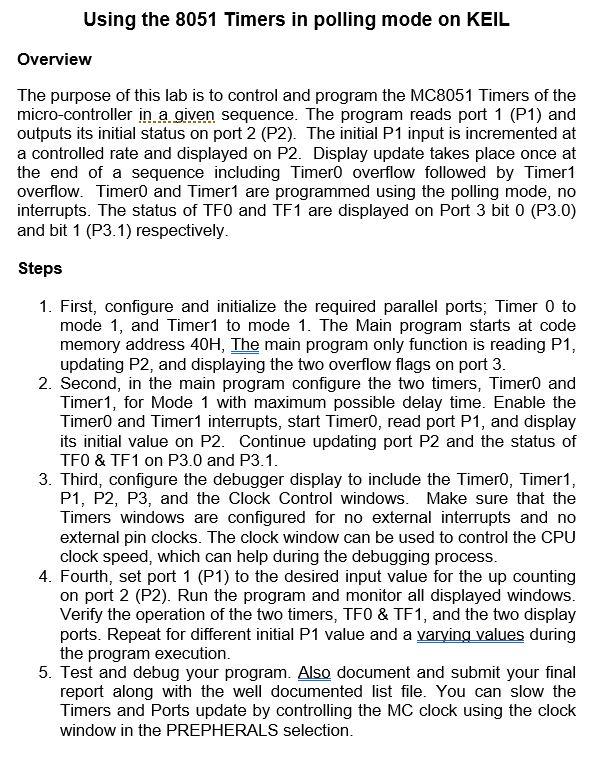
Using the 8051 Timers in polling mode on KEIL Overview The purpose of this lab is to control and program the MC8051 Timers of the micro-controller in a given sequence. The program reads port 1 (P1) and outputs its initial status on port 2 (P2). The initial P1 input is incremented at a controlled rate and displayed on P2. Display update takes place once at the end of a sequence including Timero overflow followed by Timer1 overflow. Timero and Timer1 are programmed using the polling mode, no interrupts. The status of TFO and TF1 are displayed on Port 3 bit 0 (P3.0) and bit 1 (P3.1) respectively. Steps 1. First, configure and initialize the required parallel ports; Timer 0 to mode 1, and Timer1 to mode 1. The Main program starts at code memory address 40H, The main program only function is reading P1, updating P2, and displaying the two overflow flags on port 3. 2. Second, in the main program configure the two timers, Timero and Timer1, for Mode 1 with maximum possible delay time. Enable the Timero and Timer1 interrupts, start Timero, read port P1, and display its initial value on P2. Continue updating port P2 and the status of TFO & TF1 on P3.0 and P3.1. 3. Third, configure the debugger display to include the Timero, Timer1, P1, P2, P3, and the Clock Control windows. Make sure that the Timers windows are configured for no external interrupts and no external pin clocks. The clock window can be used to control the CPU clock speed, which can help during the debugging process. 4. Fourth, set port 1 (P1) to the desired input value for the up counting on port 2 (P2). Run the program and monitor all displayed windows. Verify the operation of the two timers, TFO & TF1, and the two display ports. Repeat for different initial P1 value and a varving values during the program execution. 5. Test and debug your program. Also document and submit your final report along with the well documented list file. You can slow the Timers and Ports update by controlling the MC clock using the clock window in the PREPHERALS selection
Step by Step Solution
There are 3 Steps involved in it

Get step-by-step solutions from verified subject matter experts