







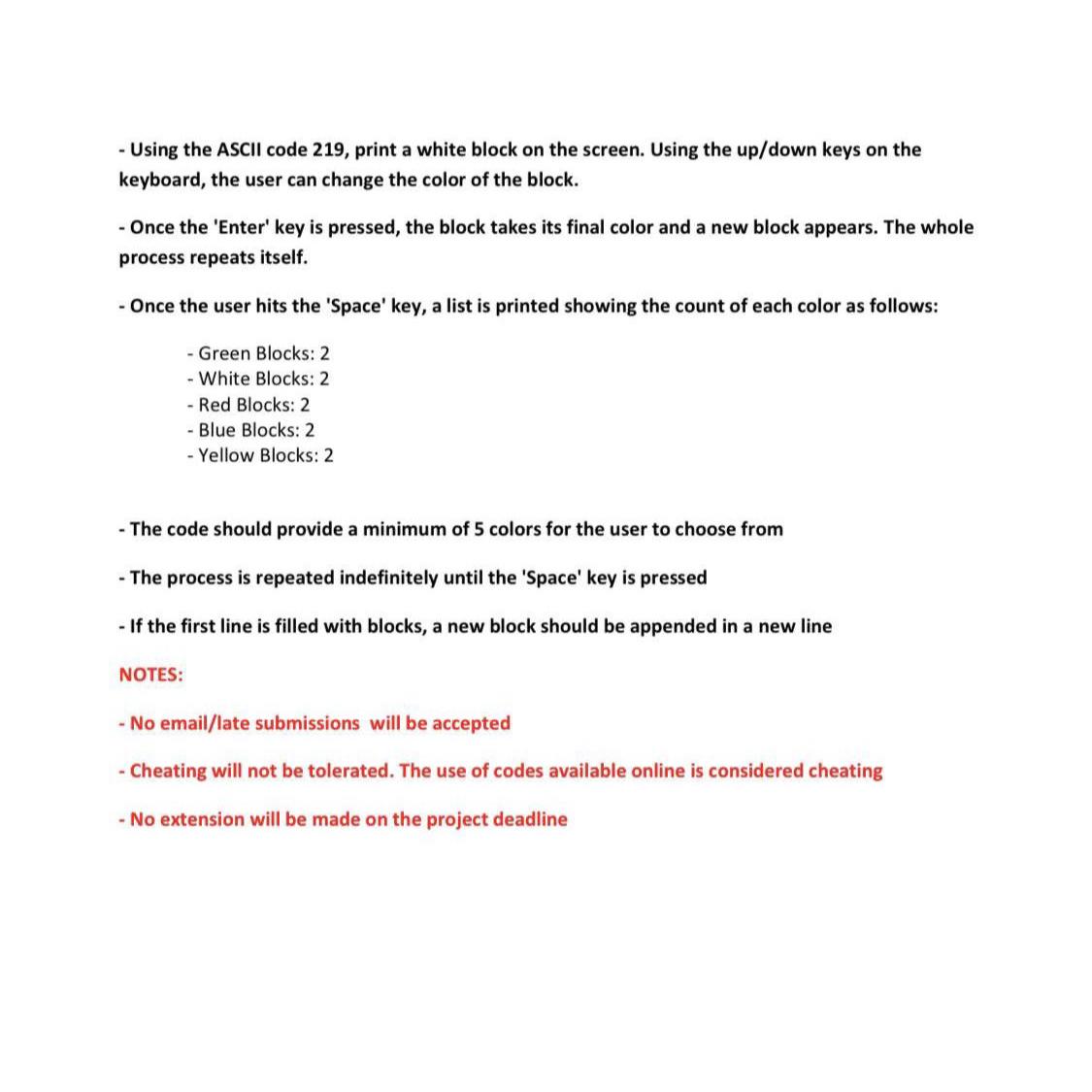
Question: Using the ASCII code 2 1 9 , print a white block on the screen. Using the up / down keys on the keyboard, the
Using the ASCII code print a white block on the screen. Using the updown keys on the keyboard, the user can change the color of the block.
Once the 'Enter' key is pressed, the block takes its final color and a new block appears. The whole process repeats itself.
Once the user hits the 'Space' key, a list is printed showing the count of each color as follows:
Green Blocks:
White Blocks:
Red Blocks:
Blue Blocks:
Yellow Blocks:
The code should provide a minimum of colors for the user to choose from
The process is repeated indefinitely until the 'Space' key is pressed
If the first line is filled with blocks, a new block should be appended in a new line NOTES:
No emaillate submissions will be accepted
Cheating will not be tolerated. The use of codes available online is considered cheating
No extension will be made on the project deadline
Step by Step Solution
There are 3 Steps involved in it
1 Expert Approved Answer
Step: 1 Unlock

Question Has Been Solved by an Expert!
Get step-by-step solutions from verified subject matter experts
Step: 2 Unlock
Step: 3 Unlock
 Study Help