


Question: Using the excel file Quiz 2 Part 2 Pivot answer the following questions below by creating a sheet for each question and upload it in
Using the excel file Quiz 2 Part 2 Pivot answer
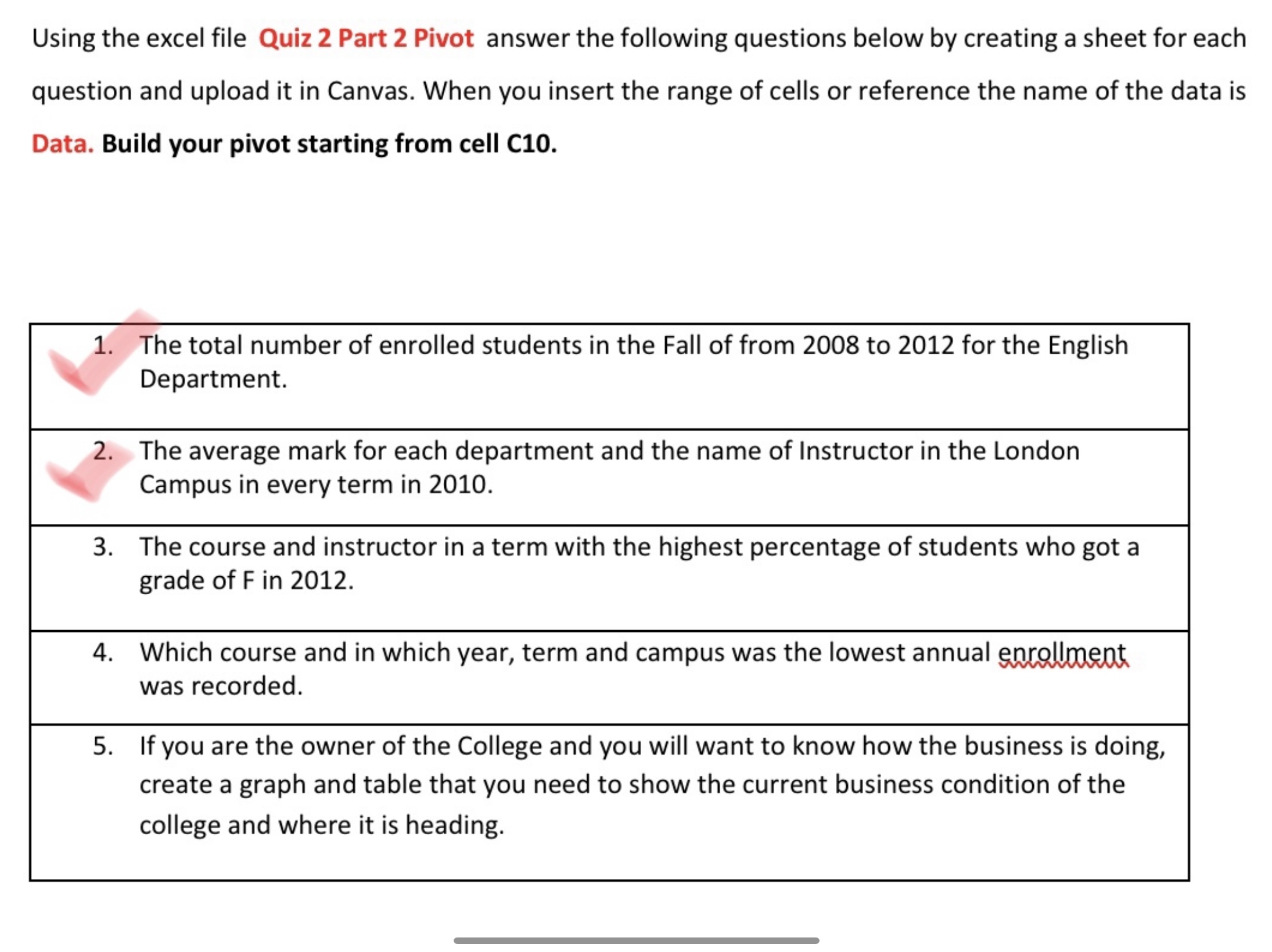
Using the excel file Quiz 2 Part 2 Pivot answer the following questions below by creating a sheet for each question and upload it in Canvas. When you insert the range of cells or reference the name of the data is Data. Build your pivot starting from cell C10. 1. The total number of enrolled students in the Fall of from 2008 to 2012 for the English \\ Department. 2. The average mark for each department and the name of Instructor in the London \\ Campus in every term in 2010. 3. The course and instructor in a term with the highest percentage of students who got a grade of F in 2012. 4. Which course and in which year, term and campus was the lowest annual W was recorded. 5. If you are the owner of the College and you will want to know how the business is doing, create a graph and table that you need to show the current business condition of the college and where it is heading

Step by Step Solution

There are 3 Steps involved in it

1 Expert Approved Answer
Step: 1 Unlock blur-text-image

Question Has Been Solved by an Expert!

Get step-by-step solutions from verified subject matter experts

Step: 2 Unlock
Step: 3 Unlock

Students Have Also Explored These Related Accounting Questions!