







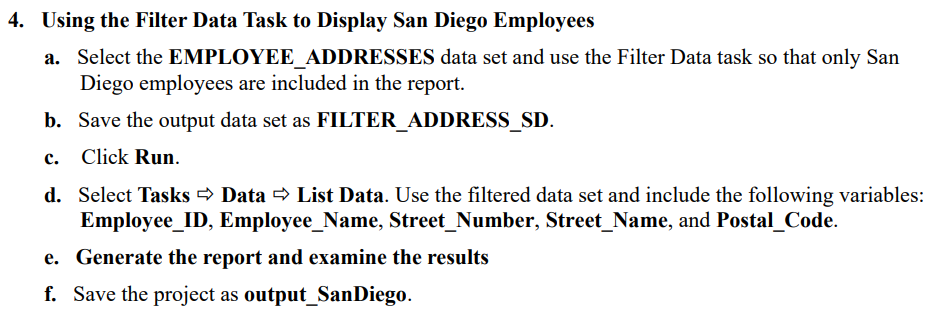
Question: Using the Filter Data Task to Display San Diego Employees a . Select the EMPLOYEE _ ADDRESSES data set and use the Filter Data task
Using the Filter Data Task to Display San Diego Employees
a Select the EMPLOYEEADDRESSES data set and use the Filter Data task so that only San
Diego employees are included in the report.
b Save the output data set as FILTERADDRESSSD
c Click Run.
d Select Tasks Data List Data. Use the filtered data set and include the following variables:
EmployeeID EmployeeName, StreetNumber, StreetName, and PostalCode.
e Generate the report and examine the results
f Save the project as outputSanDiego.
Step by Step Solution
There are 3 Steps involved in it
1 Expert Approved Answer
Step: 1 Unlock

Question Has Been Solved by an Expert!
Get step-by-step solutions from verified subject matter experts
Step: 2 Unlock
Step: 3 Unlock
 Study Help