







Question: Using the PhET simulation found at the URL below and the instructions provided, answer the questions about each section of the simulation. Go to the
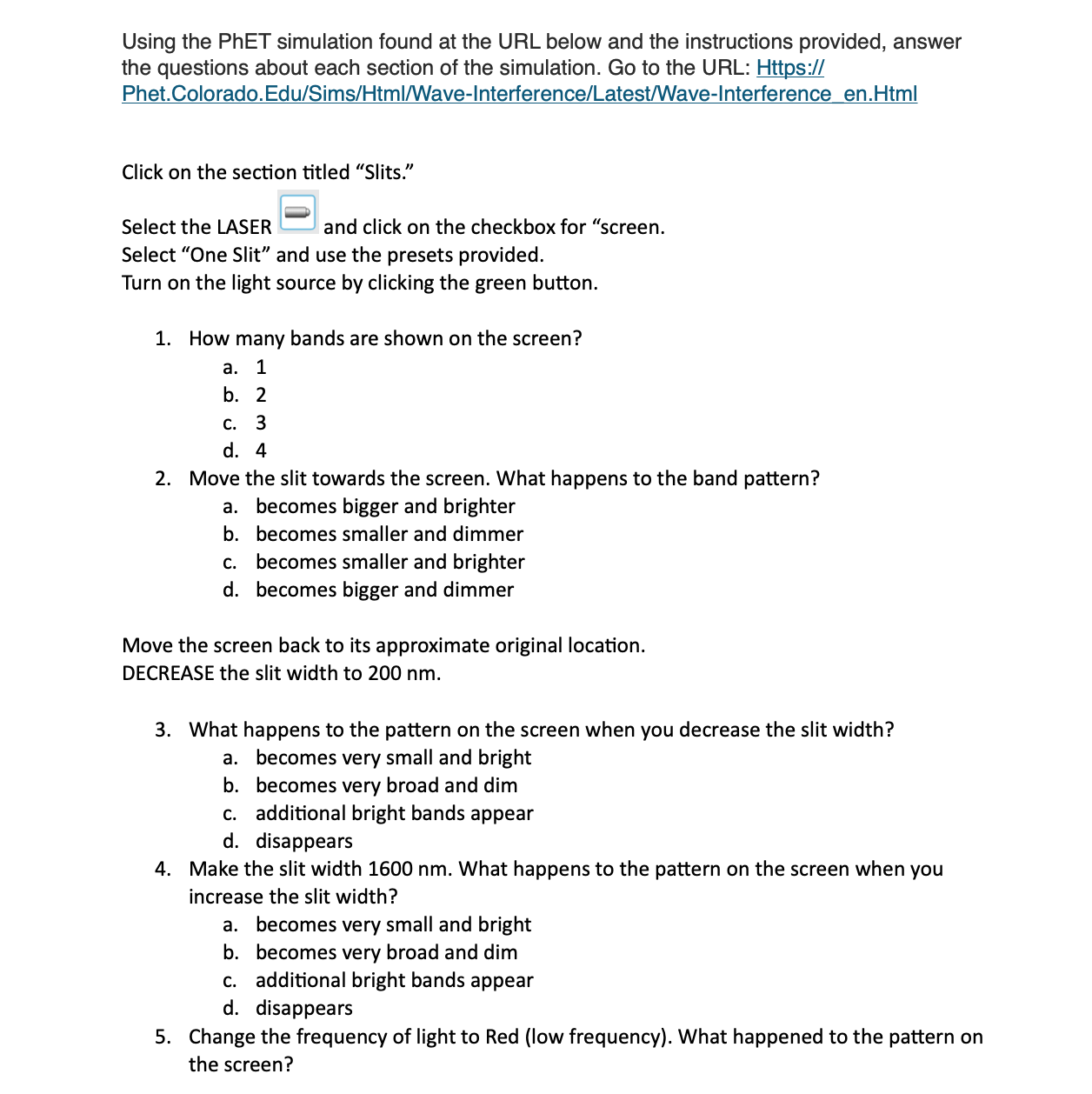
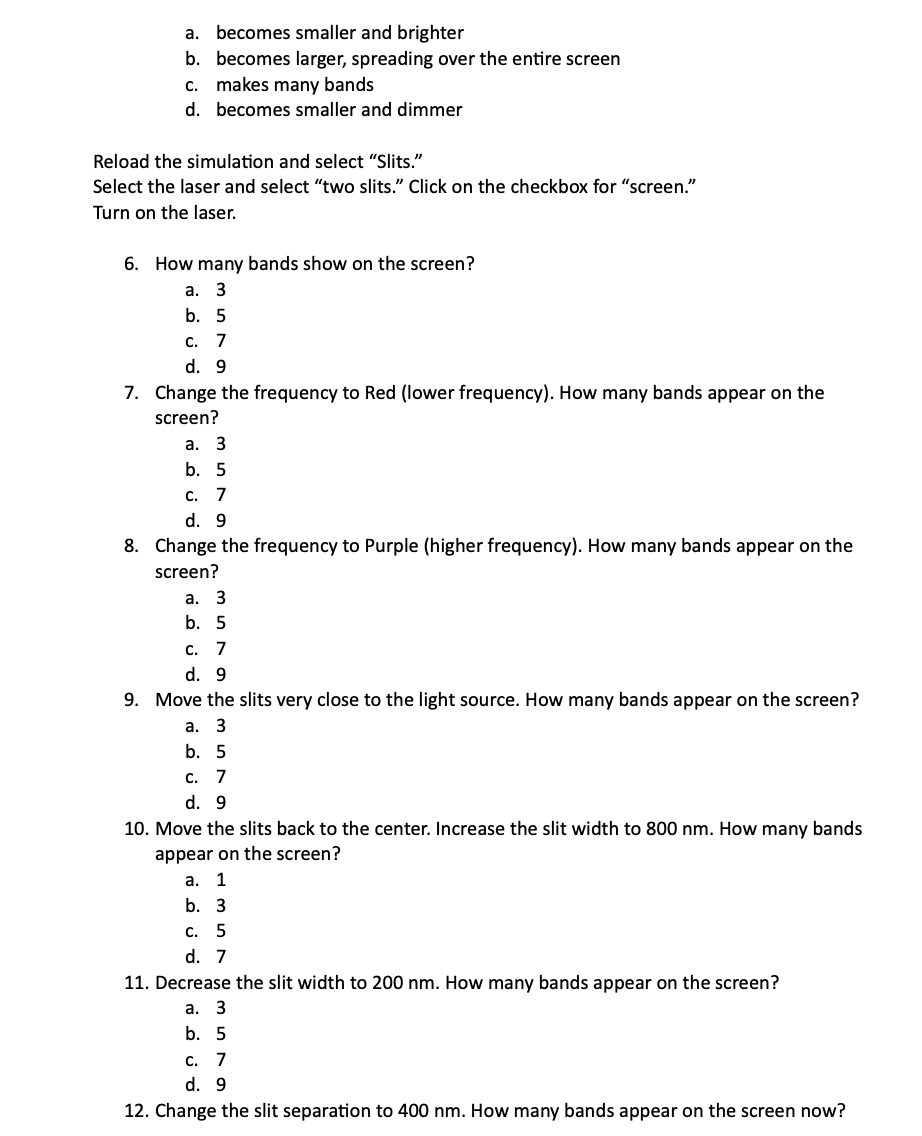
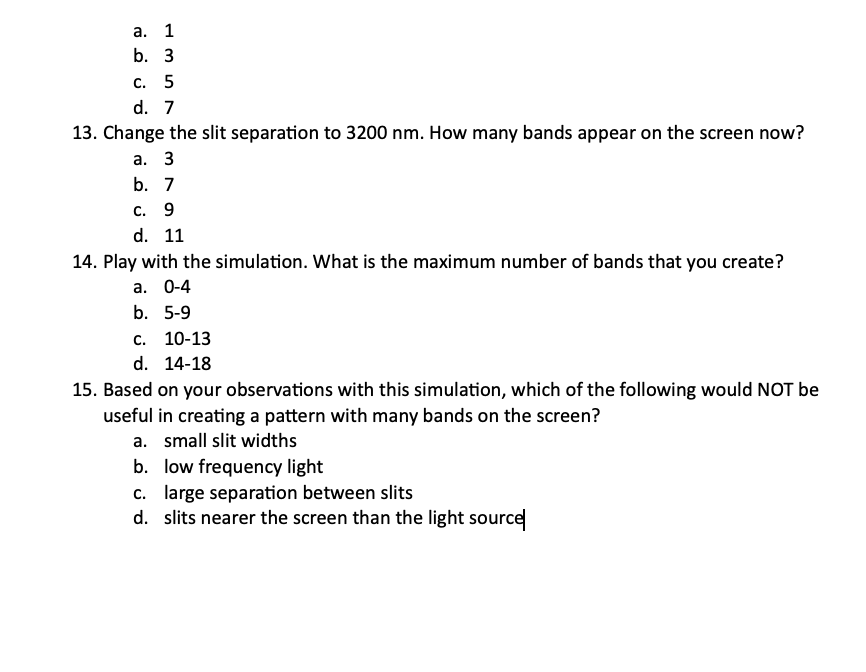
Using the PhET simulation found at the URL below and the instructions provided, answer the questions about each section of the simulation. Go to the URL: Httpsj} Phet.Colorado.Edu/Sims/HtmlMave-lnterterence/Latesti'Wave-lnterference en.Html Click on the section titled "Slits." Select the LASER H and click on the checkbox for "screen. Select \"One Slit" and use the presets provided. Turn on the light source by clicking the green button. 1. How many bands are shown on the screen? a. 1 b. 2 c. 3 d. 4 2. Move the slit towards the screen. What happens to the band pattern? a. becomes bigger and brighter b. becomes smaller and dimmer c. becomes smaller and brighter d. becomes bigger and dimmer Move the screen back to its approximate original location. DECREASE the slit width to 200 nm. 3. What happens to the pattern on the screen when you decrease the slit width? a. becomes very small and bright b. becomes very broad and dim c. additional bright bands appear d. disappears 4. Make the slit width 1600 nm. What happens to the pattern on the screen when you increase the slit width? a. becomes very small and bright b. becomes very broad and dim c. additional bright bands appear d. disappears 5. Change the frequency of light to Red (low frequency). What happened to the pattern on the screen? becomes smaller and brighter becomes large r, spreading over the entire screen makes many bands becomes smaller and dimmer P-F'P'F' Reload the simulation and select "Slits." Select the laser and select "two slits.\" Click on the checkbox for "screen." Turn on the laser. 6. 10. 11. 12. How many bands show on the screen? a. 3 b. S c. 7 d. 9 Change the frequency to Red (lower frequency]. How many bands appear on the screen? a. 3 b. S c. 7 d. 9 Change the frequency to Purple (higher frequency}. How many bands appear on the screen? a. 3 b. S c. 7 d. 9 Move the slits very close to the light source. How many bands appear on the screen? a. 3 b. S c. 7 d. 9 Move the slits back to the center. Increase the slit width to 800 nm. How many bands appear on the screen? a. 1 b. 3 c. S d. 7 Decrease the slit width to 200 nm. How many bands appear on the screen? a. 3 b. S c. 7 d. 9 Change the slit separation to 400 nm. How many bands appear on the screen now? a. 1 b. 3 c. S d. 7 13. Change the slit separation to 3200 nm. How many bands appear on the screen now? a. 3 b. 7 c. 9 d. 11 14. Play with the simulation. What is the maximum number of bands that you create? a. 0-4 b. 5-9 c. 10-13 d. 14-18 15. Based on your observations with this simulation, which of the following would NOT be useful in creating a pattern with many bands on the screen? a. small slit widths b. low frequency light c. large separation between slits d. slits nearer the screen than the light sourcel
Step by Step Solution
There are 3 Steps involved in it

Get step-by-step solutions from verified subject matter experts
 Study Help