







Question: Using the TM4C123G LaunchPad and Putty for UART communication 2. Assignment Implement, in C or assembly language, a visual Morse code translator using the following
Using the TM4C123G LaunchPad and Putty for UART communication
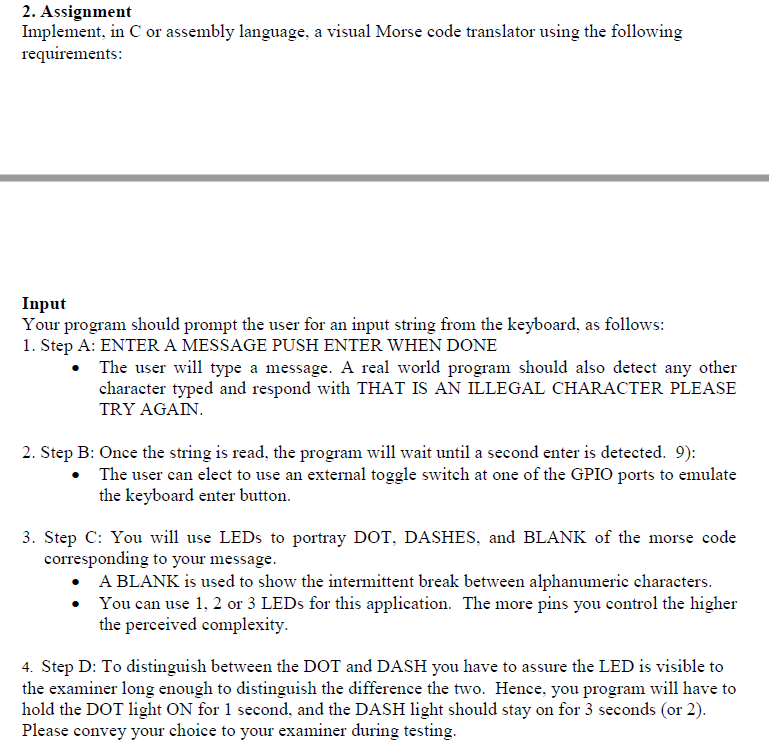
2. Assignment Implement, in C or assembly language, a visual Morse code translator using the following requirements: Your program should prompt the user for an input string from the keyboard, as follows: 1. Step A: ENTER A MESSAGE PUSH ENTER WHEN DONE The user will type a message. A real world program should also detect any other character typed and respond with THAT IS AN ILLEGAL CHARACTER PLEASE TRY AGAN 2. Step B: Once the string is read, the program will wait until a second enter is detected. 9): The user can elect to use an external toggle switch at one of the GPIO ports to emulate the keyboard enter button. 3. Step C: You will use LEDs to portray DOT, DASHES, and BLANK of the morse code corresponding to your message A BLANK is used to show the intermittent break between alphanumeric characters You can use 1,2 or 3 LEDs for this application. The more pins you control the higher tdhc perecivod complexity 4. Step D: To distinguish between the DOT and DASH you have to assure the LED is visible to the examiner long enough to distinguish the difference the two. Hence, you program wl have to hold the DOT light ON for 1 second, and the DASH light should stay on for 3 seconds (or 2) Please convey your choice to your examiner during testing. 2. Assignment Implement, in C or assembly language, a visual Morse code translator using the following requirements: Your program should prompt the user for an input string from the keyboard, as follows: 1. Step A: ENTER A MESSAGE PUSH ENTER WHEN DONE The user will type a message. A real world program should also detect any other character typed and respond with THAT IS AN ILLEGAL CHARACTER PLEASE TRY AGAN 2. Step B: Once the string is read, the program will wait until a second enter is detected. 9): The user can elect to use an external toggle switch at one of the GPIO ports to emulate the keyboard enter button. 3. Step C: You will use LEDs to portray DOT, DASHES, and BLANK of the morse code corresponding to your message A BLANK is used to show the intermittent break between alphanumeric characters You can use 1,2 or 3 LEDs for this application. The more pins you control the higher tdhc perecivod complexity 4. Step D: To distinguish between the DOT and DASH you have to assure the LED is visible to the examiner long enough to distinguish the difference the two. Hence, you program wl have to hold the DOT light ON for 1 second, and the DASH light should stay on for 3 seconds (or 2) Please convey your choice to your examiner during testing
Step by Step Solution
There are 3 Steps involved in it

Get step-by-step solutions from verified subject matter experts
 Study Help