







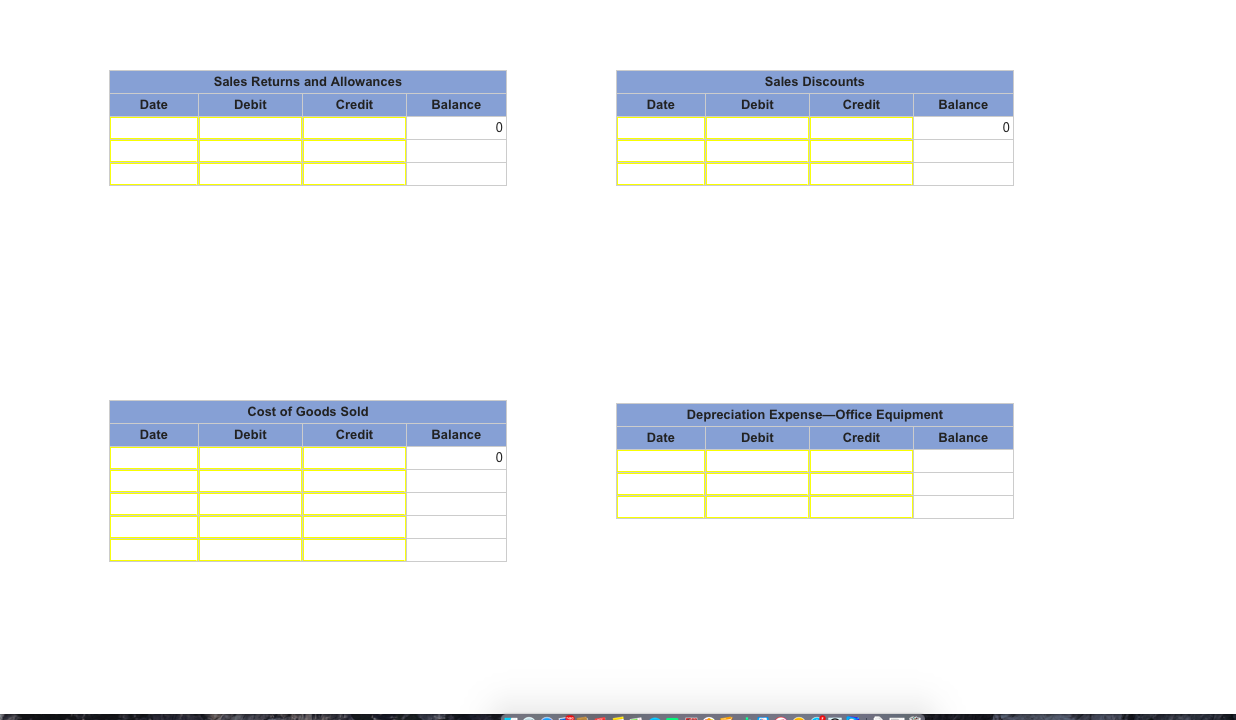
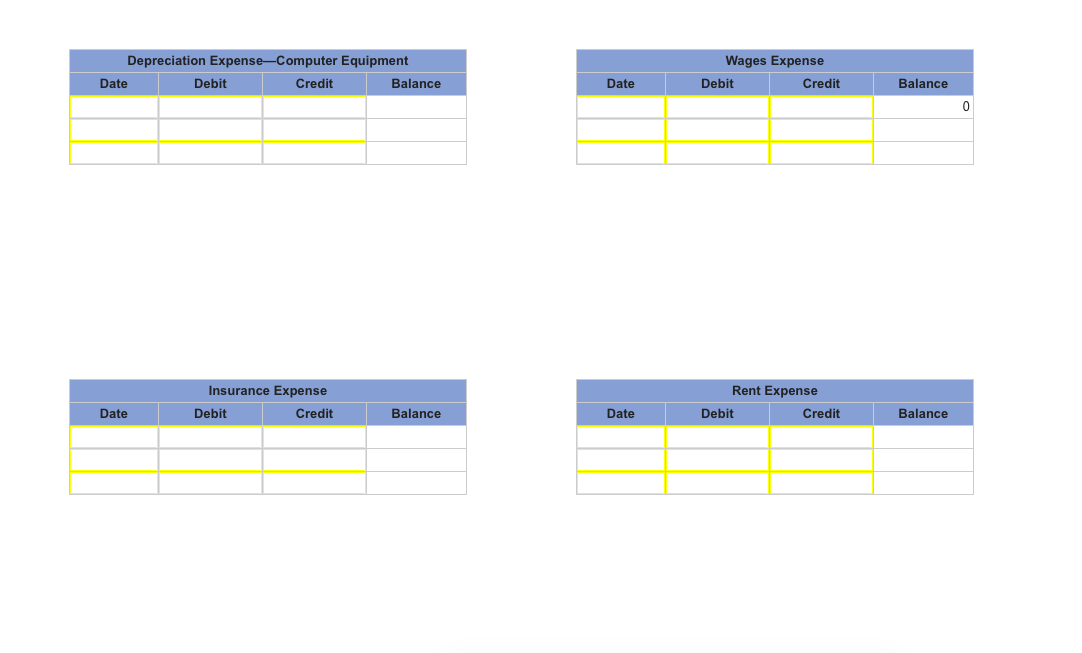
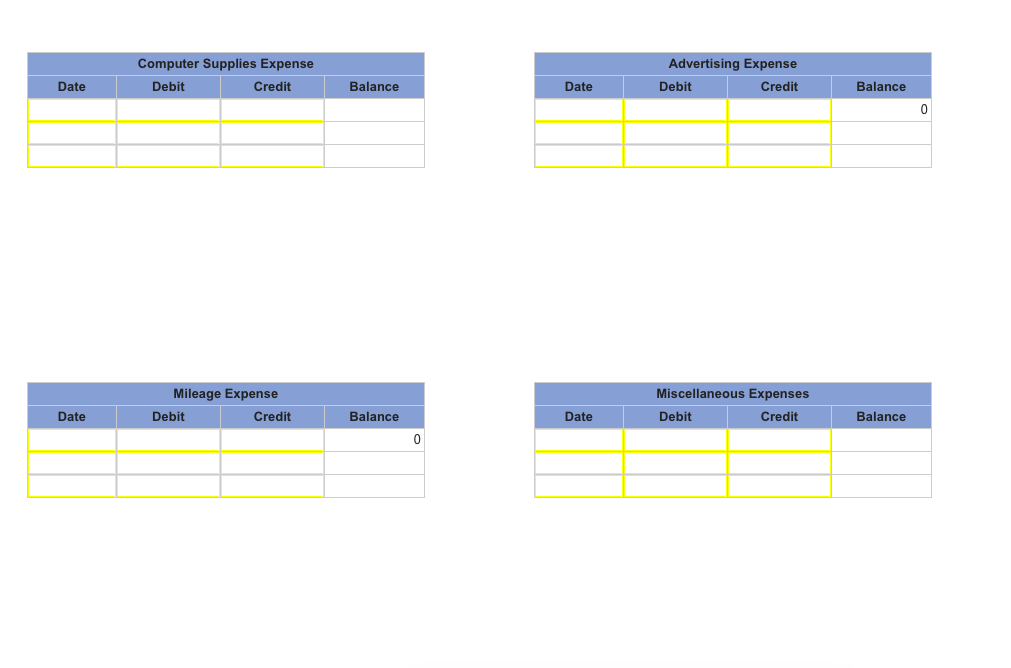
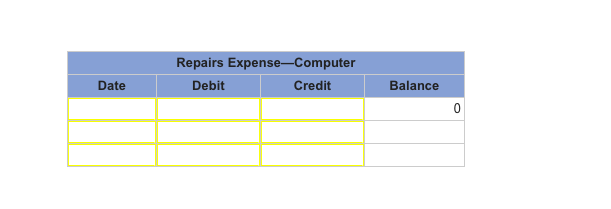
Question: using this information 2. Post the journal entries in part 1 to the accounts in the companys general ledger. ( Note : Begin with the
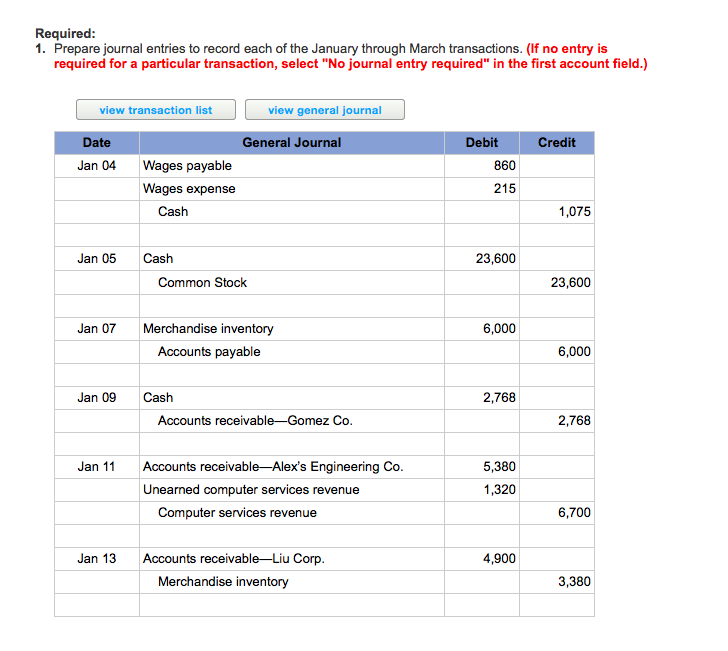 using this information
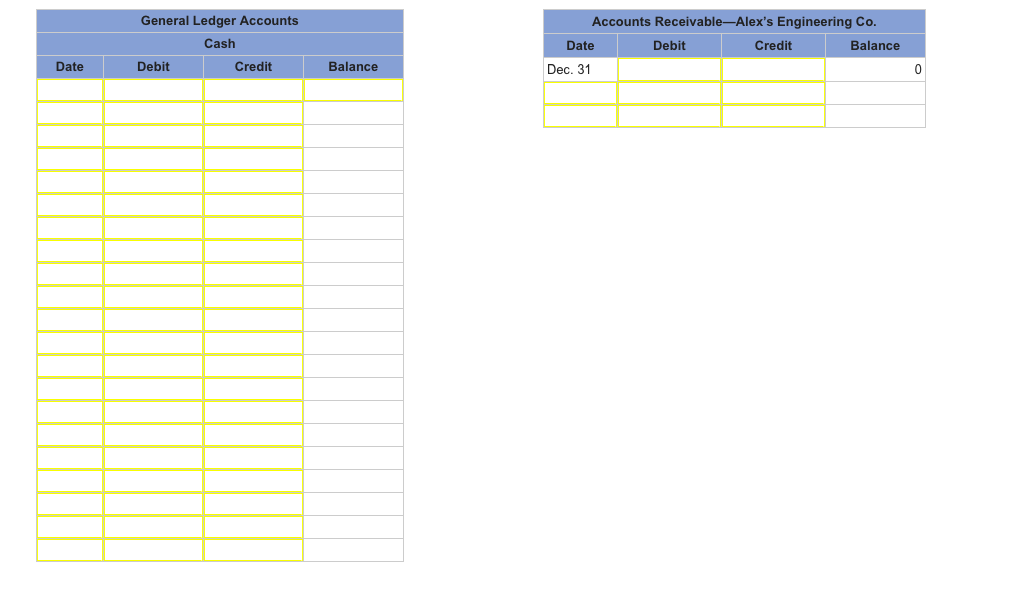
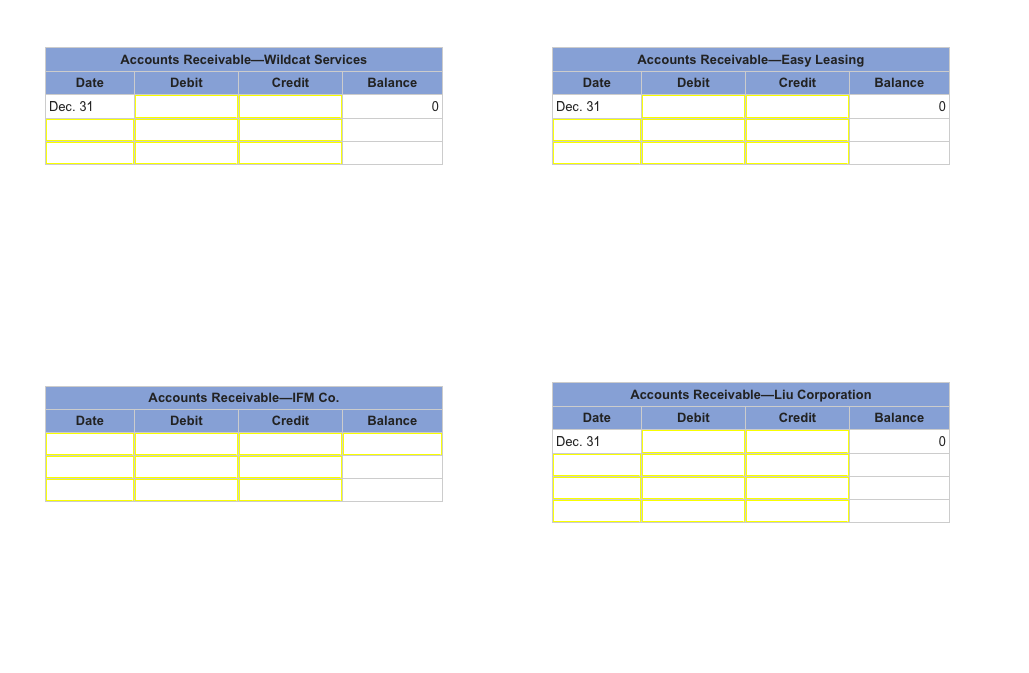
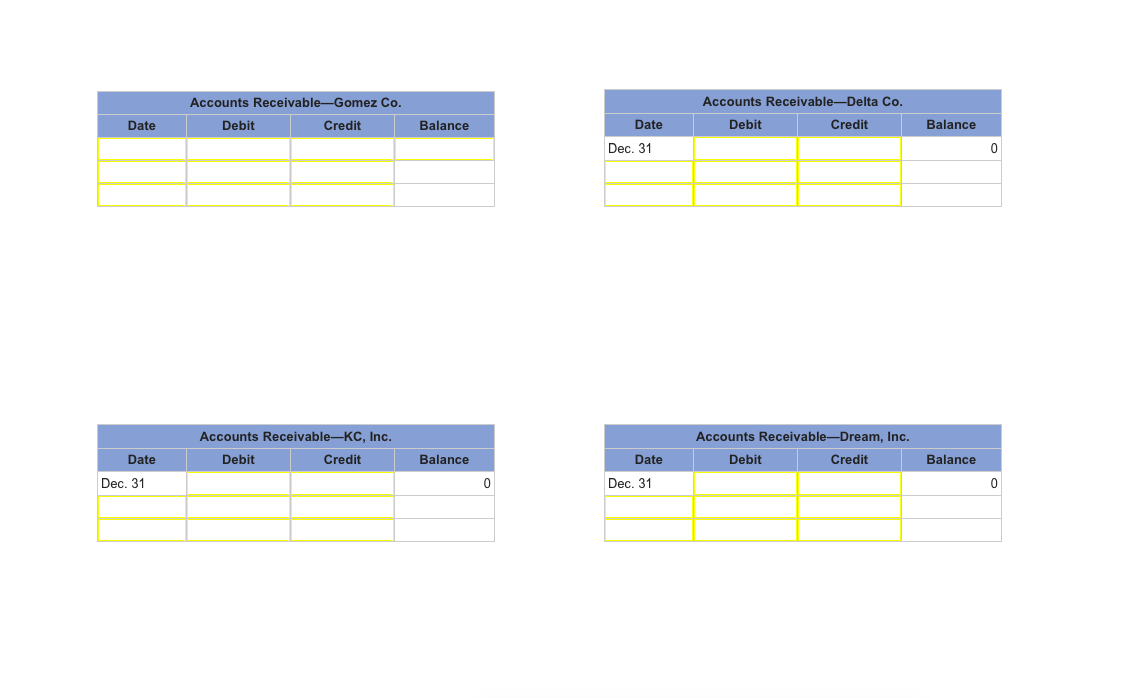
| 2. | Post the journal entries in part 1 to the accounts in the companys general ledger. (Note: Begin with the ledgers post-closing adjusted balances as of December 31, 2013.) (Record the transactions in the order presented. Do not skip rows.) |
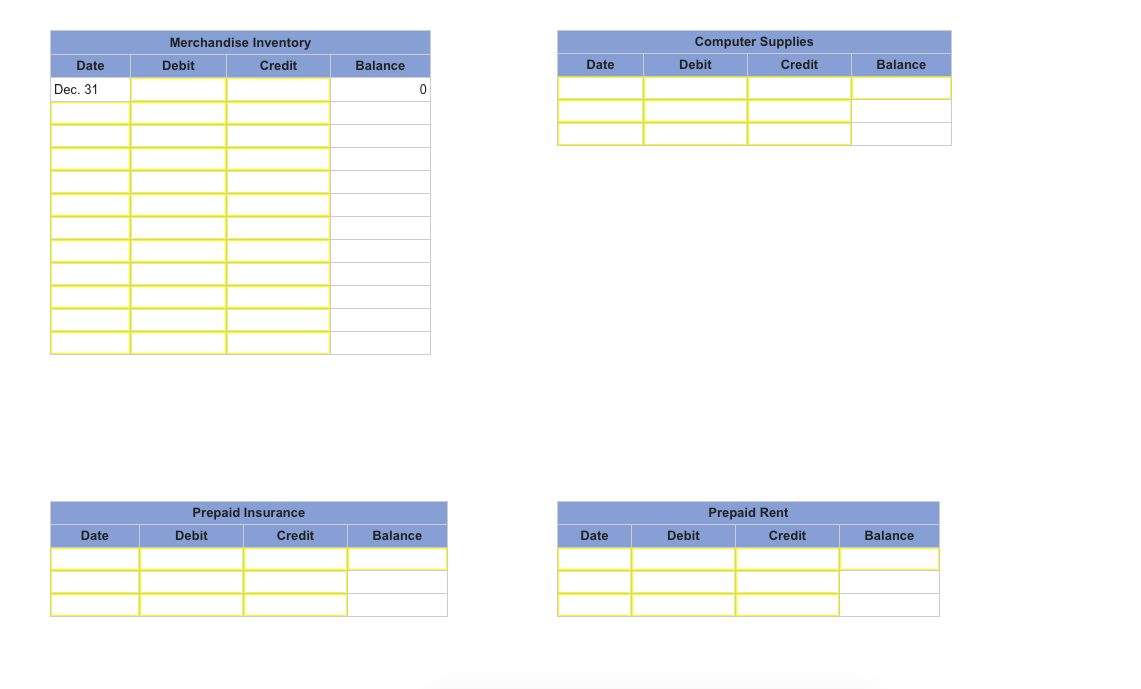
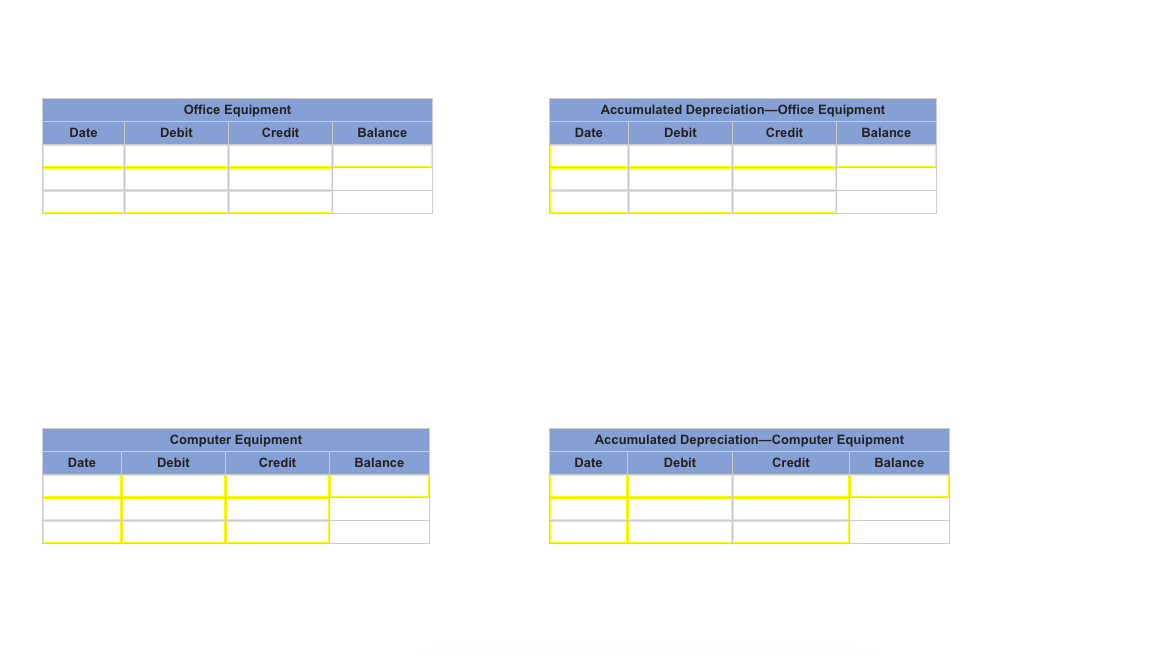
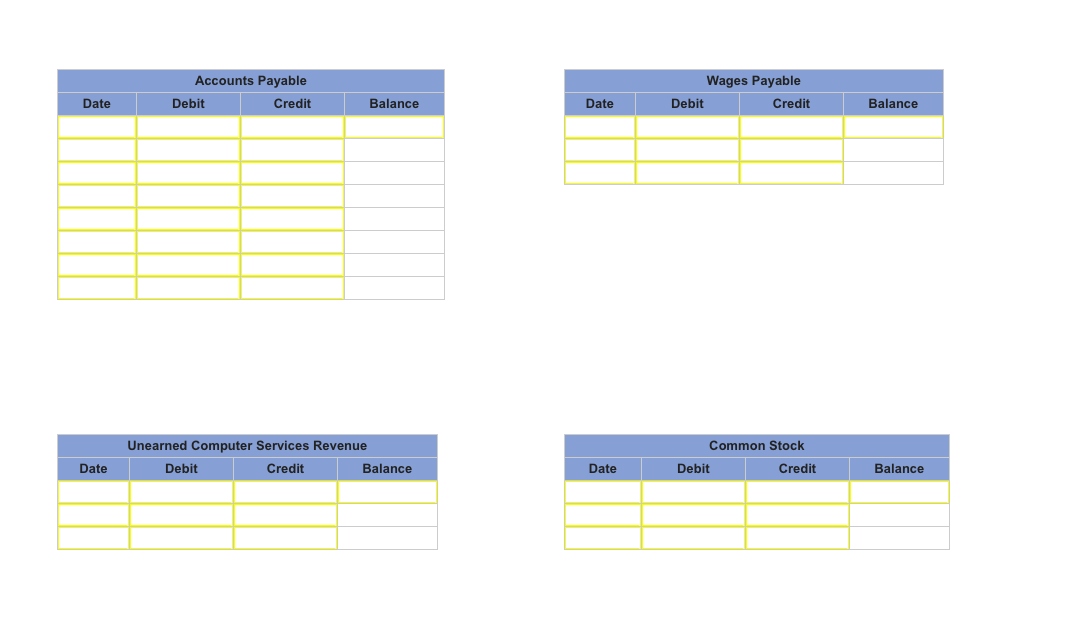
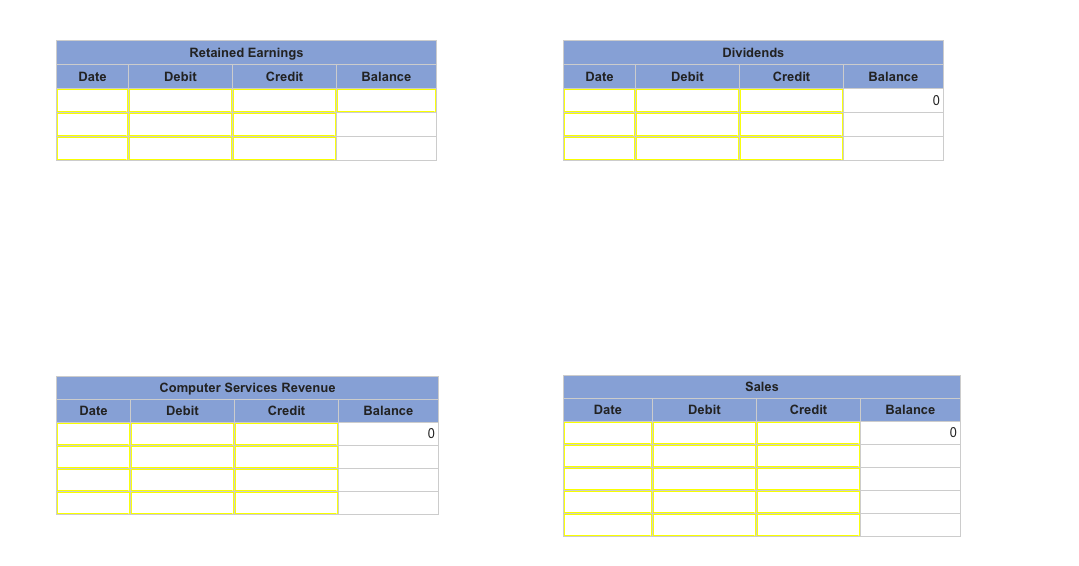
Required 1. Prepare journal entries to record each of the January through March transactions. (If no entry is required for a particular transaction, select "No journal entry required" in the first account field.) view transaction list view general journal Date General Journal Debit Credit Wages payable Wages expense 860 215 Jan 04 Cash 1,075 Jan 05 Cash 23,600 Common Stock 23,600 Jan 07Merchandise inventory 6,000 Accounts payable 6,000 Jan 09 Cash 2,768 Accounts receivable-Gomez Co 2,768 5,380 1,320 Jan 11Accounts receivable-Alex's Engineering Co Unearned computer services revenue Computer services revenue 6,700 Jan 13Accounts receivable-Liu Corp 4,900 Merchandise inventory 3,380
Step by Step Solution
There are 3 Steps involved in it

Get step-by-step solutions from verified subject matter experts
 Study Help