







Question: USING UNIX/LINUX COMMAND LINE IN TERMINAL ******************** q5.c*************************** /* Illustrating Function Scope */ #include // for printf() #include // for EXIT_SUCCESS /* Function header with
USING UNIX/LINUX COMMAND LINE IN TERMINAL
******************** q5.c***************************
/* Illustrating Function Scope */ #include
/* Function header with body */ void modify_values(double x) { printf(" The value of x within modify_values() before change: %f ", x); x = 13.37; printf(" The value of x within modify_values() after change: %f ", x); printf(" The memory address of x within modify_values() is: %p ", &x); return; }
int main() { double x = 18.45; printf("The value of x before modify_values() is called: %f ", x); modify_values(x); printf("The value of x after modify_values() is called: %f ", x); printf("The memory address of x within main() is: %p ", &x); return(EXIT_SUCCESS); }
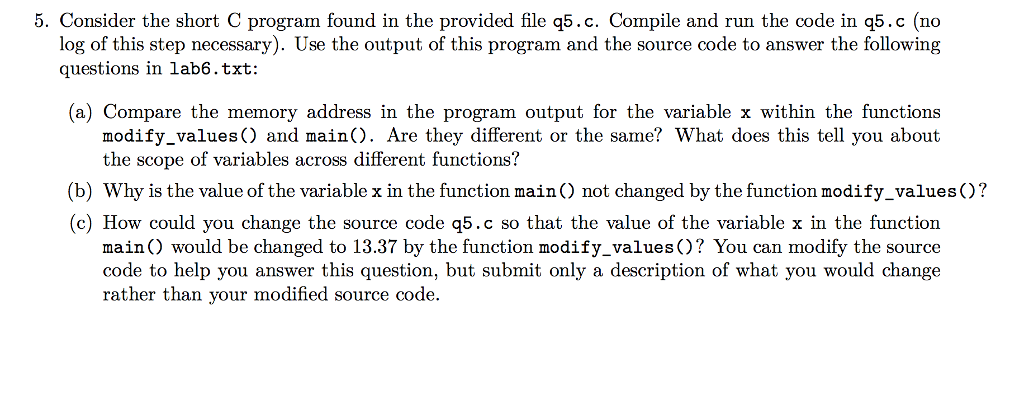
5. Consider the short C program found in the provided file q5.c. Compile and run the code in q5.c (no log of this step necessary). Use the output of this program and the source code to answer the following questions in lab6.txt: (a) Compare the memory address in the program output for the variable x within the functions modify_values) and main). Are they different or the same? What does this tell you about the scope of variables across different functions? (b) Why is the value of the variable x in the function main) not changed by the function modify_values)? c) How could you change the source code q5.c so that the value of the variable x in the function main) would be changed to 13.37 by the function modify_values) You can modify the source code to help you answer this question, but submit only a description of what you would change rather than your modified source code
Step by Step Solution
There are 3 Steps involved in it

Get step-by-step solutions from verified subject matter experts
 Study Help