







Question: using visual basic for the programming language and visual studio for the editor Exercise 17-1 Create a Customer Maintenance application that uses classes In this
using visual basic for the programming language and visual studio for the editor
Exercise 17-1 Create a Customer Maintenance application that uses classes
In this exercise, youll create a Customer Maintenance application that uses classes with the features presented in this chapter. To make this application easier to develop, well give you the starting forms and classes.
Open the project and add validation code to the Customer class
1. Open the application in the C:\VB 2015\Chapter 17\CustomerMaintenance directory.
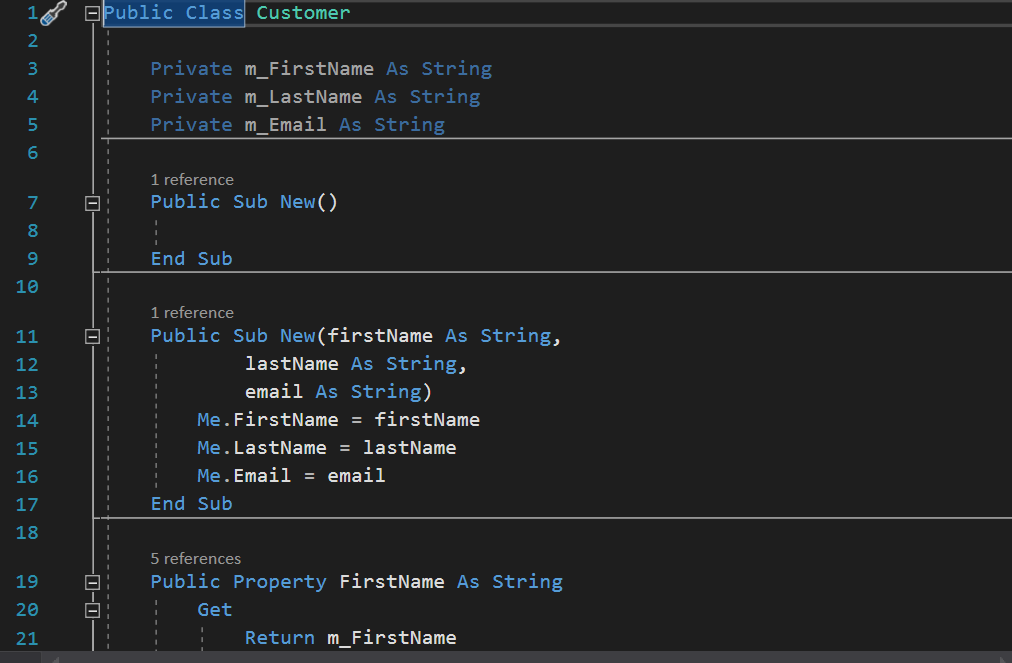
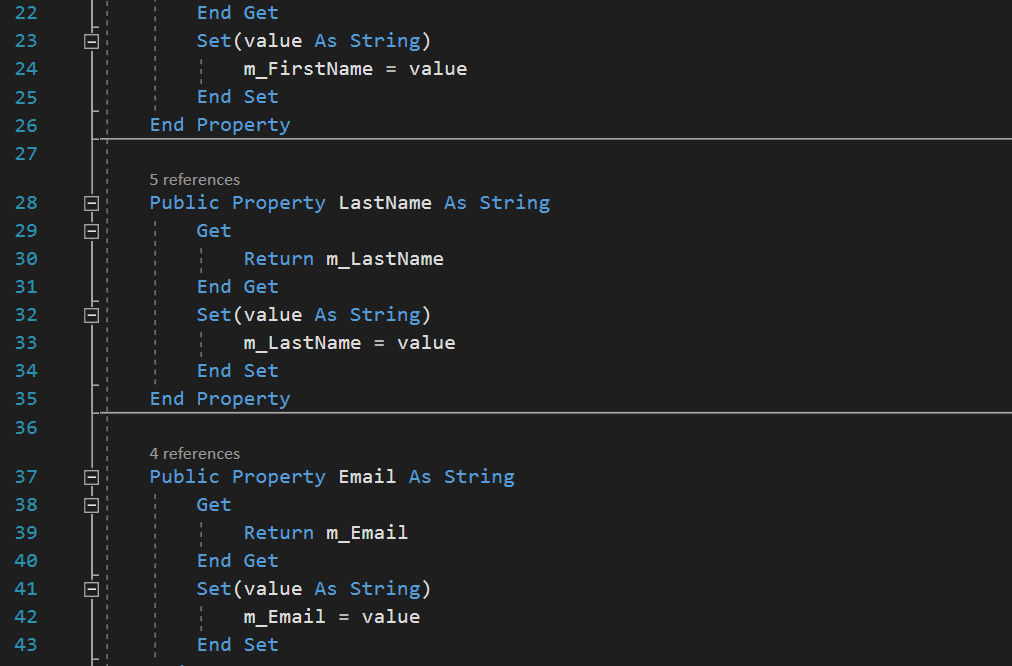
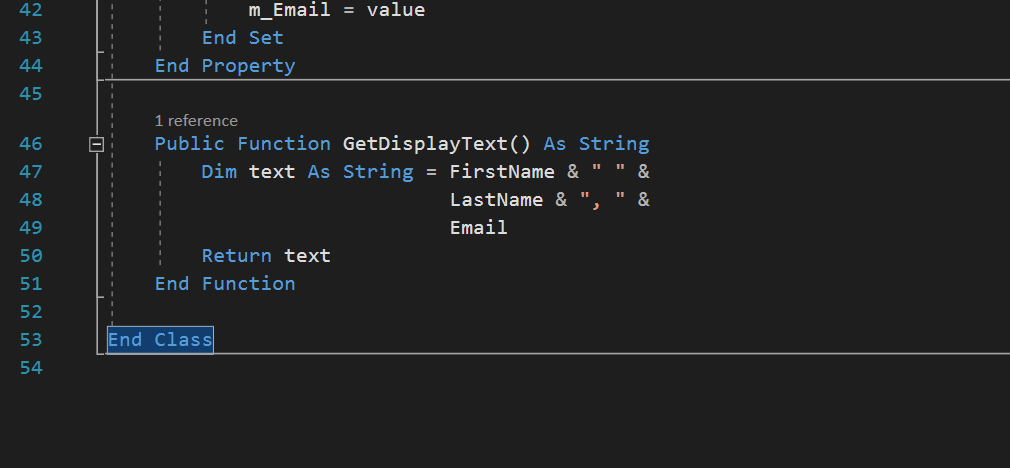
2. Open the Customer class and note how the constructor for this class sets the FirstName, LastName, and Email properties to the appropriate parameters. Then, add code to the set procedures for these properties that throws an exception if the value is longer than 30 characters.
3. Test the class by trying to add a new customer with an email address thats longer than 30 characters. When you do, an exception should be thrown. Then, end the application.
4. Set the MaxLength properties of the First Name, Last Name, and Email text boxes to 30. Then, run the application again and try to add a new customer with an email address thats longer than 30 characters. This shows one way to avoid the exceptions, but your classes should still throw them in case they are used by other applications that dont avoid them.
Add a CustomerList class
5. Add a class named CustomerList to the project, and declare a private variable that can store a list of Customer objects.
6. Add the following members to the CustomerList class:
7. Modify the Customer Maintenance form to use this class. To do that, youll need to use the Fill and Save methods of the CustomerList object instead of the methods of the CustomerDB class. In addition, youll need to use a For... Next loop instead of a For Each...Next loop when you fill the list box.
8. Run the application and test it to be sure it works properly.
Add overloaded operators to the CustomerList class
9. Add overloaded + and - operators to the CustomerList class that add and remove a customer from the customer list.
10. Modify the Customer Maintenance form to use these operators instead of the Add and Remove methods. Then, run and test the application.
Add an event to the CustomerList class
11. Add an event named Changed to the CustomerList class. This event should accept a CustomerList argument and should be raised any time the customer list changes.
12. Modify the Customer Maintenance form to use the Changed event to save the customers and refresh the list box any time the list changes. To do that, youll need to add the WithEvents keyword to the declaration for the customers variable, youll need to code an event handler for the Changed event of the customers object, and youll need to remove any unnecessary code from the event handlers for the Save and Delete buttons.
13. Run and test the application.
Step by Step Solution
There are 3 Steps involved in it

Get step-by-step solutions from verified subject matter experts
 Study Help