







Question: Using visual studio 2015 with printf and scanf Write a program using a switch statement to calculate and print bills for the city water company.
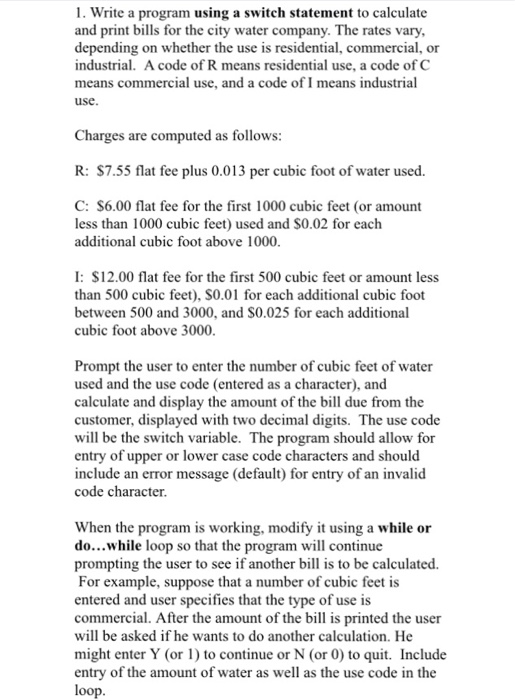
Write a program using a switch statement to calculate and print bills for the city water company. The rates vary, depending on whether the use is residential, commercial, or industrial. A code of R means residential use, a code of C means commercial use, and a code of I means industrial use. Charges are computed as follows: R: S7.55 flat fee plus 0.013 per cubic foot of water used. C: $6.00 flat fee for the first 1000 cubic feet (or amount less than 1000 cubic feet) used and $0.02 for each additional cubic foot above 1000. I: $12.00 flat fee for the first 500 cubic feet or amount less than 500 cubic feet). $0.01 for each additional cubic foot between 500 and 3000, and $0.025 for each additional cubic foot above 3000. Prompt the user to enter the number of cubic feet of water used and the use code (entered as a character), and calculate and display the amount of the bill due from the customer, displayed with two decimal digits. The use code will be the switch variable. The program should allow for entry of upper or lower case code characters and should include an error message (default) for entry of an invalid code character. When the program is working, modify it using a while or do...while loop so that the program will continue prompting the user to see if another bill is to be calculated. For example, suppose that a number of cubic feet is entered and user specifics that the type of use is commercial. After the amount of the bill is printed the user will be asked if he wants to do another calculation. He might enter Y (or 1) to continue or N (or 0) to quit. Include entry of the amount of water as well as the use code in the loop
Step by Step Solution
There are 3 Steps involved in it

Get step-by-step solutions from verified subject matter experts
 Study Help