







Question: Using your NodeMCU, write a program in the Arduino IDE to do the following: Turn the LED on for 50ms; then Turn the LED off
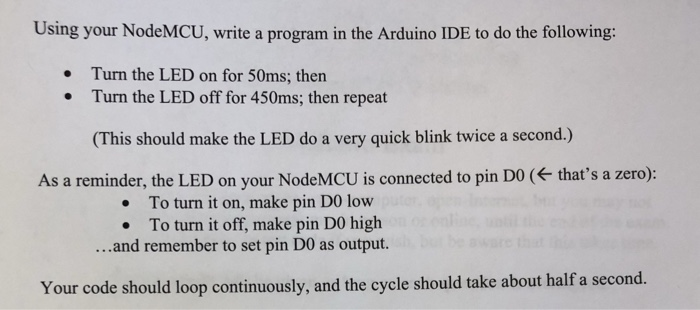
Using your NodeMCU, write a program in the Arduino IDE to do the following: Turn the LED on for 50ms; then Turn the LED off for 450ms; then repeat (This should make the LED do a very quick blink twice a second.) As a reminder, the LED on your NodeMCU is connected to pin DO ( that's a zero): . To turn it on, make pin DO low To turn it off, make pin DO high ...and remember to set pin DO as output. Your code should loop continuously, and the cycle should take about half a second
Step by Step Solution
There are 3 Steps involved in it
1 Expert Approved Answer
Step: 1 Unlock

Question Has Been Solved by an Expert!
Get step-by-step solutions from verified subject matter experts
Step: 2 Unlock
Step: 3 Unlock
 Study Help