







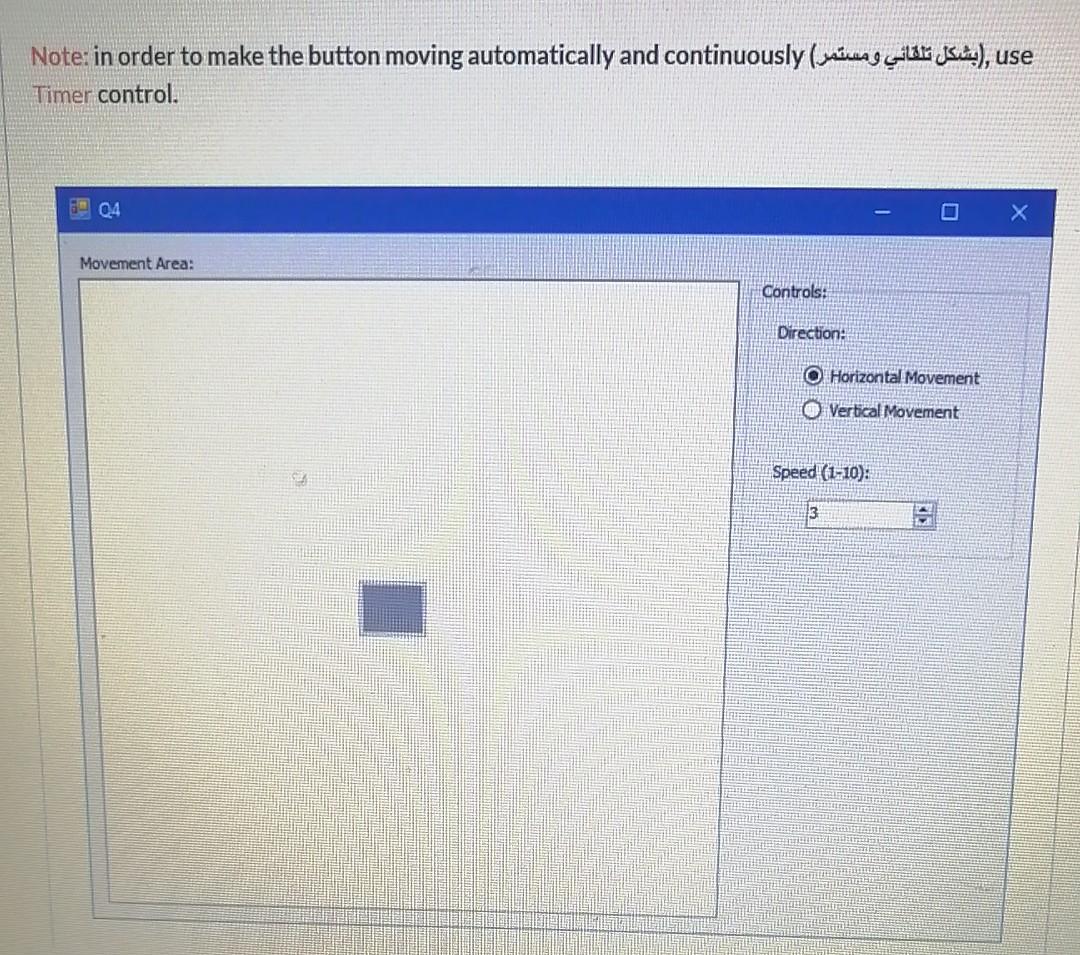
Question: V. B Note: in order to make the button moving automatically and continuously (ne ilo jas), use Timer control. de Q4 Movement Area: Controls: Direction:
V. B
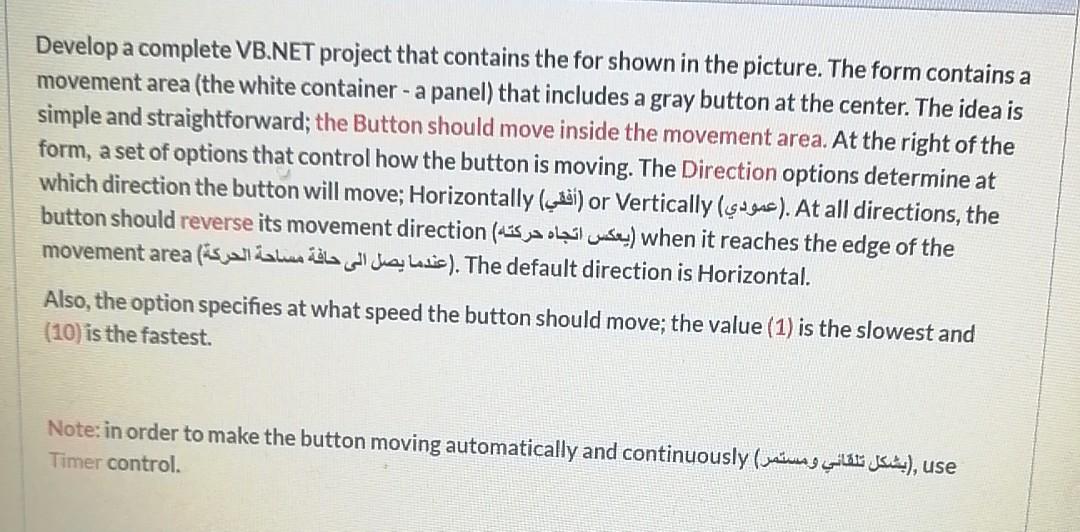
Note: in order to make the button moving automatically and continuously (ne ilo jas), use Timer control. de Q4 Movement Area: Controls: Direction: O Horizontal Movement O Vertical Movement Speed (1-10): 3 Develop a complete VB.NET project that contains the for shown in the picture. The form contains a movement area (the white container - a panel) that includes a gray button at the center. The idea is simple and straightforward; the Button should move inside the movement area. At the right of the form, a set of options that control how the button is moving. The Direction options determine at which direction the button will move; Horizontally (ui) or Vertically (sugus). At all directions, the button should reverse its movement direction (us ja laicus) when it reaches the edge of the movement area is all alla ca diaLetic). The default direction is Horizontal. Also, the option specifies at what speed the button should move; the value (1) is the slowest and (10) is the fastest. Note: in order to make the button moving automatically and continuously (usiness GBA), use Timer control
Step by Step Solution
There are 3 Steps involved in it

Get step-by-step solutions from verified subject matter experts
 Study Help