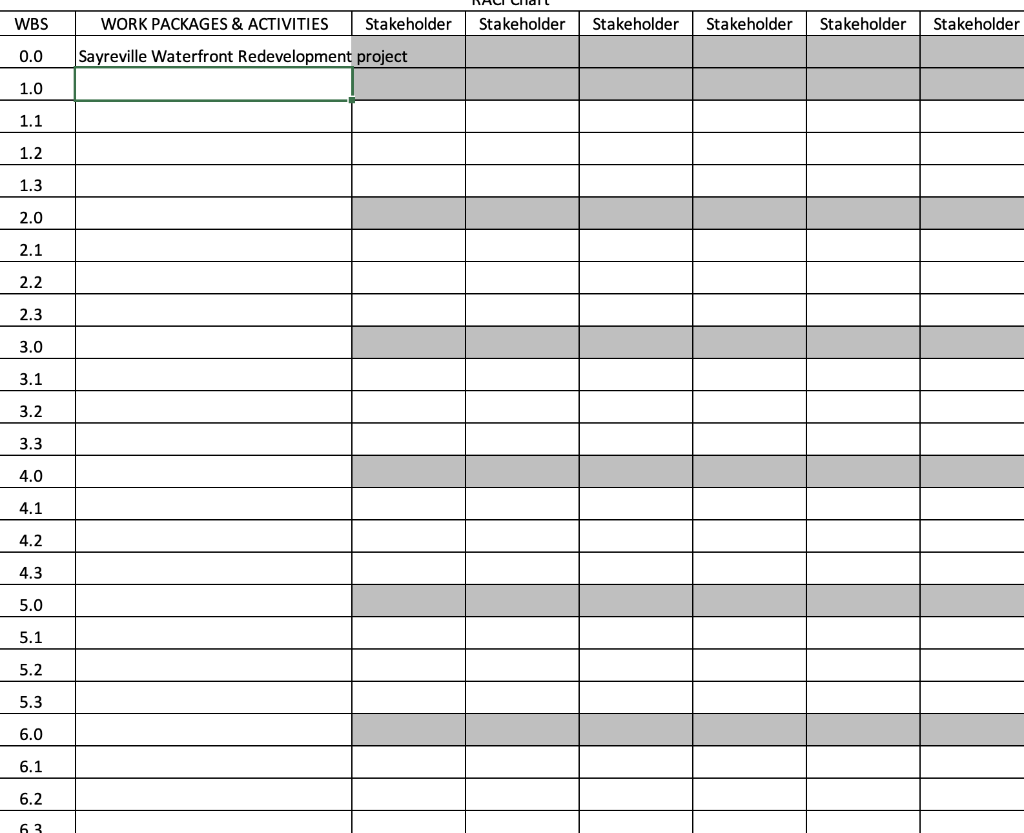
Question: VALI Clar WBS WORK PACKAGES & ACTIVITIES Stakeholder Stakeholder Stakeholder Stakeholder Stakeholder Stakeholder 0.0 Sayreville Waterfront Redevelopment project 1.0 1.1 1.2 1.3 2.0 2.1 2.2
VALI Clar WBS WORK PACKAGES & ACTIVITIESVALI Clar WBS WORK PACKAGES & ACTIVITIESVALI Clar WBS WORK PACKAGES & ACTIVITIESVALI Clar WBS WORK PACKAGES & ACTIVITIESVALI Clar WBS WORK PACKAGES & ACTIVITIESVALI Clar WBS WORK PACKAGES & ACTIVITIESVALI Clar WBS WORK PACKAGES & ACTIVITIES

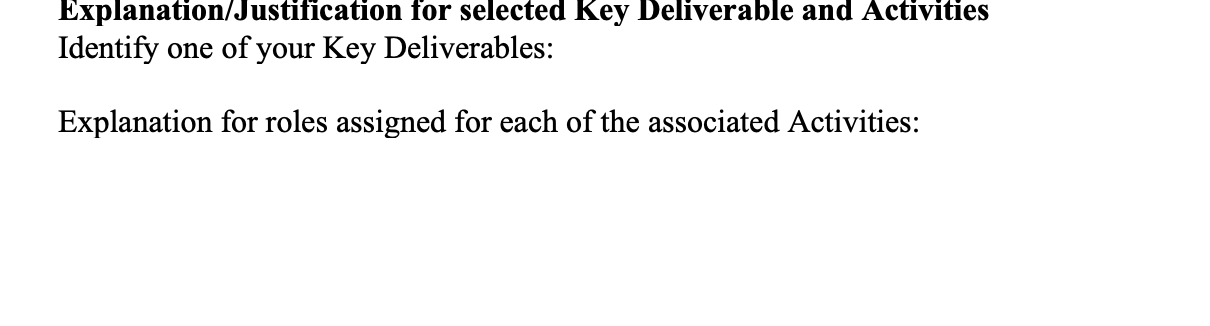
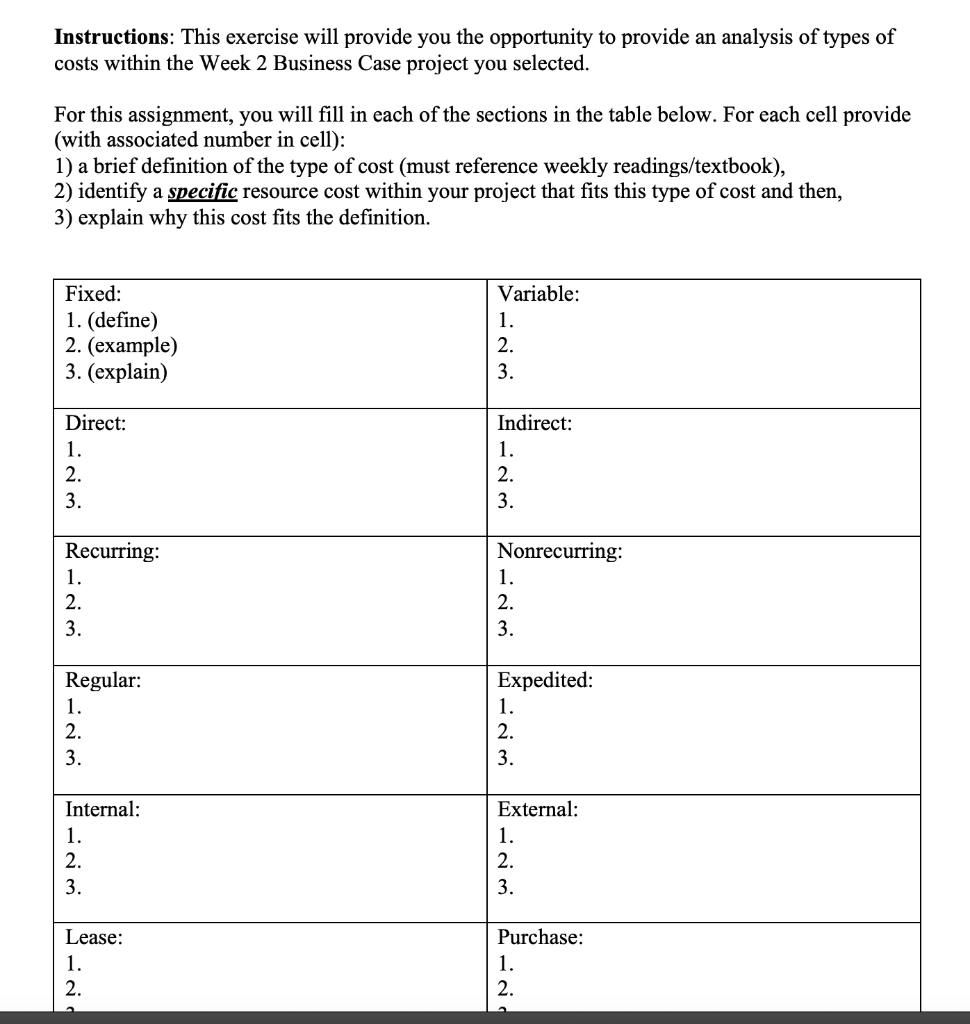
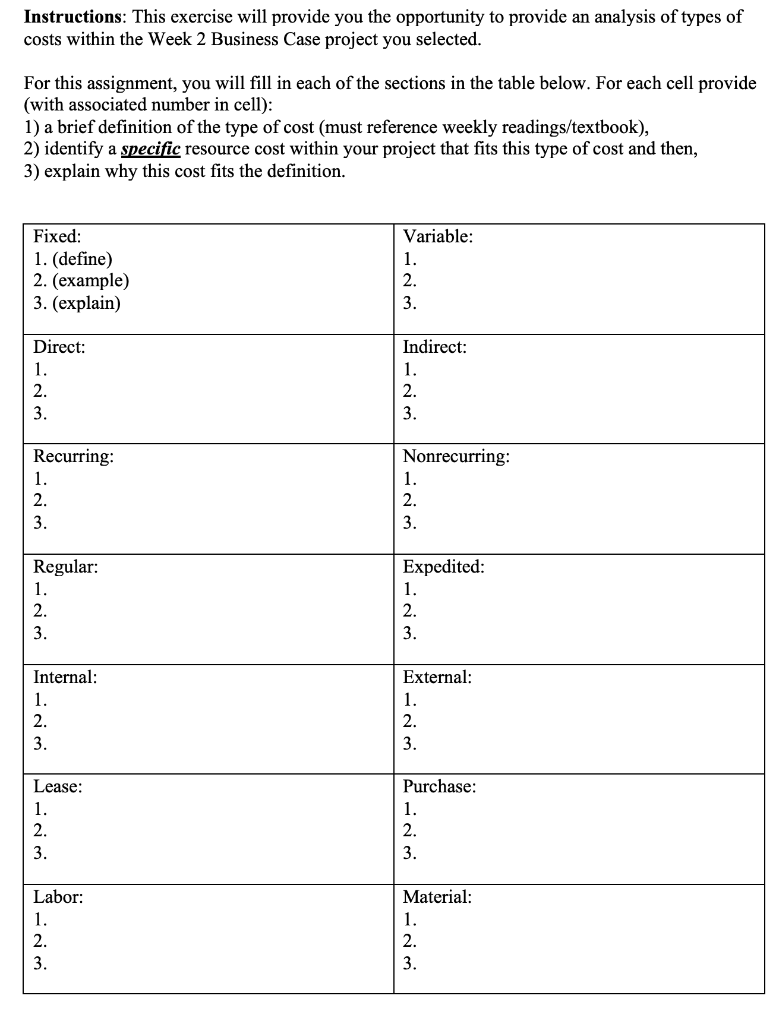
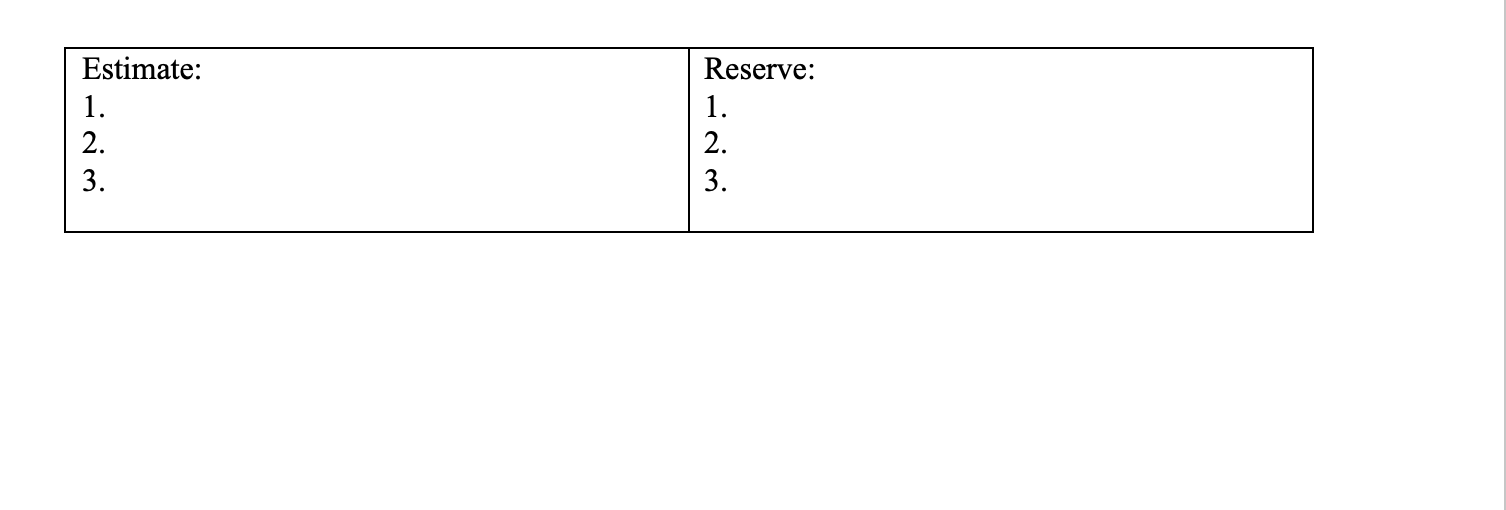
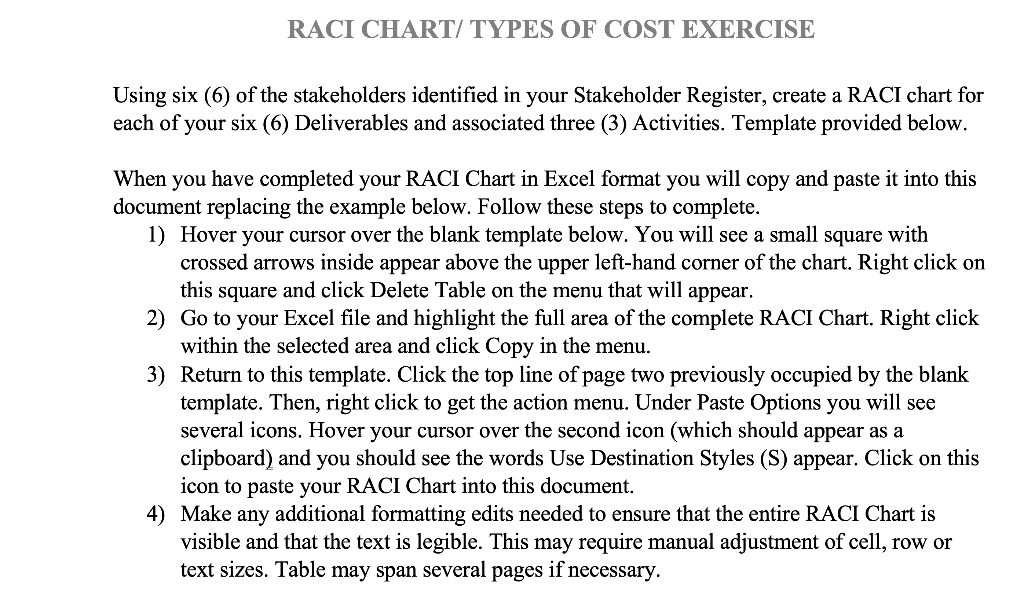
VALI Clar WBS WORK PACKAGES & ACTIVITIES Stakeholder Stakeholder Stakeholder Stakeholder Stakeholder Stakeholder 0.0 Sayreville Waterfront Redevelopment project 1.0 1.1 1.2 1.3 2.0 2.1 2.2 2.3 3.0 3.1 3.2 3.3 4.0 4.1 4.2 4.3 5.0 5.1 5.2 5.3 6.0 6.1 6.2 63 RACI CHART/ TYPES OF COST EXERCISE Using six (6) of the stakeholders identified in your Stakeholder Register, create a RACI chart for each of your six (6) Deliverables and associated three (3) Activities. Template provided below. When you have completed your RACI Chart in Excel format you will copy and paste it into this document replacing the example below. Follow these steps to complete. 1) Hover your cursor over the blank template below. You will see a small square with crossed arrows inside appear above the upper left-hand corner of the chart. Right click on this square and click Delete Table on the menu that will appear. 2) Go to your Excel file and highlight the full area of the complete RACI Chart. Right click within the selected area and click Copy in the menu. 3) Return to this template. Click the top line of page two previously occupied by the blank template. Then, right click to get the action menu. Under Paste Options you will see several icons. Hover your cursor over the second icon (which should appear as a clipboard) and you should see the words Use Destination Styles (S) appear. Click on this icon to paste your RACI Chart into this document. 4) Make any additional formatting edits needed to ensure that the entire RACI Chart is visible and that the text is legible. This may require manual adjustment of cell, row or text sizes. Table may span several pages if necessary. RACI CHART/ TYPES OF COST EXERCISE RACI Chart W Stakeho lder Stakeho Stakeho lder lder Stakeho lder Stakeho lder Stakeho lder BS WORK PACKAGES & ACTIVITIES Project Name 0.0 1.0 1.1 1.2 1.3 2.0 2.1 2.2 2.3 3.0 3.1 3.2 3.3 4.0 4.1 4.2 4.3 5.0 5.1 5.2 5.3 6.0 6.1 6.2 6.3 Explanation/Justification for selected Key Deliverable and Activities Identify one of your Key Deliverables: Explanation for roles assigned for each of the associated Activities: Instructions: This exercise will provide you the opportunity to provide an analysis of types of costs within the Week 2 Business Case project you selected. For this assignment, you will fill in each of the sections in the table below. For each cell provide (with associated number in cell): 1) a brief definition of the type of cost (must reference weekly readings/textbook), 2) identify a specific resource cost within your project that fits this type of cost and then, 3) explain why this cost fits the definition. Variable: Fixed: 1. (define) 2. (example) 3. (explain) 1. 2. 3. Direct: 1. 2. 3. Indirect: 1. 2. 3. Recurring: 1. 2. 3. Nonrecurring: 1. 2. 3. Regular: 1. 2. 3. Expedited: 1. 2. 3. Internal: 1. 2. 3. External: 1. 2. 3. Lease: 1. 2. Purchase: 1. 2. Instructions: This exercise will provide you the opportunity to provide an analysis of types of costs within the Week 2 Business Case project you selected. For this assignment, you will fill in each of the sections in the table below. For each cell provide (with associated number in cell): 1) a brief definition of the type of cost (must reference weekly readings/textbook), 2) identify a specific resource cost within your project that fits this type of cost and then, 3) explain why this cost fits the definition. Fixed: 1. (define) 2. (example) 3. (explain) Variable: 1. 2. 3. Direct: 1. 2. 3. Indirect: 1. 2. 3. Recurring: 1. 2. 3. Nonrecurring: 1. 2. 3. Regular: 1. 2. 3. Expedited: 1. 2. 3 External: Internal: 1. 2. 3. 1. 2. 3. Lease: 1. 2. Purchase: 1. 2. 3. 3. Labor: 1. 2. 3. Material: 1. 2. 3. Estimate: 1. 2. Reserve: 1. 2. 3. 3
Step by Step Solution

There are 3 Steps involved in it

1 Expert Approved Answer
Step: 1 Unlock blur-text-image

Question Has Been Solved by an Expert!

Get step-by-step solutions from verified subject matter experts

Step: 2 Unlock
Step: 3 Unlock

Students Have Also Explored These Related General Management Questions!