







Question: View Attachments (1) For this project, you need to create a GUI using the Tkinter package in Python. You are encouraged to come up with
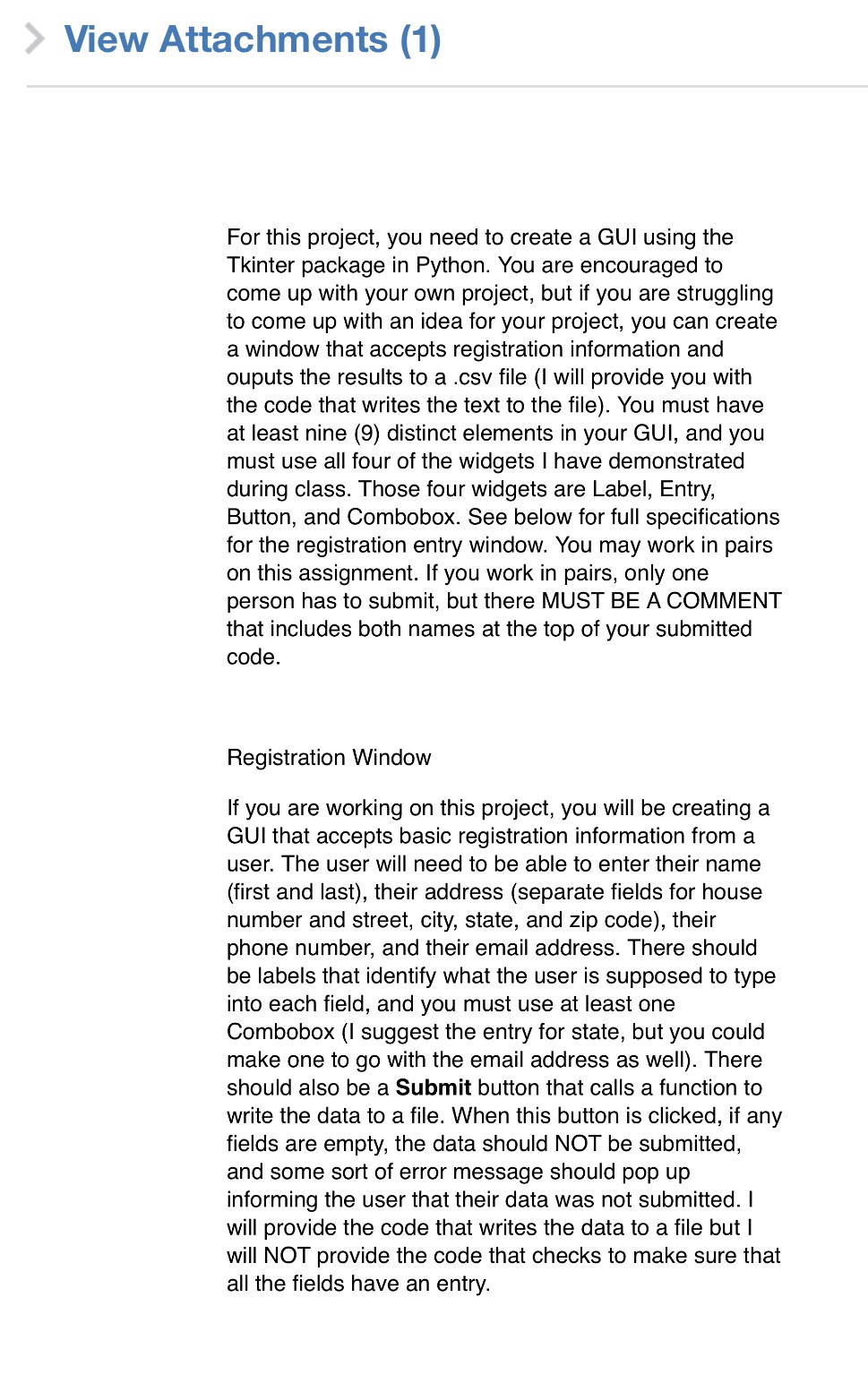 View Attachments (1) For this project, you need to create a GUI using the Tkinter package in Python. You are encouraged to come up with your own project, but if you are struggling to come up with an idea for your project, you can create a window that accepts registration information and ouputs the results to a .csv file (I will provide you with the code that writes the text to the file). You must have at least nine (9) distinct elements in your GUI, and you must use all four of the widgets | have demonstrated during class. Those four widgets are Label, Entry, Button, and Combobox. See below for full specifications for the registration entry window. You may work in pairs on this assignment. If you work in pairs, only one person has to submit, but there MUST BE A COMMENT that includes both names at the top of your submitted code. Registration Window If you are working on this project, you will be creating a GUI that accepts basic registration information from a user. The user will need to be able to enter their name (first and last), their address (separate fields for house number and street, city, state, and zip code), their phone number, and their email address. There should be labels that identify what the user is supposed to type into each field, and you must use at least one Combobox (I suggest the entry for state, but you could make one to go with the email address as well). There should also be a Submit button that calls a function to write the data to a file. When this button is clicked, if any fields are empty, the data should NOT be submitted, and some sort of error message should pop up informing the user that their data was not submitted. | will provide the code that writes the data to a file but | will NOT provide the code that checks to make sure that all the fields have an entry
Step by Step Solution
There are 3 Steps involved in it
1 Expert Approved Answer
Step: 1 Unlock

Question Has Been Solved by an Expert!
Get step-by-step solutions from verified subject matter experts
Step: 2 Unlock
Step: 3 Unlock
 Study Help