



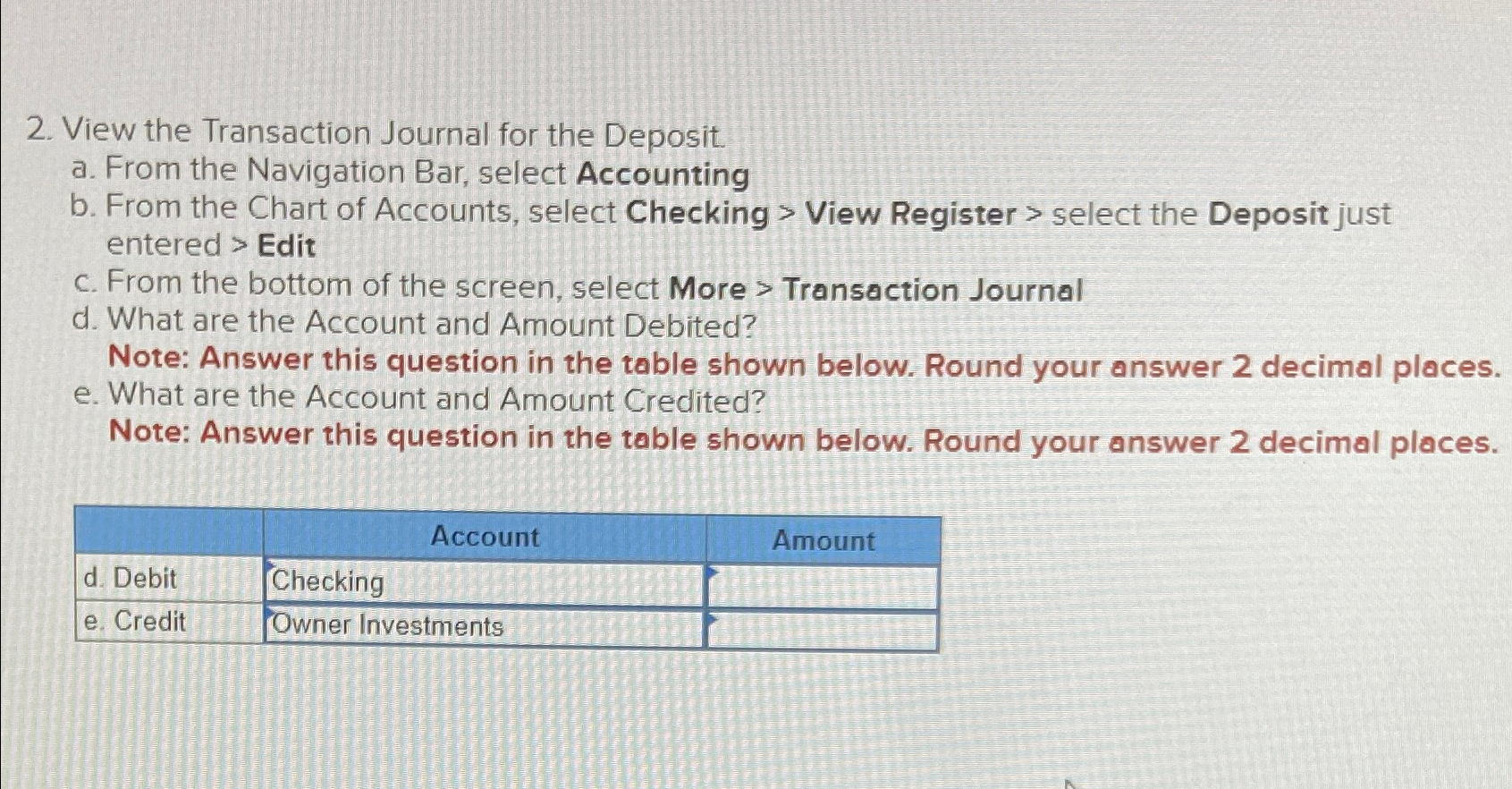
Question: View the Transaction Journal for the Deposit. a . From the Navigation Bar, select Accounting b . From the Chart of Accounts, select Checking >
View the Transaction Journal for the Deposit.
a From the Navigation Bar, select Accounting
b From the Chart of Accounts, select Checking View Register select the Deposit just entered Edit
c From the bottom of the screen, select More Transaction Journal
d What are the Account and Amount Debited?
Note: Answer this question in the table shown below. Round your answer decimal places.
e What are the Account and Amount Credited?
Note: Answer this question in the table shown below. Round your answer decimal places.
tableAccount,Amountd Debit,Checking,e Credit,Owner Investments,
Step by Step Solution
There are 3 Steps involved in it
1 Expert Approved Answer
Step: 1 Unlock

Question Has Been Solved by an Expert!
Get step-by-step solutions from verified subject matter experts
Step: 2 Unlock
Step: 3 Unlock