







Question: Virtual machine Windows 10 Control panel ------Your boss tasks you with installing a new DVD drive on your server. You plug it in and notice
Virtual machine
Windows 10
Control panel
------Your boss tasks you with installing a new DVD drive on your server. You plug it in and notice that the device doesn't immediately start working. In your own words, explain step-by-step how you might use the Control Panel to manually install this device.
-----in 1-2 sentences briefly describe what the Page File is used for.
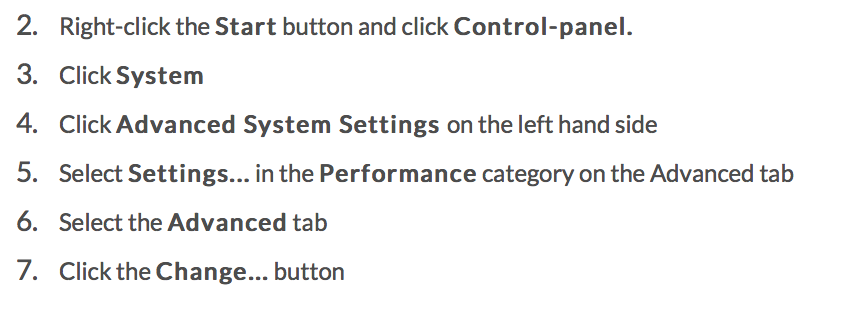
2. 3. 4. 5. 6. 7. Right-click the Start button and click Control-panel. Click System Click Advanced System Settings on the left hand side Select Settings... in the Performance category on the Advanced tab Select the Advanced tab Click the Change... button 2. 3. 4. 5. 6. 7. Right-click the Start button and click Control-panel. Click System Click Advanced System Settings on the left hand side Select Settings... in the Performance category on the Advanced tab Select the Advanced tab Click the Change... button
Step by Step Solution
There are 3 Steps involved in it

Get step-by-step solutions from verified subject matter experts
 Study Help