







Question: visio software and programming 14.15 The following hour value by two. Find the error Dim currentDay As Date . Date. Now currentDay, AddHours (2) 16
visio software and programming
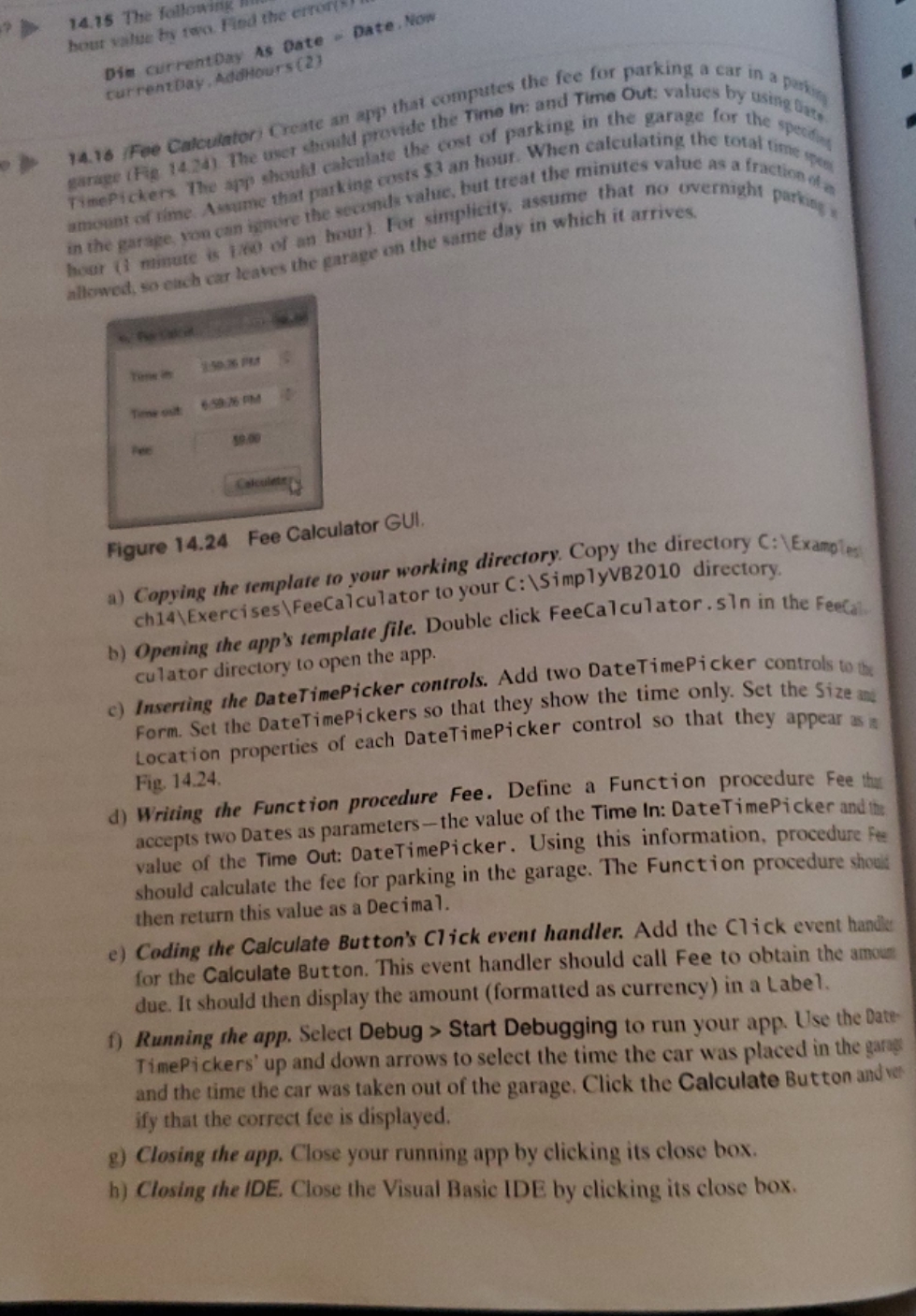
14.15 The following hour value by two. Find the error Dim currentDay As Date . Date. Now currentDay, AddHours (2) 16 Fee Calculatori Create an app that computes the fee for parking a car in a part allage (Fig 1424) The user guild provide the Time In: and Time Que values by usingpain TimePickers The sun should calculate the cost of parking in the garage for the spect" amount of time Astime that marking costs $3 an hour. When calculating the total time out the garage, You can ismore the seconds value, but treat the minutes value as a fraction. your (1 minute is 160 of an hour). For simplicity, assume that no overnight parkin allowed, so each car leaves the garage on the same day in which it arrives. Time out Figure 14.24 Fee Calculator GUI. a) Copying the template to your working directory. Copy the directory C: \\Examples ch14\\Exercises\\FeeCalculator to your C: \\SimplyVB2010 directory. b) Opening the app's template file. Double click FeeCalculator . Sin in the Feecal culator directory to open the app. c) Inserting the DateTimePicker controls. Add two DateTimePicker controls to the Form. Set the DateTimePickers so that they show the time only. Set the Size and Fig. 14.24. Location properties of each DateTimePicker control so that they appear as a d) Writing the Function procedure Fee. Define a Function procedure Fee thy accepts two Dates as parameters-the value of the Time In: DateTimePicker and the value of the Time Out: DateTimePicker. Using this information, procedure Fee should calculate the fee for parking in the garage. The Function procedure should then return this value as a Decimal. e) Coding the Calculate Button's Click event handler. Add the Click event handle for the Calculate Button. This event handler should call Fee to obtain the amount due. It should then display the amount (formatted as currency) in a Label. f) Running the app. Select Debug > Start Debugging to run your app. Use the Date TimePickers' up and down arrows to select the time the car was placed in the garage and the time the car was taken out of the garage. Click the Calculate Button and ver ify that the correct fee is displayed. g) Closing the app. Close your running app by clicking its close box. h) Closing the IDE. Close the Visual Basic IDE by clicking its close box
Step by Step Solution
There are 3 Steps involved in it

Get step-by-step solutions from verified subject matter experts
 Study Help